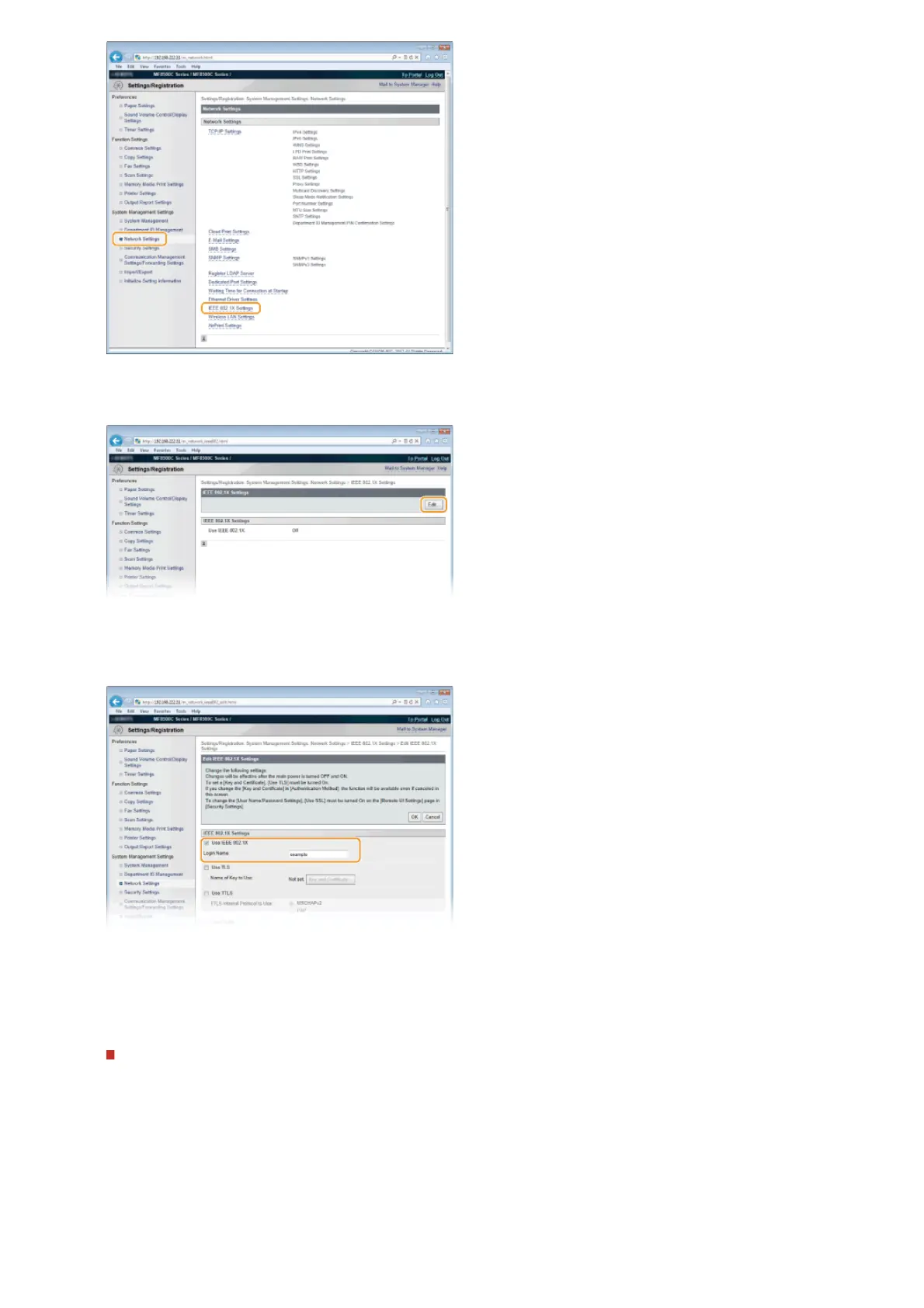
Click [Edit...].
Select the [Use IEEE 802.1X] check box, enter the login name in the [Login Name] text box, and specify the
required settings.
[Use IEEE 802.1X]
Select the check box to enable IEEE 802.1X authentication.
[Login Name]
Enter up to 24 alphanumeric characters for a name (EAP identity) that is used for identifying the user.
Setting TLS
1
Select the [Use TLS] check box and click [Key and Certificate...].
2
Click [Register Default Key] on the right of the key pair you want to use for the client authentication.
4
5
㻠㻠㻞㻌㻛㻌㻢㻣㻢











 To Next Page