NOTE:
Viewing details of a key pair or certificate
You can check the details of the certificate or verify the certificate by clicking the corresponding text link under [Key
Name], or the certificate icon.
Verifying Key Pairs and Digital Certificates
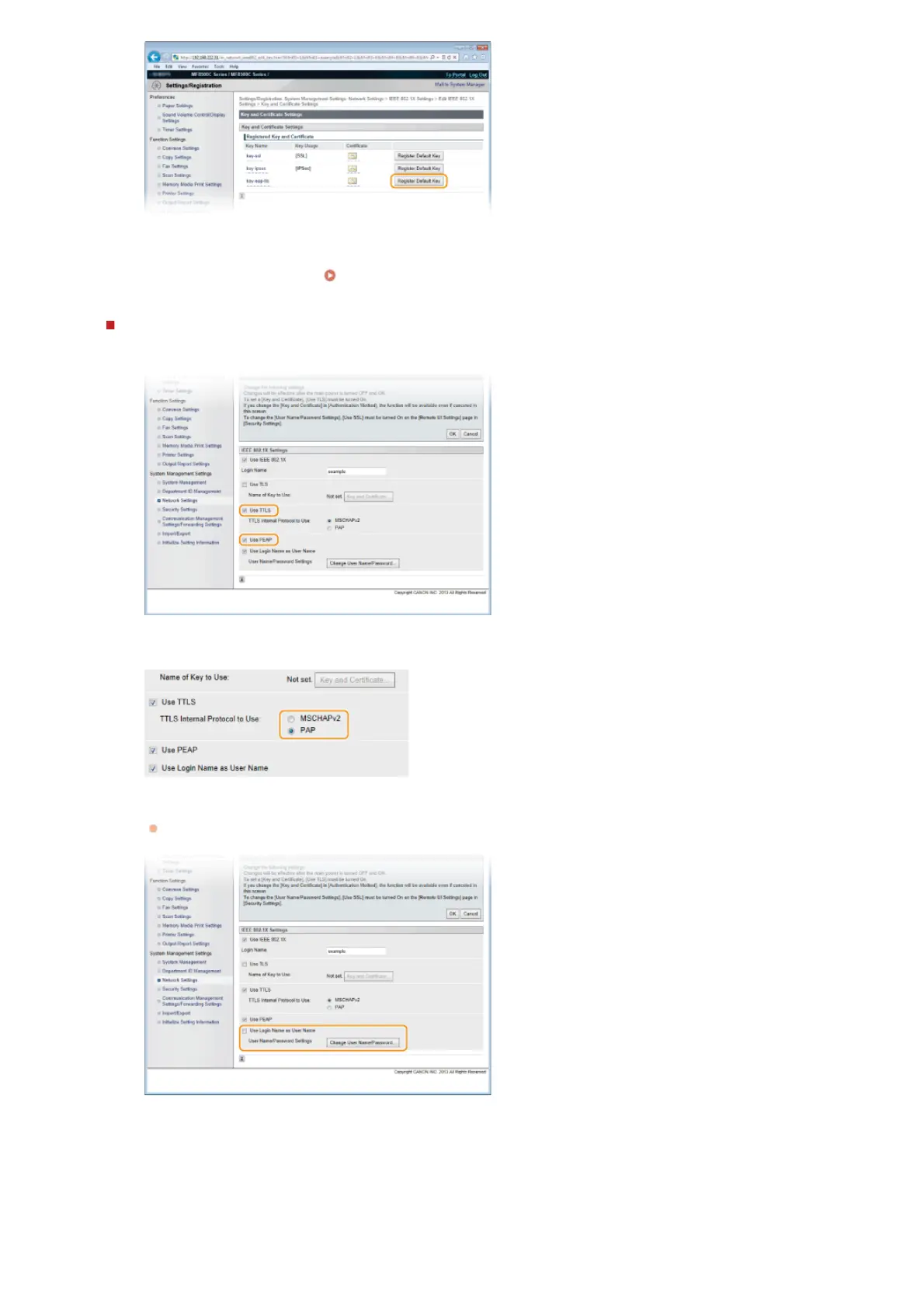
Setting TTLS/PEAP
1
Select the [Use TTLS] or [Use PEAP] check box.
NOTE:
Internal protocol for TTLS
You can select MSCHAPv2 or PAP. If you want to use PAP, click the [PAP] radio button.
2
Click [Change User Name/Password].
To specify a user name other than the login name, clear the [Use Login Name as User Name] check box. Select the
check box if you want to use the login name as the user name.
3
Set the user name/password and click [OK].
㻠㻠㻟㻌㻛㻌㻢㻣㻢











 To Next Page