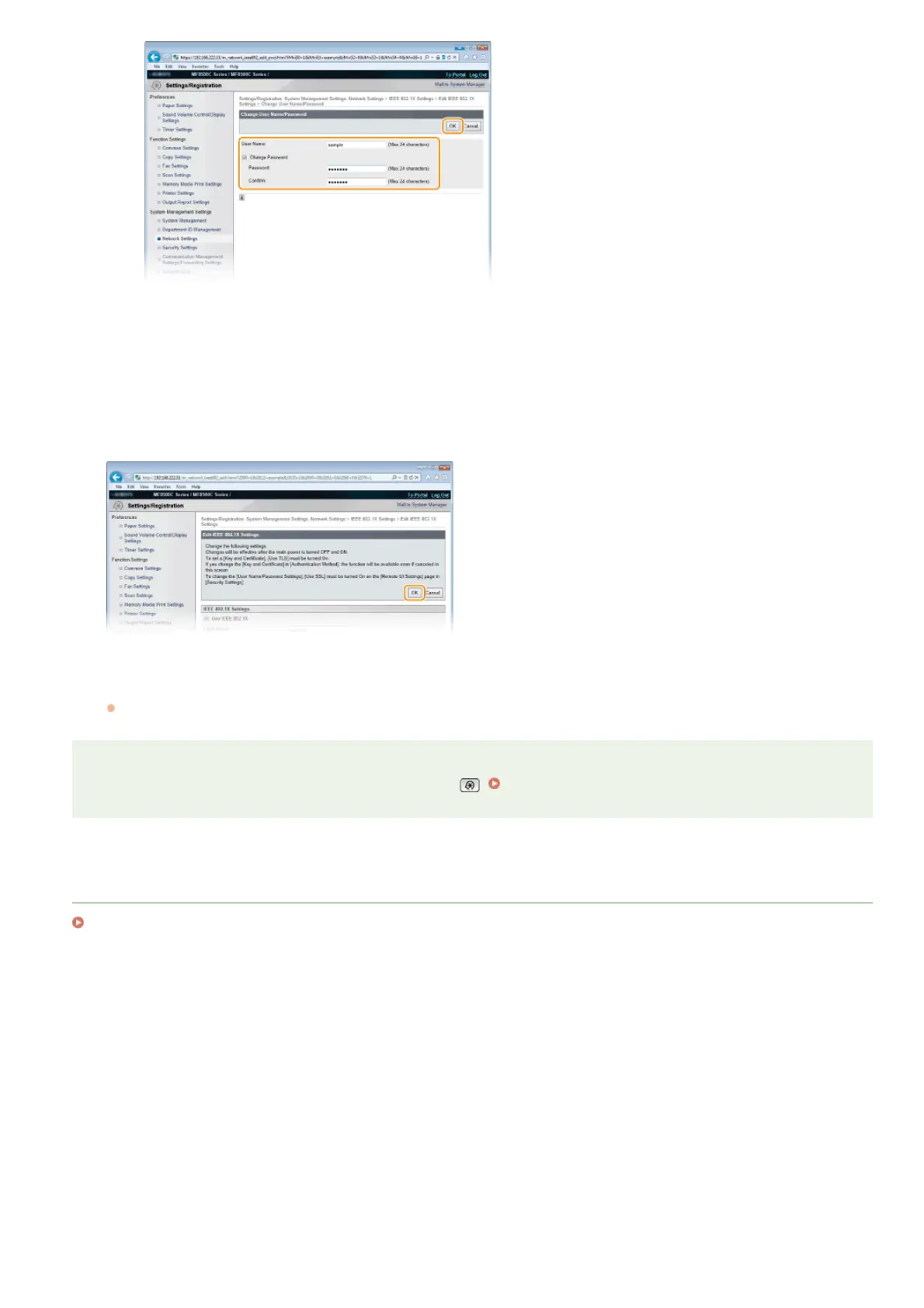
[User Name]
Enter up to 24 alphanumeric characters for the user name.
[Change Password]
To set or change the password, select the check box and enter up to 24 alphanumeric characters for the new password
both in the [Password] and [Confirm] text boxes.
Click [OK].
Restart the machine.
Turn OFF the machine, wait for at least 10 seconds, and turn it back ON.
NOTE
You can enable or disable the IEEE 802.1X authentication from . IEEE 802.1X Settings
LINKS
Configuring Settings for Key Pairs and Digital Certificates
6
7
㻠㻠㻠㻌㻛㻌㻢㻣㻢











 To Next Page