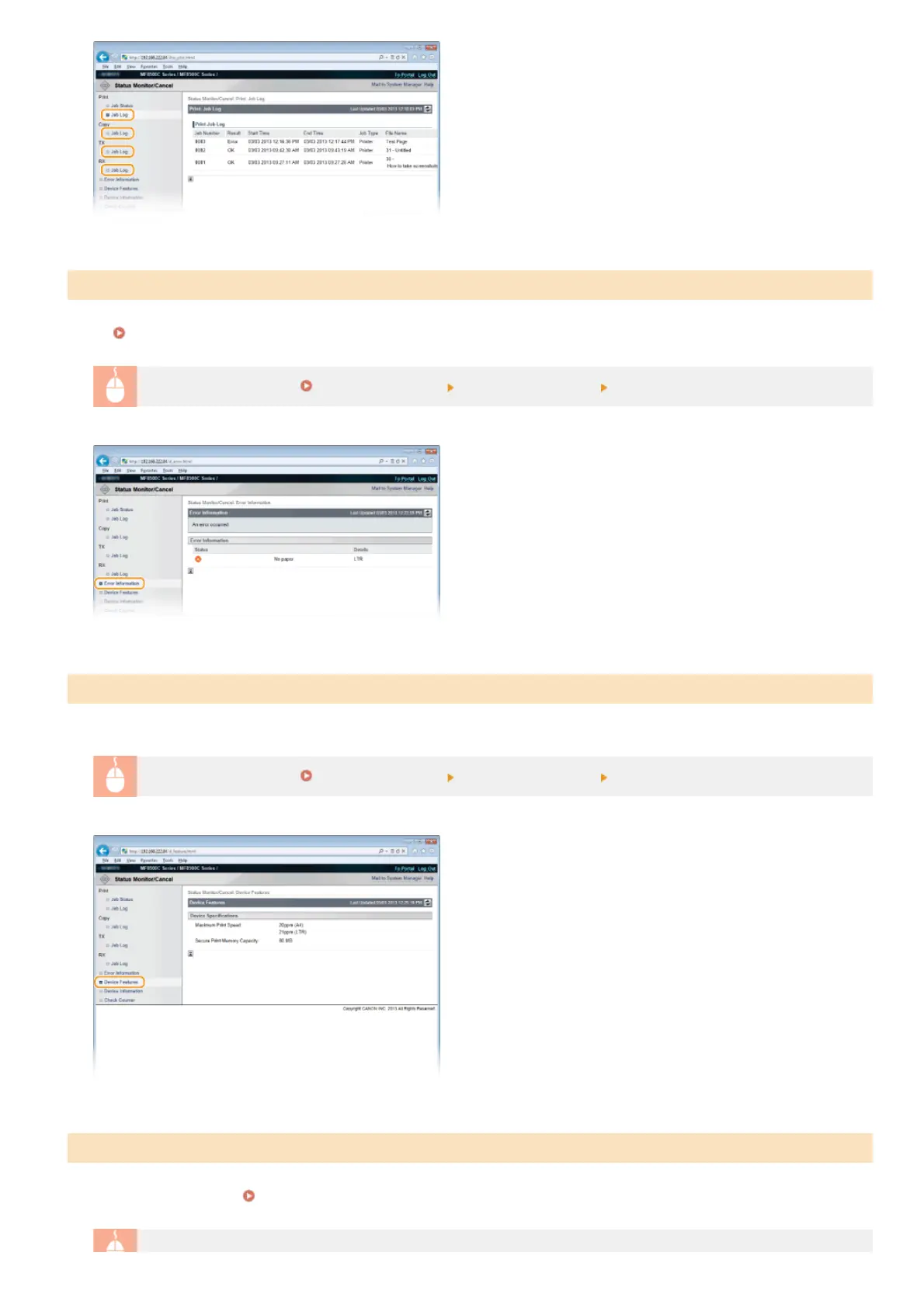
When an error occurs, this page will be displayed by clicking the message displayed under [Error Information] on Portal Page (main
page).
Portal Page (main page)
Log on to the Remote UI (
Starting Remote UI) [Status Monitor/Cancel] [Error Information]
The maximum print speed and the Secure Print memory capacity are displayed.
Log on to the Remote UI (
Starting Remote UI) [Status Monitor/Cancel] [Device Features]
Information about the machine and the system manager is displayed. This information is set in [System Management] on the
[Settings/Registration] page.
System Management Settings
Checking Error Information
Checking Device Specifications
Checking System Manager Information
㻠㻢㻜㻌㻛㻌㻢㻣㻢











 To Next Page