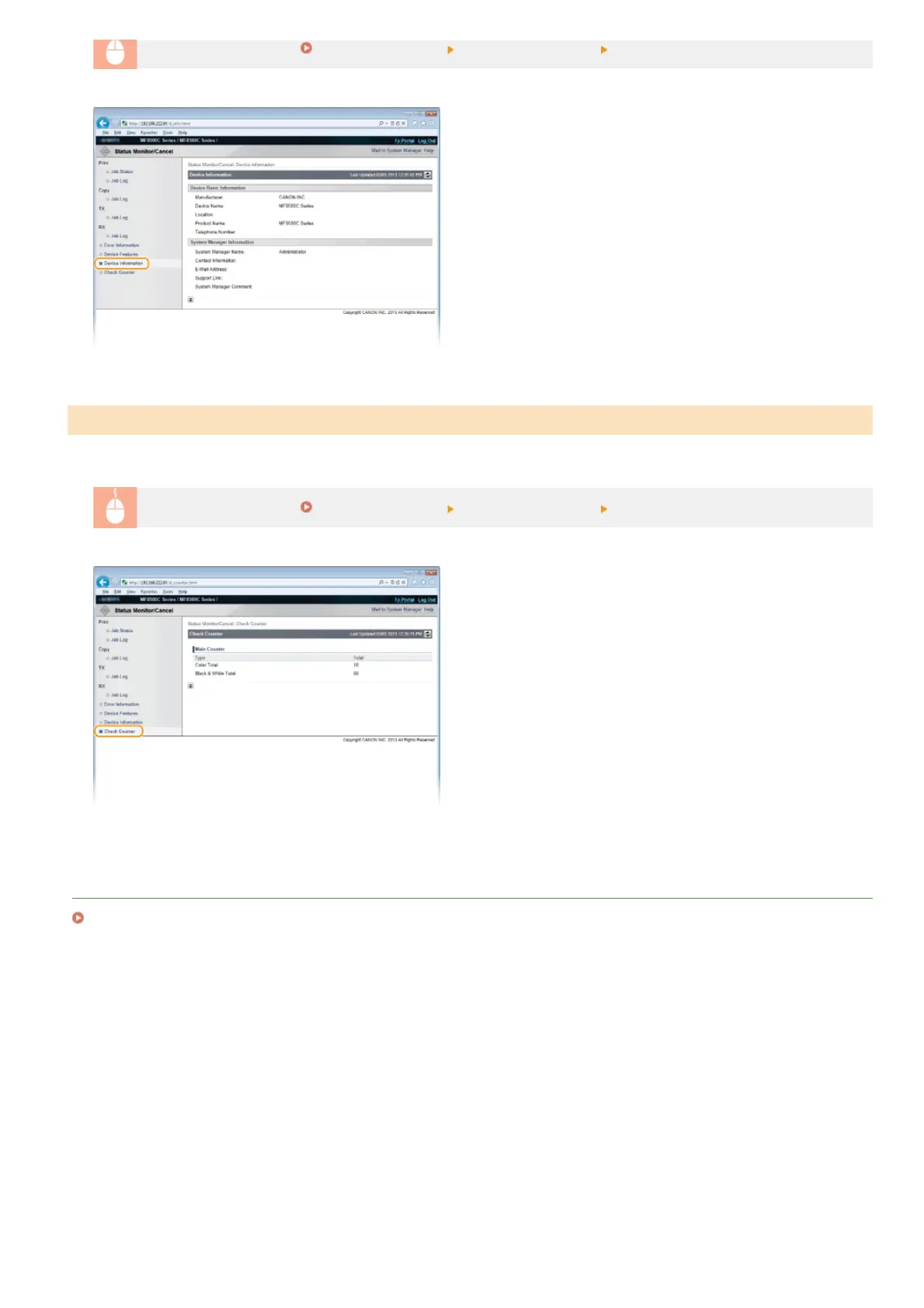
Log on to the Remote UI ( Starting Remote UI) [Status Monitor/Cancel] [Device Information]
The total number of pages that have been printed by the copy, print, and fax functions is displayed.
Log on to the Remote UI (
Starting Remote UI) [Status Monitor/Cancel] [Check Counter]
LINKS
Remote UI Screens
Checking Print Total Counter
㻠㻢㻝㻌㻛㻌㻢㻣㻢











 To Next Page