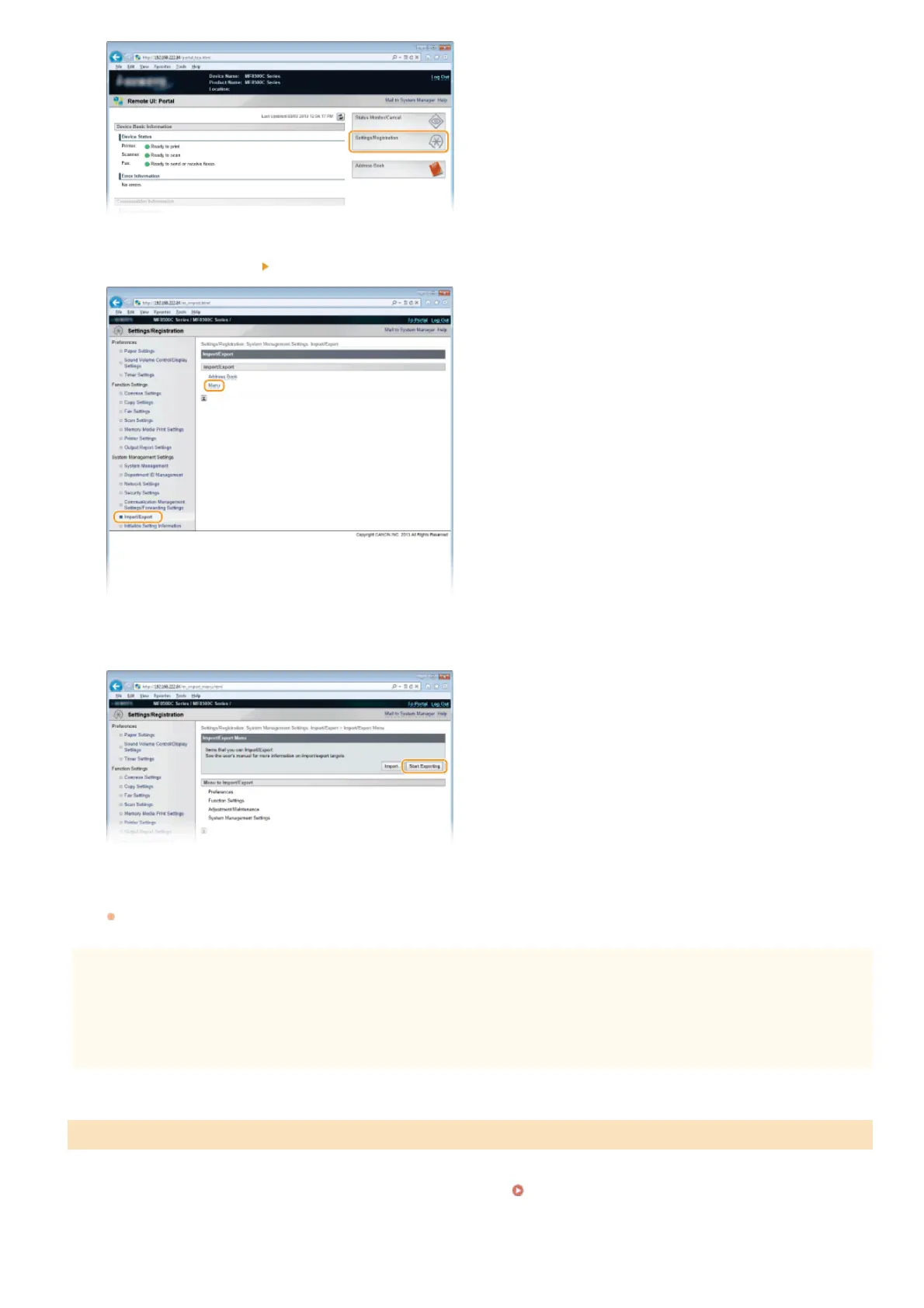
Click [Import/Export] [Menu].
Click [Start Exporting].
Follow the on-screen instructions to specify the location where the exported setting data is saved.
The setting data will be saved.
IMPORTANT
Do not operate until the process is complete.
The screen remains the same during the export process. Do not operate the Remote UI until the message [The (file name)
download has completed.] is displayed at the bottom of the screen.
Start the Remote UI and log on in System Manager Mode. Starting Remote UI
Click [Settings/Registration].
Loading Settings
3
4
5
1
2
㻠㻢㻥㻌㻛㻌㻢㻣㻢











 To Next Page