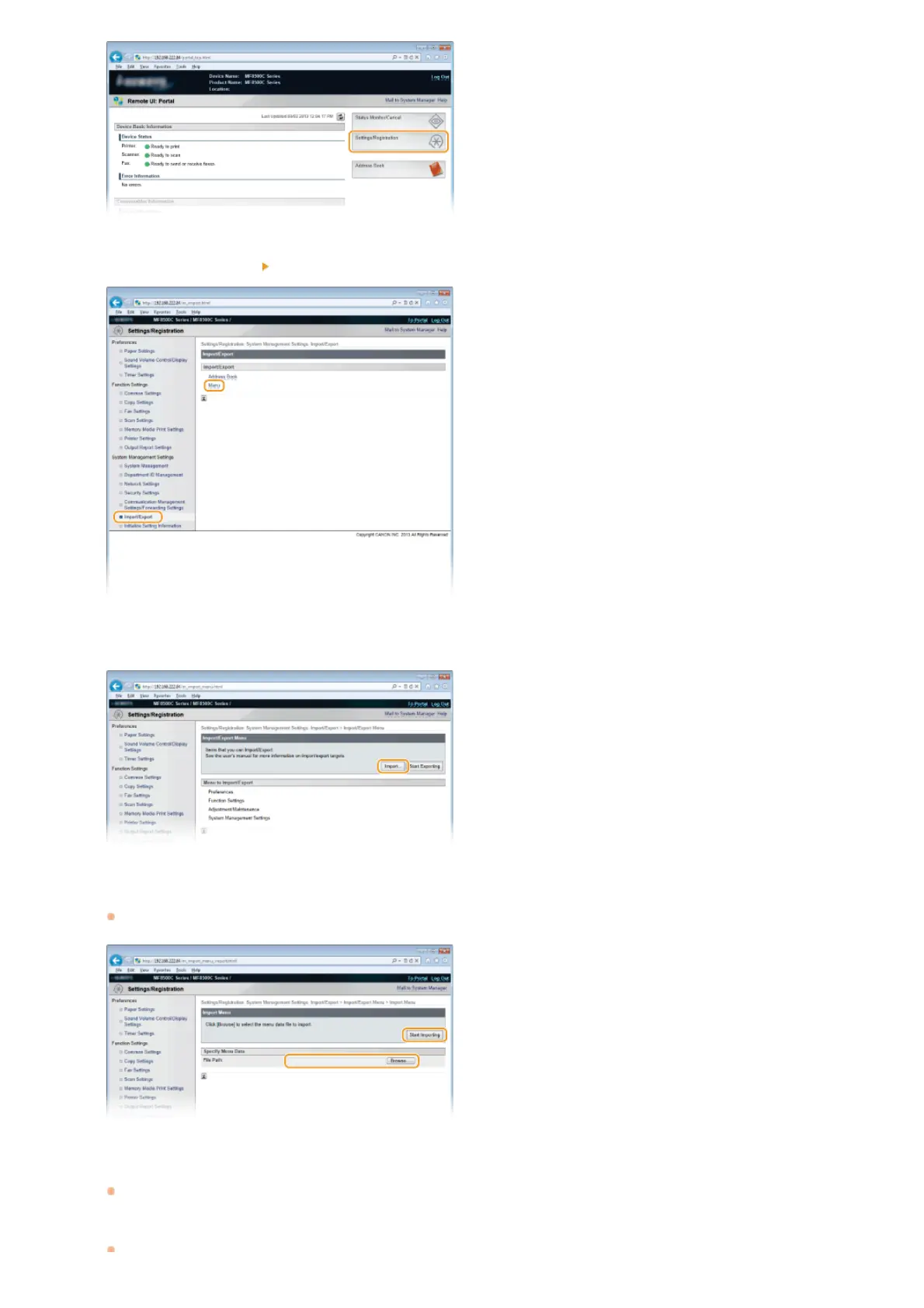
Click [Import/Export] [Menu].
Click [Import].
Specify the setting file to be imported, and click [Start Importing].
To specify the file to be imported, click [Browse...] and select the file, or enter the path to the file in [File Path] (the file name
with the location where the file is saved).
Click [OK].
The specified setting data will be imported into the machine.
Restart the Machine.
3
4
5
6
7
㻠㻣㻜㻌㻛㻌㻢㻣㻢











 To Next Page