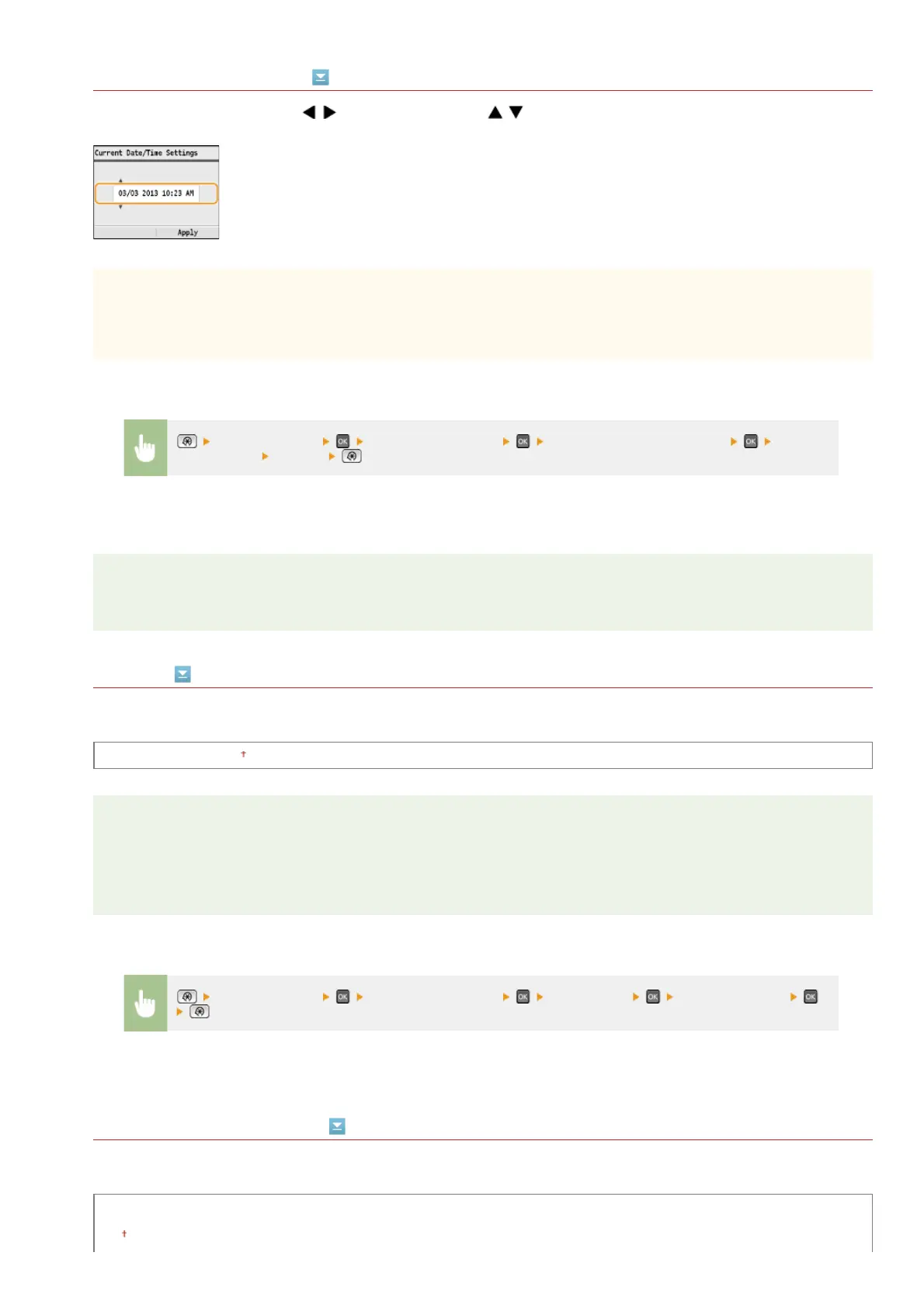
Current Date/Time Settings
Set the current date and time. Use / to move the cursor, and / to specify the date and time or switch between
<AM>/<PM>.
IMPORTANT
Set <Time Zone> before setting the current date and time. If the <Time Zone> setting is changed, the current date and time
are also changed accordingly.
NOTE
The current date and time cannot be changed for 1 hour after daylight saving time is in effect.
Time Zone
Select the time zone. If the time zone setting is changed, the values set in <Current Date/Time Settings> are also changed
accordingly.
UTC-12:00 to UTC 0:00
to UTC+12:00
NOTE
UTC
Coordinated Universal Time (UTC) is the primary time standard by which the world regulates clocks and time. The correct UTC
time zone setting is required for Internet communications.
Daylight Saving Time Settings
Enable or disable daylight saving time. If daylight saving time is enabled, specify the dates from which and to which daylight saving
time is in effect.
Off
On
*1
<Timer Settings> <Date/Time Settings> <Current Date/Time Settings> Set the
date and time
<Apply>
<Timer Settings> <Date/Time Settings> <Time Zone> Select a time zone
*2
㻠㻤㻤㻌㻛㻌㻢㻣㻢











 To Next Page