the setting menu is displayed. We recommend using the factory default settings to save the most power. Entering Sleep Mode
MF8580Cdw / MF8550Cdn / MF8540Cdn
10
to 60 (min.)
MF8280Cw / MF8230Cn
20
to 60 (min.)
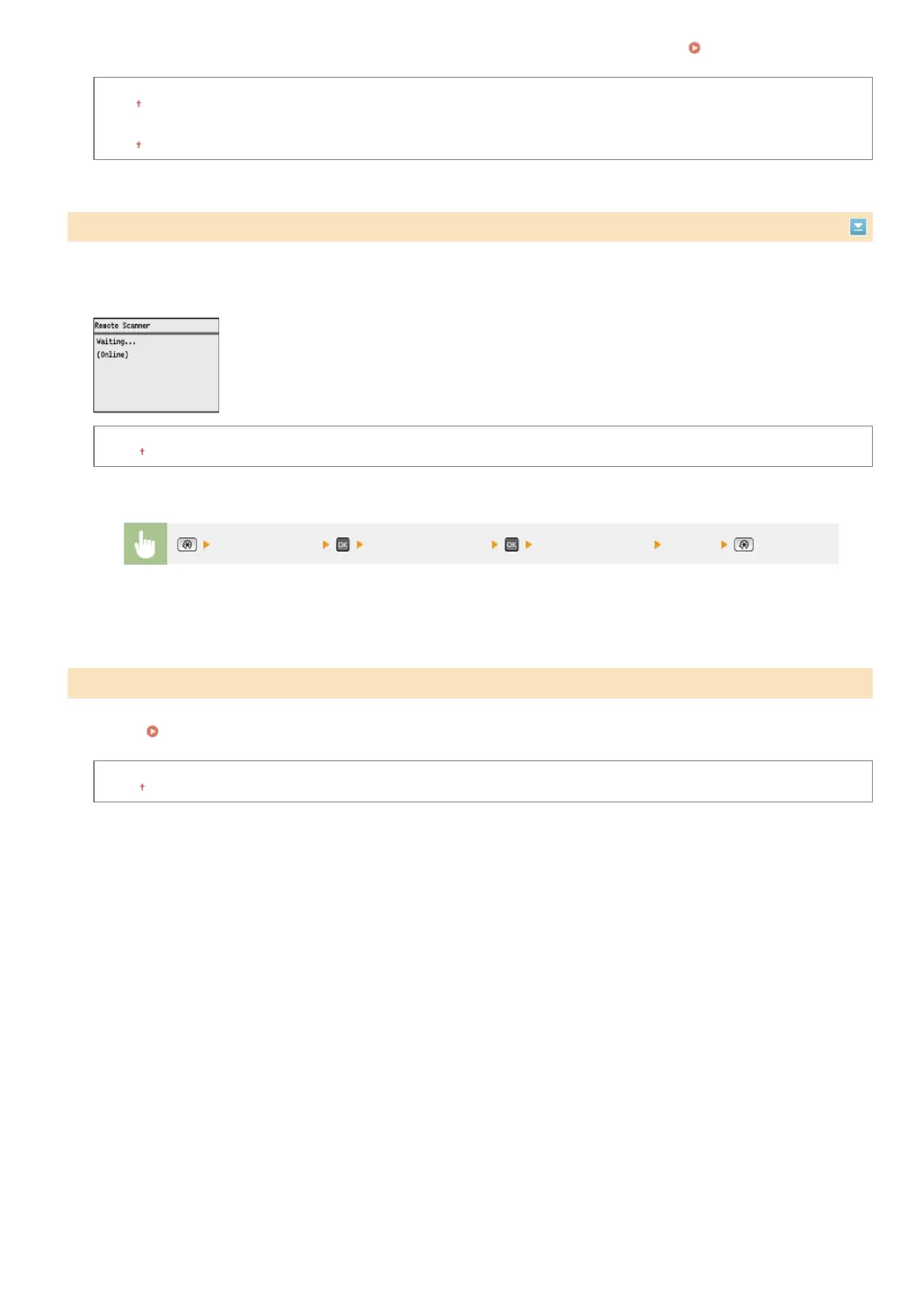
If a key has not been pressed for a specified period of time after the screen below is displayed (the machine is set online for scanning),
the machine automatically becomes offline. Specify the time period at which the machine becomes offline. You can also set the machine
to remain online.
0 (The machine remains online.)
1 to 5
to 60 (min.)
Set a timer to automatically shut down the machine after the specified period of idle time has elapsed since the machine entered the
sleep mode.
Setting Auto Shutdown Time (MF8540Cdn / MF8230Cn Only)
0 (Auto Shutdown is disabled.)
1 to 4 to 8 (hr.)
Auto Offline Time
<Timer Settings> <Auto Offline Time> Set the time period <Apply>
Auto Shutdown Time
*3
㻠㻥㻜㻌㻛㻌㻢㻣㻢











 To Next Page