Continue Printing When Toner Is Low
If receiving faxes when toner is nearly empty, the machine holds them in memory instead of printing. However, if this function is
enabled, the machine continues printing.
Off
On
IMPORTANT
When this function is enabled, faxes may fade or blur. Because received documents are not stored in memory, you need to
ask the sender to resend the document.
Select to display on-screen instructions for specifying settings, including the fax number and the telephone line type.
Configuring
Initial Settings for Fax Functions (MF8580Cdw / MF8550Cdn / MF8280Cw Only)
<Fax Settings> <RX Print Settings> <RX Page Footer> <On>
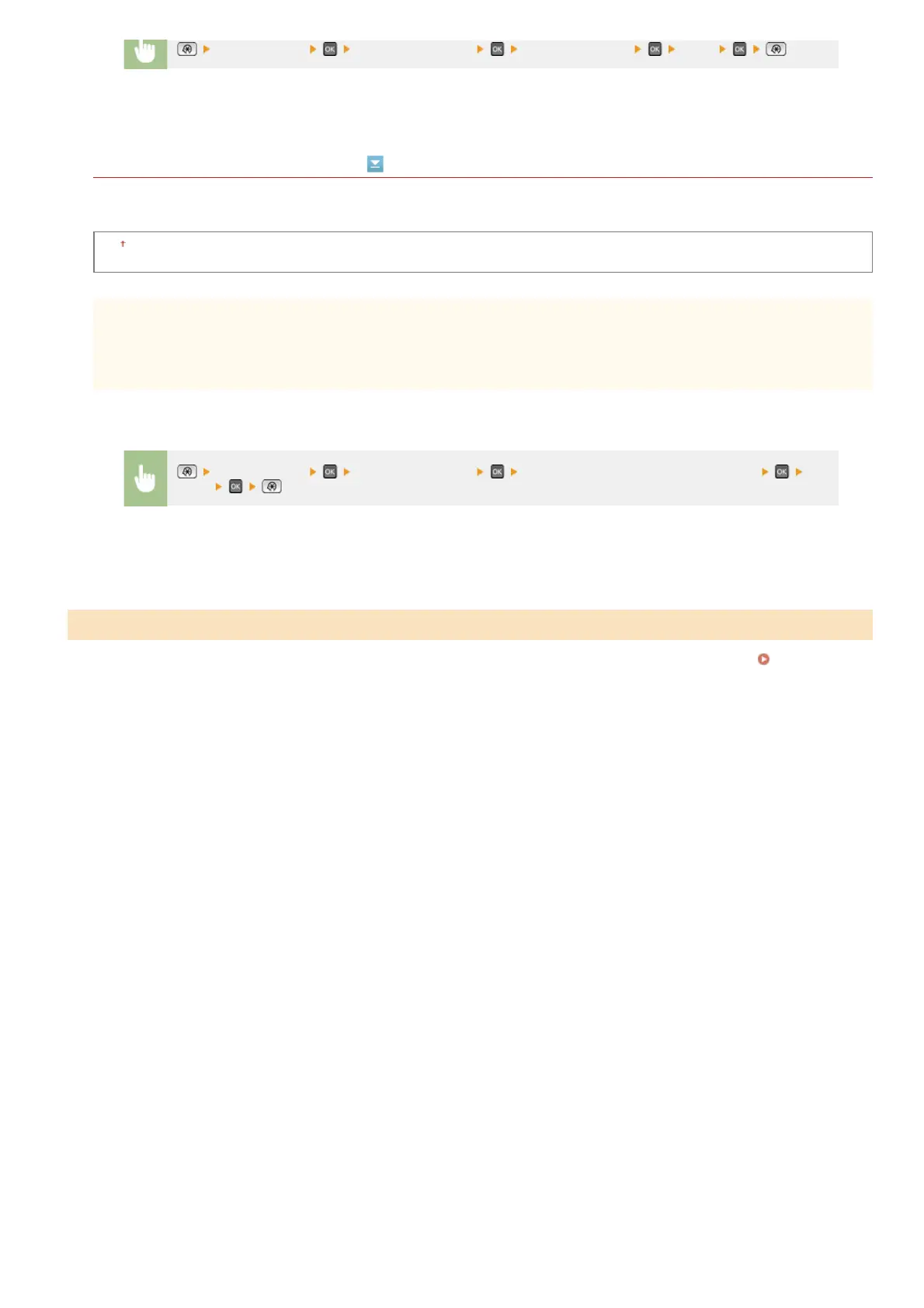
<Fax Settings> <RX Print Settings> <Continue Printing When Toner Is Low>
<On>
Fax Setup Guide
*3
㻡㻜㻞㻌㻛㻌㻢㻣㻢











 To Next Page