Gray Compensation
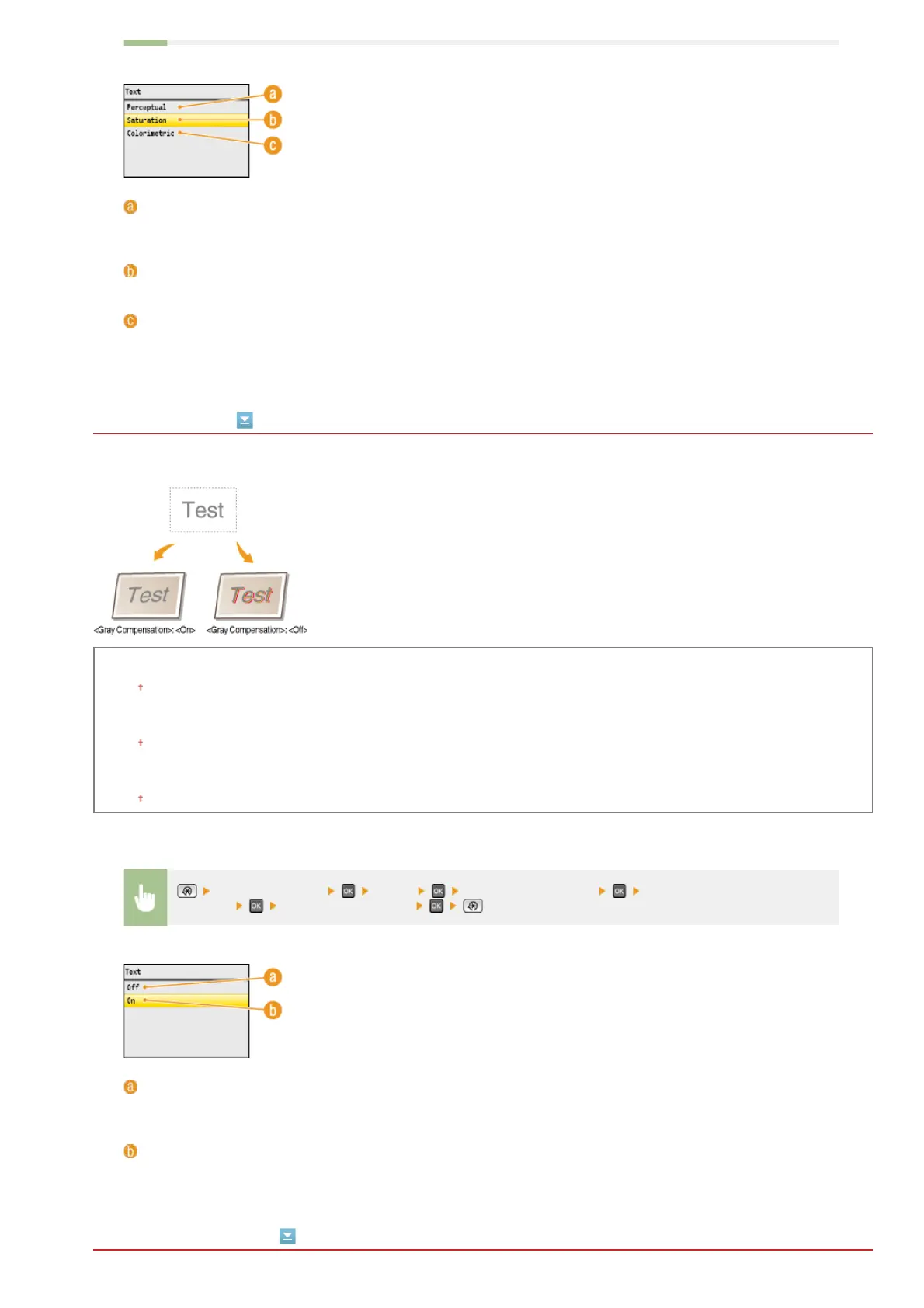
Select whether to print gray (black and white) data using only the black toner. You can specify the setting separately for text,
graphics, and images.
Text
Off
On
Graphics
Off
On
Image
Off
On
CMS (Matching) Selection
<Perceptual>
Performs color matching suitable for printing photographic images when <Photo> for the <Output Profile> setting has
also been selected.
<Saturation>
Performs color matching for printing vivid graphics such as illustrations and diagrams.
<Colorimetric>
Performs color matching to minimize the differences in color between originals such as color samples or logos and
printouts.
<Printer Settings> <PCL> <Gray Compensation> Select <Text>, <Graphics>, or
<Image>
Select <Off> or <On>
<Off>
Prints gray (black and white) data by using the yellow, magenta, cyan, and black toner. Gradation reproducibility of
dark areas improves in comparison to <On>.
<On>
Prints gray (black and white) data by using only the black toner and reduces toner bleeding.
㻡㻞㻡㻌㻛㻌㻢㻣㻢











 To Next Page