Use IPSec
Select whether to perform encrypted communication by establishing a virtual private network (VPN) via IPSec. Configuring IPSec
Settings
Off
On
IPv4 Address Filter
Enable or disable settings for filtering packets sent to or received from devices with specified IPv4 addresses. Specifying IP
Addresses for Firewall Rules
Outbound Filter
Off
On
Inbound Filter
Off
On
IPv6 Address Filter
Enable or disable settings for filtering packets sent to or received from devices with specified IPv6 addresses. Specifying IP
Addresses for Firewall Rules
Outbound Filter
Off
On
Inbound Filter
Off
On
<On> Restart the machine
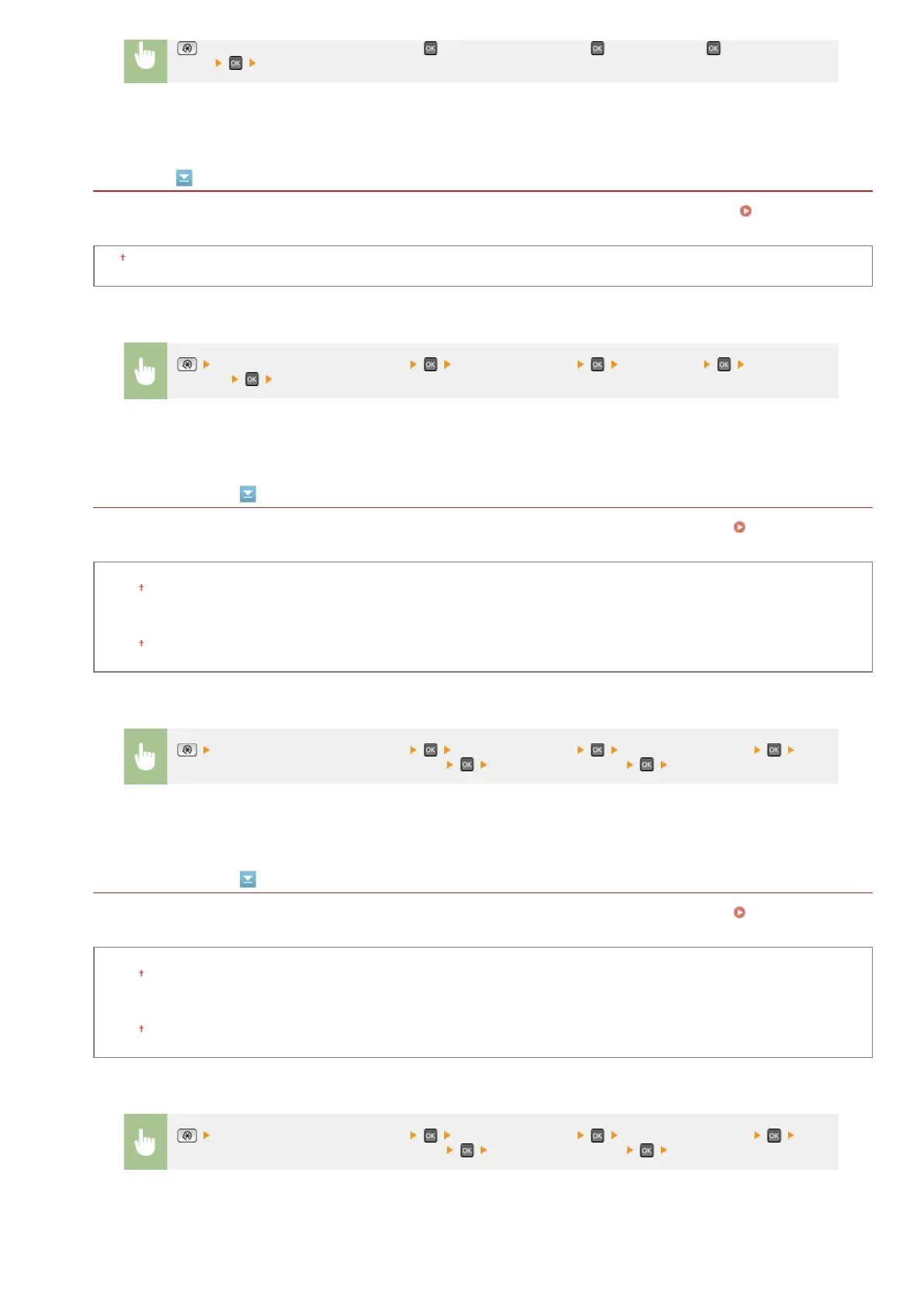
<System Management Settings> <Security Settings> <Use IPSec> Select <Off>
or <On>
Restart the machine
<System Management Settings> <Security Settings> <IPv4 Address Filter>
Select <Outbound Filter> or <Inbound Filter> Select <Off> or <On> Restart the machine
<System Management Settings> <Security Settings> <IPv6 Address Filter>
Select <Outbound Filter> or <Inbound Filter> Select <Off> or <On> Restart the machine
㻡㻟㻠㻌㻛㻌㻢㻣㻢











 To Next Page