IMPORTANT:
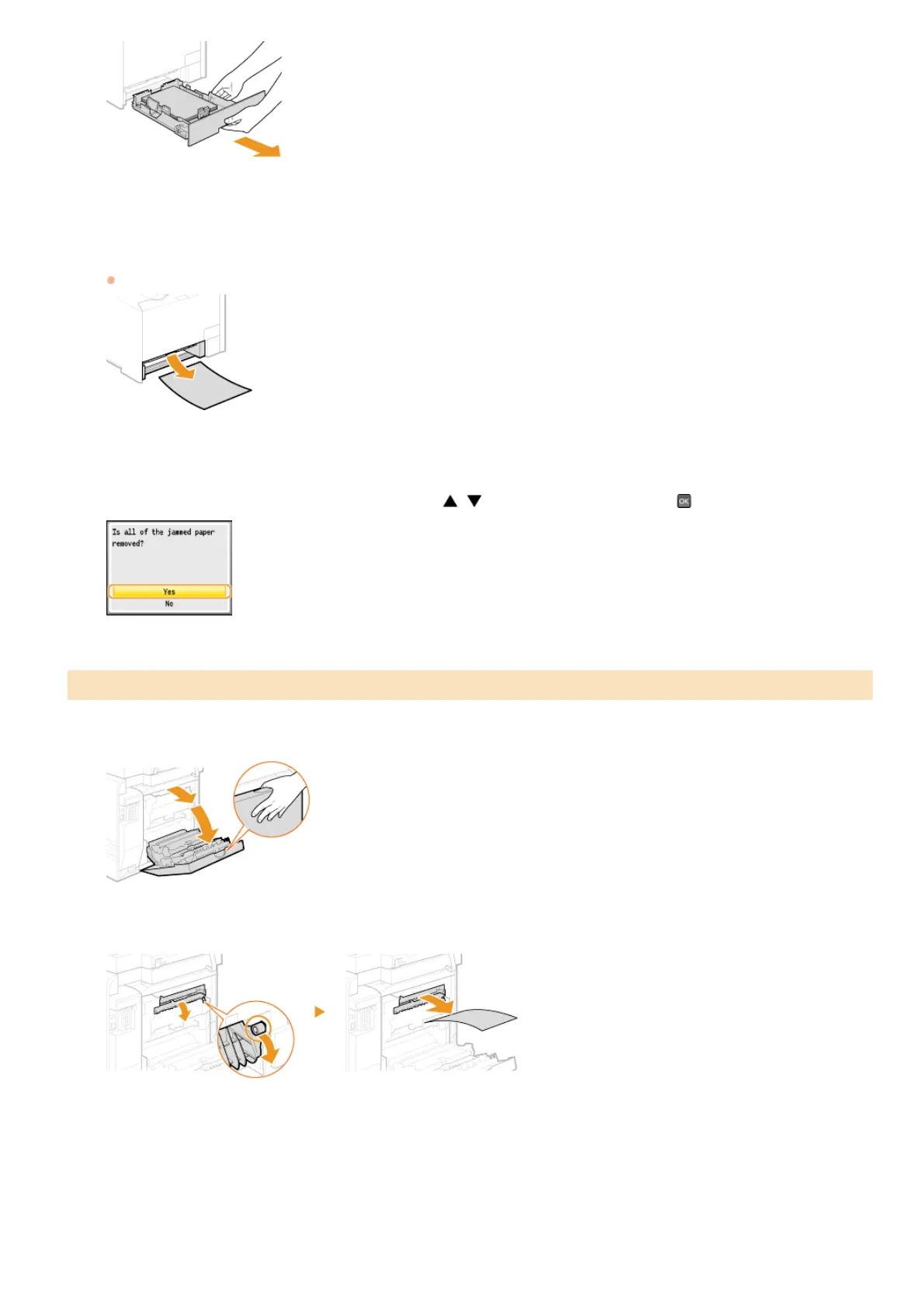
Make sure to hold the paper drawer with both hands, and pull it out gently. Otherwise, you may damage the paper drawer by
dropping it, if it slides out too easily.
Gently pull out the paper.
When the optional paper drawer (drawer 2) is attached, gently pull out the paper in the same way.
Set the paper drawer.
When the screen shown below is displayed, use / to select <Yes>, and press .
Open the rear cover.
Pull down the green knob toward you, and gently pull out the paper.
Gently pull out the paper.
Paper Jams in the Back Side
2
3
4
1
2
3
㻡㻠㻤㻌㻛㻌㻢㻣㻢











 To Next Page