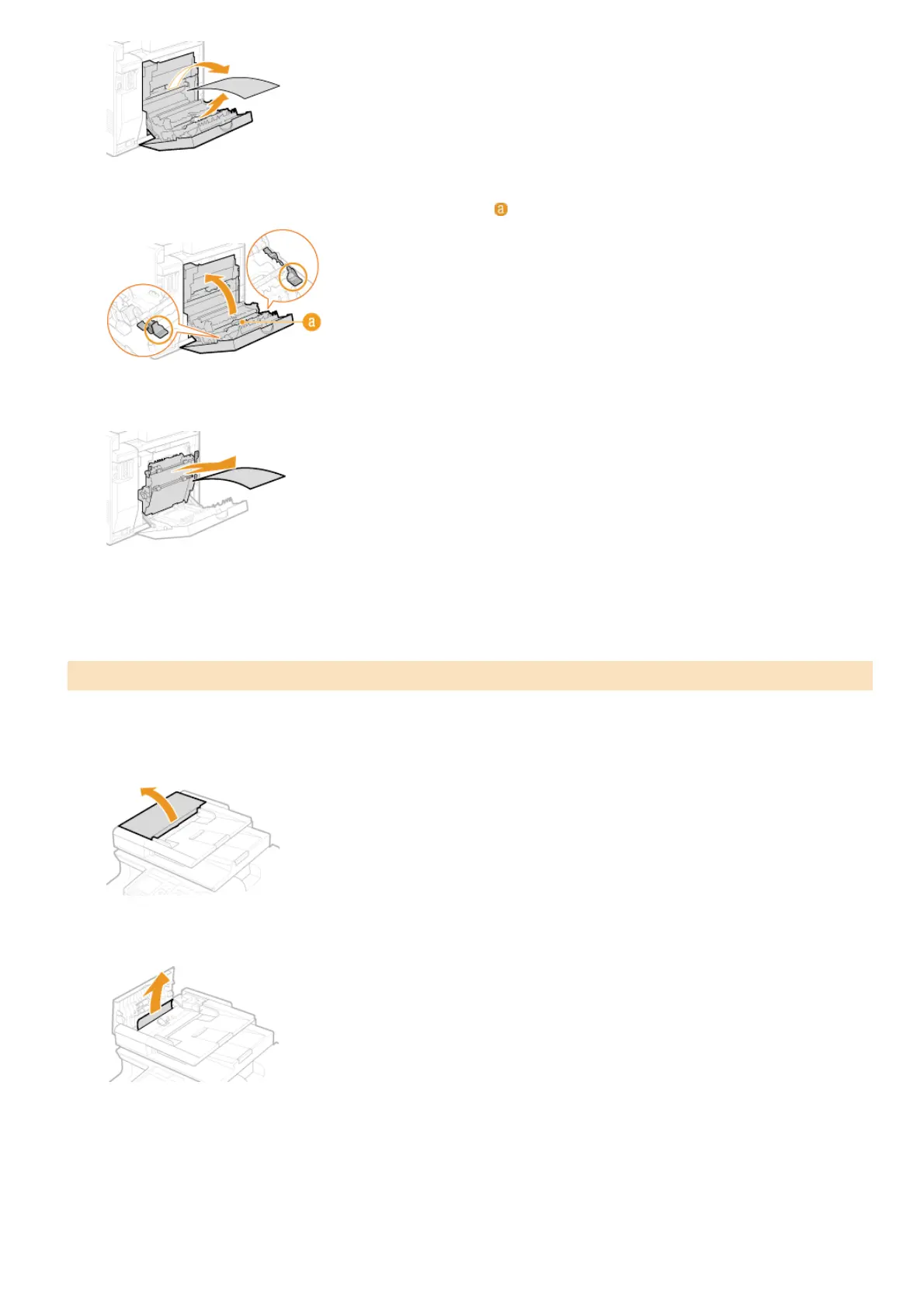
Hold the green knobs, and firmly close the duplex unit ( ) until it clicks.
Gently pull out the paper.
Close the rear cover.
If there are documents placed in the feeder, remove them first. Then, follow the procedure below.
Open the feeder cover.
Gently pull out the document.
Close the feeder cover.
Document Jams in the Feeder (MF8280Cw / MF8230Cn)
4
5
6
1
2
3
㻡㻠㻥㻌㻛㻌㻢㻣㻢











 To Next Page