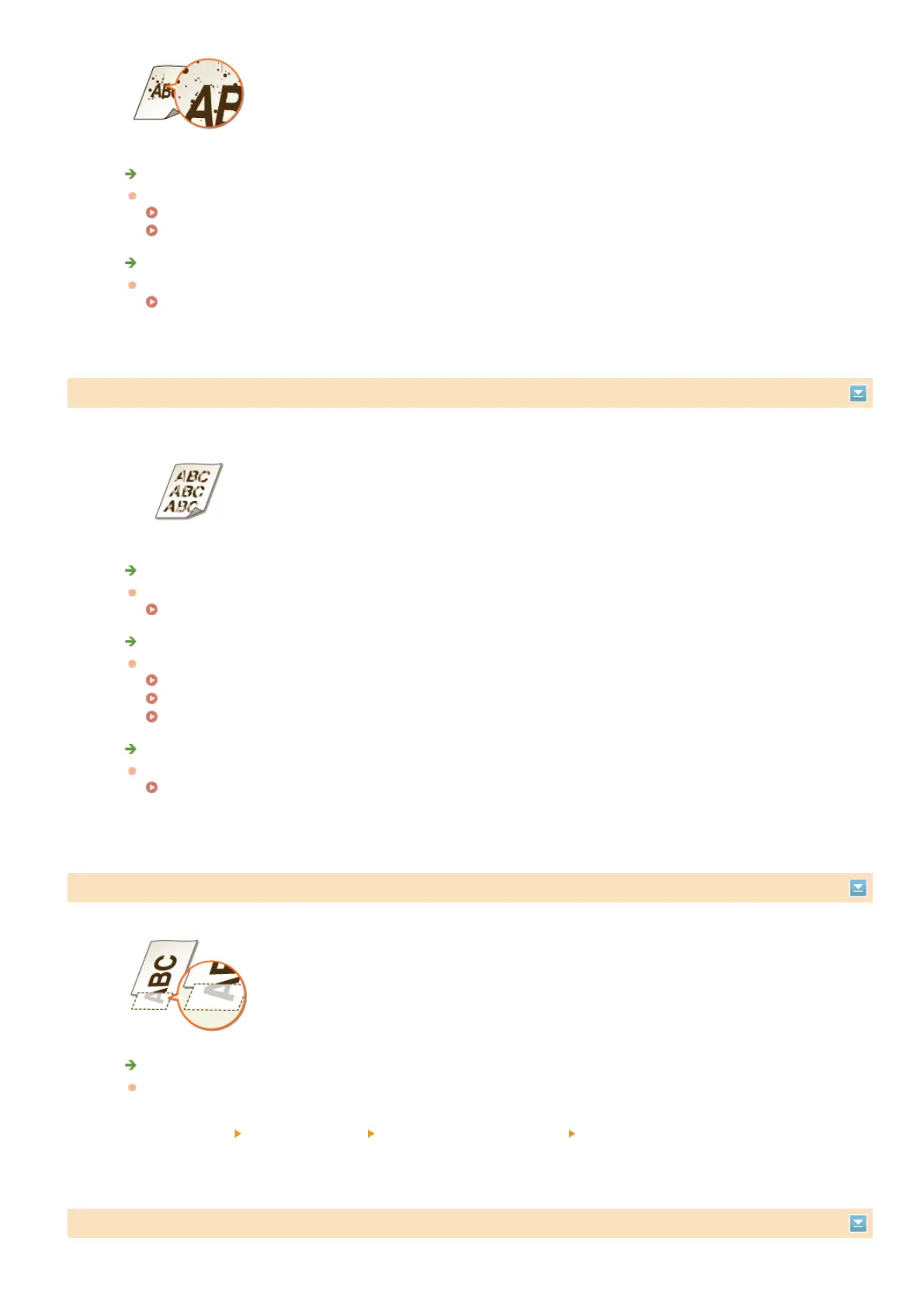
Are you using appropriate paper?
Check usable paper, and replace with appropriate paper.
Paper
Loading Paper
Is toner running low?
Check how much toner is left, and replace the toner cartridges as necessary.
Replacing Toner Cartridges
Printouts Are Faded
Is toner running low?
Check how much toner is left, and replace the toner cartridges as necessary.
Replacing Toner Cartridges
Are you using appropriate paper?
Check usable paper, and replace with appropriate paper. Also, specify the paper size and type settings properly.
Paper
Loading Paper
Specifying Paper Size and Type
Are the printouts faded when you print on envelopes?
Selecting <Envelope 2> for <Envelope Switch> may solve the problem.
Special Processing
A Portion of the Page Is Not Printed
Do you print data without margins?
This symptom occurs if a margin is set to none in the printer driver. A margin of 5 mm or less around the edge of
paper or 10 mm or less around the edge of envelopes is not printable with the machine. Make sure to have margins
around the document to print.
[Finishing] tab
[Advanced Settings] [Expand Print Region and Print] [Off]
Print Density Is Uneven
㻡㻤㻜㻌㻛㻌㻢㻣㻢











 To Next Page