CDM-570A/570AL Satellite Modem with Optional Packet Processor
Revision 5
Updating Firmware 4–9 MN-CDM570A
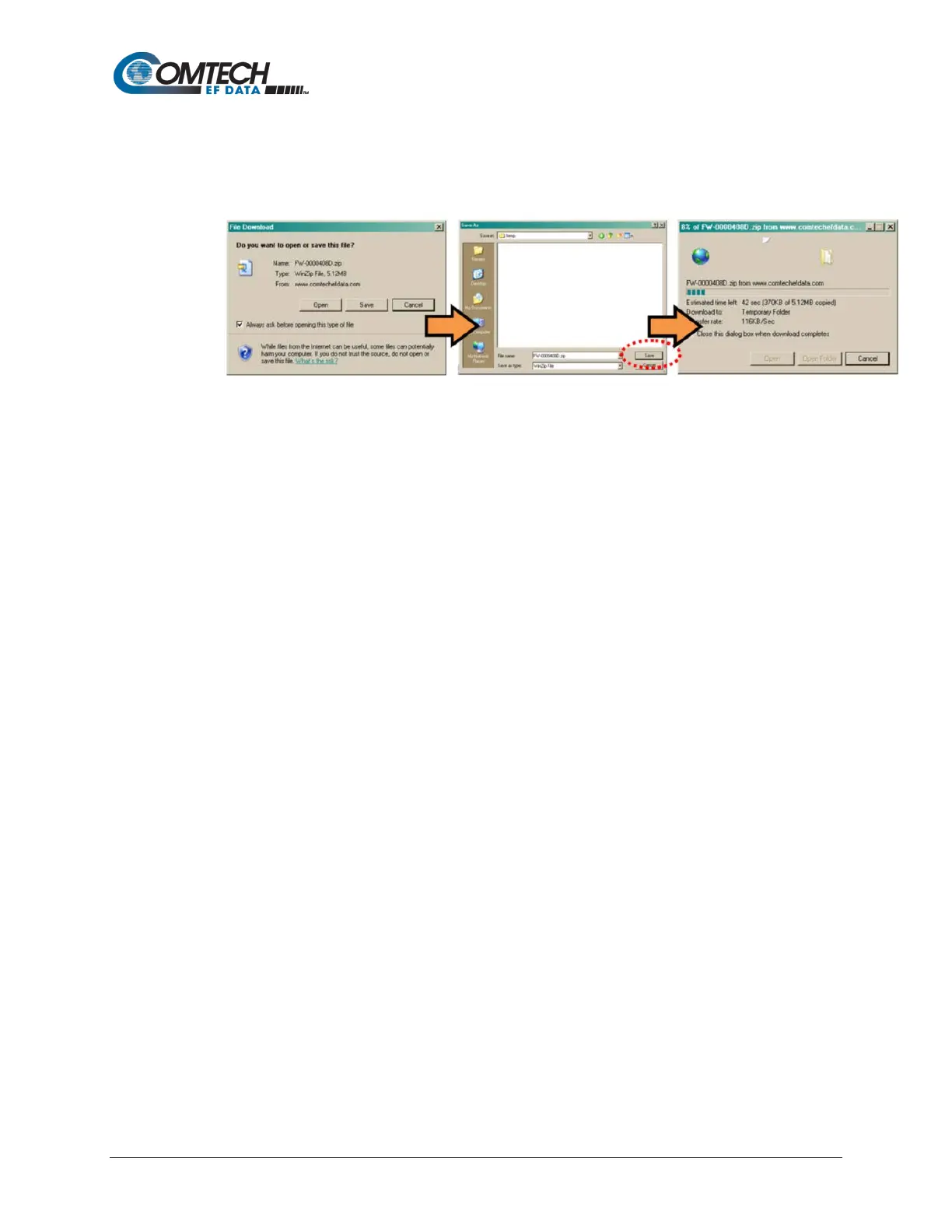
o Click [Save] to open the ‘Save As’ window. Be sure to select and [Save] the
archive *.exe or *.zip file to the “temp” folder created earlier.
o Otherwise, click [Cancel] to quit and exit the file download process.
2. Next, extract the firmware files from the archive file.
• (If not already done with File Download > [Open]) Extract the firmware files from the
downloaded *.exe or *.zip archive file with the user-supplied utility program:
o Double-click on the archive file name, and then follow the prompts provided by
the user-supplied utility program. Extract, at a minimum, two files:
For the Base Modem firmware update (where ‘*’ is the revision letter and ‘#.#.#’
is the firmware version number):
FW-0020683*_#.#.#.bin – the Firmware Bulk image file, and
CDM-570A_FW-0020683*_ReleaseNotes_v#.#.#.pdf – the Firmware
Release Notes PDF file.
For the Packet Processor firmware update (where ‘*’ is the revision letter and
‘#_#_#’ is the firmware version number):
FW-0020781*_CDM-570A_PaP_#_#_#.bin
CDM-570A_PaP_Release_Notes_v#.#.#.pdf (or a variation of this filename,
where ‘*’ is the revision letter and ‘#.#.#’ is the firmware version).
3. Confirm availability of the firmware files in the temporary folder. There are several ways
you may view the contents of the temporary folder on a Windows-based PC:
a. From the Windows Desktop:
• Double-left-click the “temp” folder saved to the Windows Desktop.
• Use Windows Explorer to locate, and then double-left-click the “temp” folder.
• Use the Browse window ([Start] > ...Run > [Browse]) to locate, and then
double-click the “c:\temp” folder.
b. Using Command-line:
• Type “cd c:\temp” at the Command-line prompt to change to the temporary
directory created earlier using Command-line.



 To Next Page