CDM-570A/570AL Satellite Modem with Optional Packet Processor
Revision 5
Optional Packet Processor - Serial/Telnet CLI Operation 9–2 MN-CDM570A
• Serial or Telnet CLI User Access Levels – Note the following:
Serial CLI (using the RJ-11
‘Console’ port)
Full Access – NO LOGIN REQUIRED.
Telnet CLI (using the RJ-45 ‘Traffic
100’ or ‘M&C 100’ port)
• Admin User – FULL ACCESS TO ALL MENUS.
• Read/Write User – No access to the Administration menu; full access
to all other menus.
• Read Only User – NO ACCESS PERMITTED.
9.1.1.1 Connect to the Serial CLI
Do these steps:
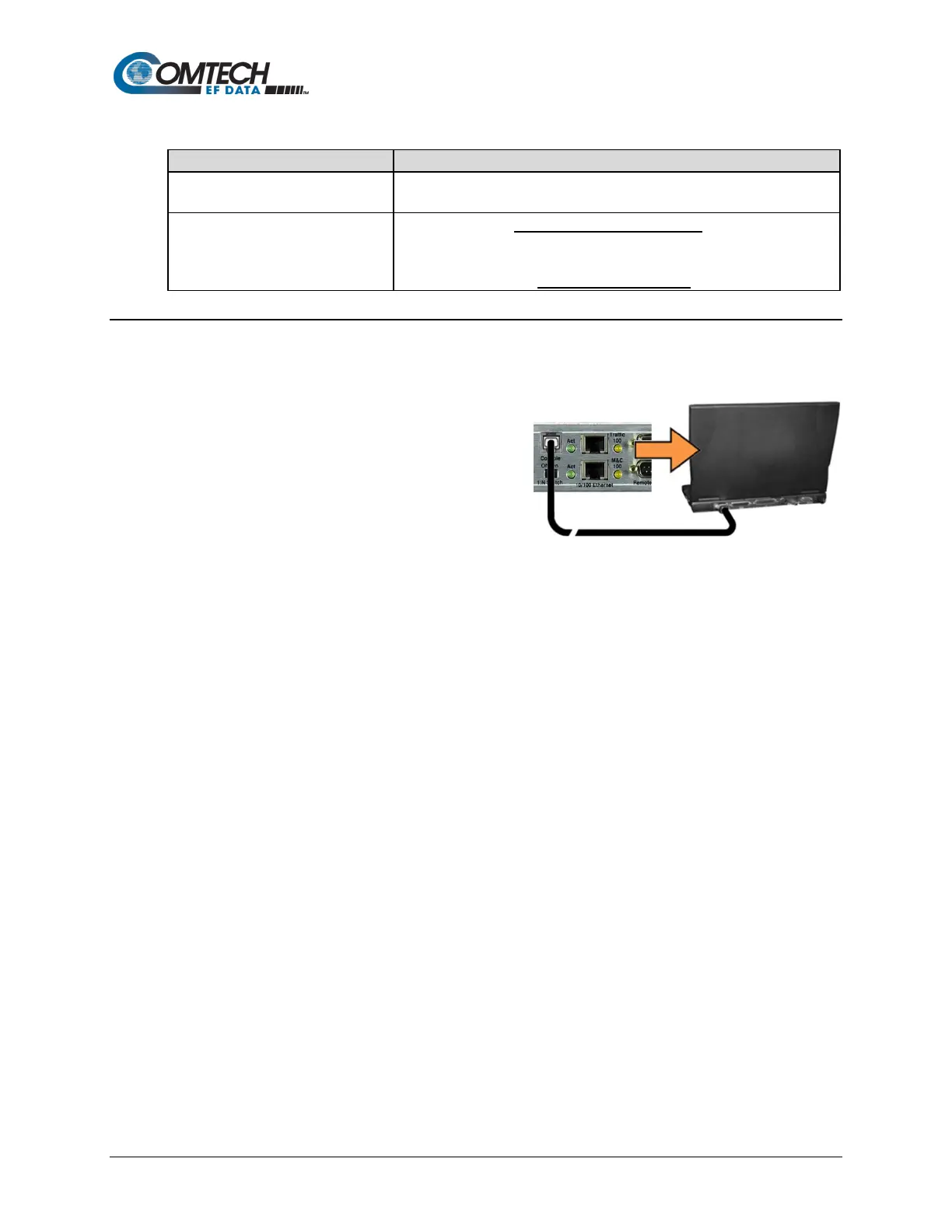
1. Use an adapter cable such as the
Comtech EF Data DB-9 to RJ-11 Console
Cable (CEFD P/N PL/9396-1, available for
purchase from Comtech EF Data Product
Support) to connect the Packet Processor
RJ-11 ‘Console’ port to a 9-pin serial port
on the User PC:
2. If you choose to use a terminal emulator program as your CLI portal, refer to your
program’s HELP feature or user guide for operating and configuration instructions.
Default communications and terminal display settings are:
• 38400 bps (Baud Rate)
• 8 data bits
• 1 stop bit
• Parity = NO
• Port Flow Control = NO
• Local Echo = ON
• Display New Line Rx/Tx: CR
3. Turn the modem ON. Once bootup is complete, press Enter. The CLI Main Menu should
appear – no login is required to use the Serial CLI.
4. Use the CLI Main Menu ► Interface Configuration ► Ethernet Interface page to
configure the Ethernet Traffic and Management IP Addresses. See Sect. 9.3.3.1 for further
details.



 To Next Page