CDM-570A/570AL Satellite Modem with Optional Packet Processor
Revision 5
Optional Packet Processor - Serial/Telnet CLI Operation 9–49 MN-CDM570A
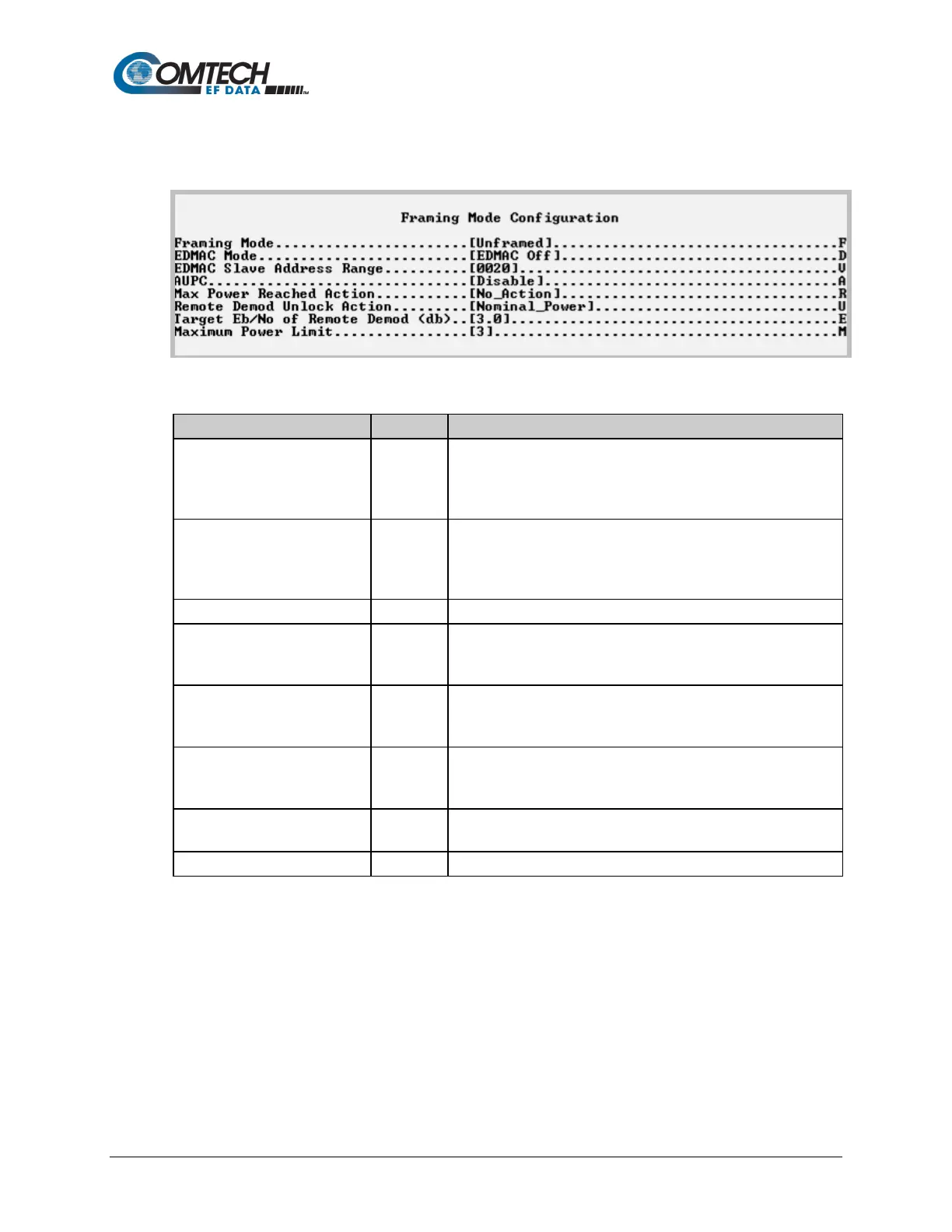
9.3.8.1.3 Satellite Modem > Configuration > Framing Mode Configuration
Open the nested Framing Mode Configuration page from the Configuration page.
Figure 9-32. Framing Mode Configuration
1 – Unframed
2 – EDMAC Framing
Select the EDMAC Framing Mode:
1 – Unframed
2 – EDMAC Framing
EDMAC Slave Address Range
Set a value from 10 to 9990 in multiples of ten.
Select the AUPC operation:
1 – Enable
1 – No_Action
Remote Demod Unlock Action
1 – Nominal_Power
b
0
Set a value from 0.0 to 9.9.



 To Next Page