CDM-570A/570AL Satellite Modem with Optional Packet Processor
Revision 5
Ethernet-based Remote Product Management 7–1 MN-CDM570A
Chapter 7. ETHERNET-BASED
REMOTE PRODUCT
MANAGEMENT
7.1 Overview
Ethernet-based Remote Product Management of the CDM-570A/570AL is available using one of
two rear panel RJ-45 10/100 BaseT Ethernet ports:
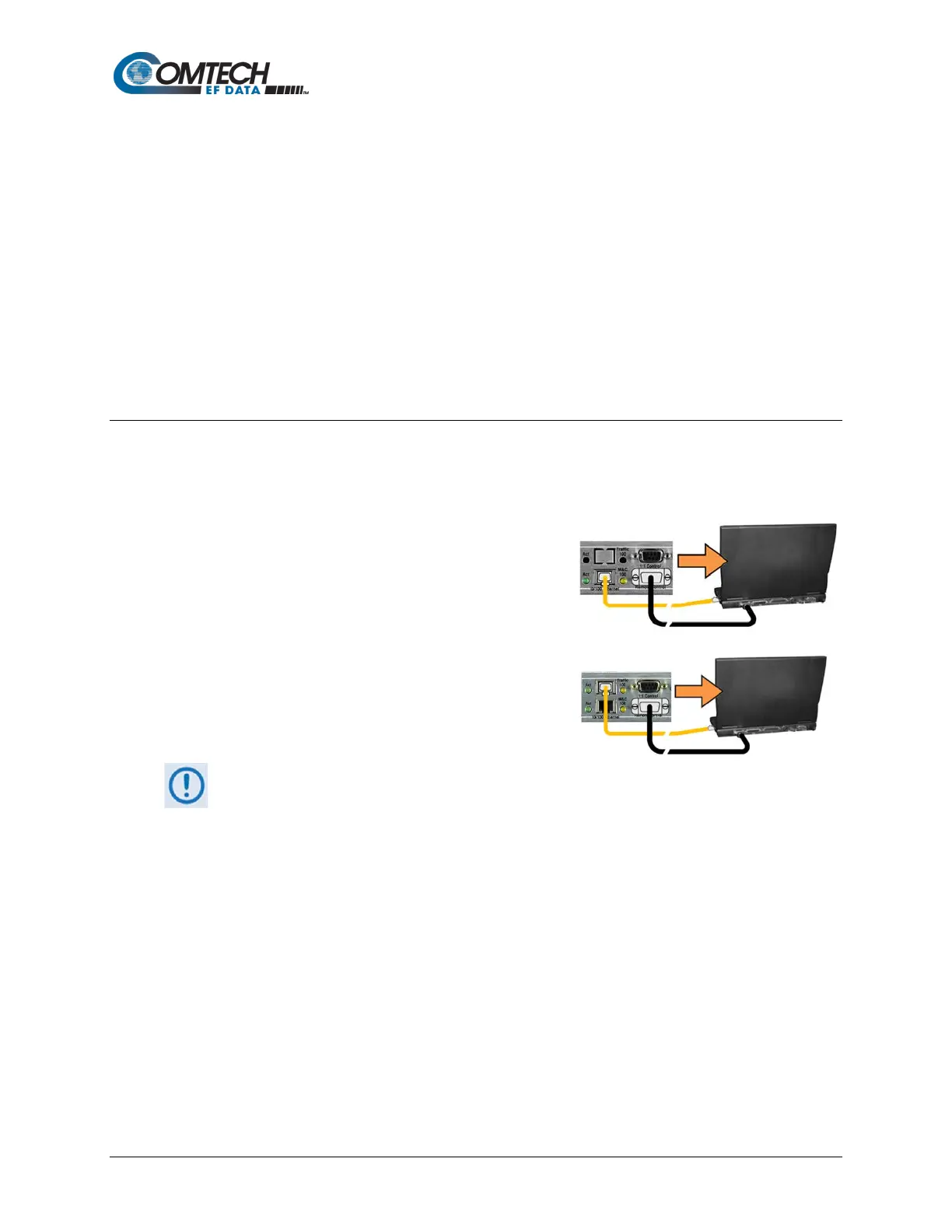
• The ‘M&C 100’ 10/100 Ethernet port (for units
without the optional High-Performance Packet
Processor)
–or–
• The ‘Traffic 100’ 10/100 Ethernet port (for units
equipped with the optional Packet Processor).
1. YOU MAY PROCEED WITH ETHERNET-BASED REMOTE PRODUCT MANAGEMENT
(SNMP, TELNET, OR WEB SERVER) ASSUMING THAT:
• The CDM-570A/570AL is operating with the latest version firmware files.
• The CDM-570A/570AL is connected to a user-supplied, Windows-based
PC, and:
o The PC serial port is connected to the CDM-570A/570AL rear panel
‘Remote Control’ port with a user-supplied 9-pin serial cable.
o The PC Ethernet port is connected either to the CDM-570A/570AL rear
panel ‘M&C 100’ or the ‘Traffic 10/100’ BaseT Ethernet port with a
user-supplied hub, switch, or direct Ethernet cable connection.
o The user PC is running a terminal emulation program (for operation
of the CDM-570A/570AL Serial Interface or Telnet CLI) and a
compatible Web browser (for operation of the CDM-570A HTTP (Web



 To Next Page