CDM-570A/570AL Satellite Modem with Optional Packet Processor
Revision 5
Optional Packet Processor - Serial/Telnet CLI Operation 9–59 MN-CDM570A
9.3.8.2.3 Satellite Modem > Monitor > BUC Status
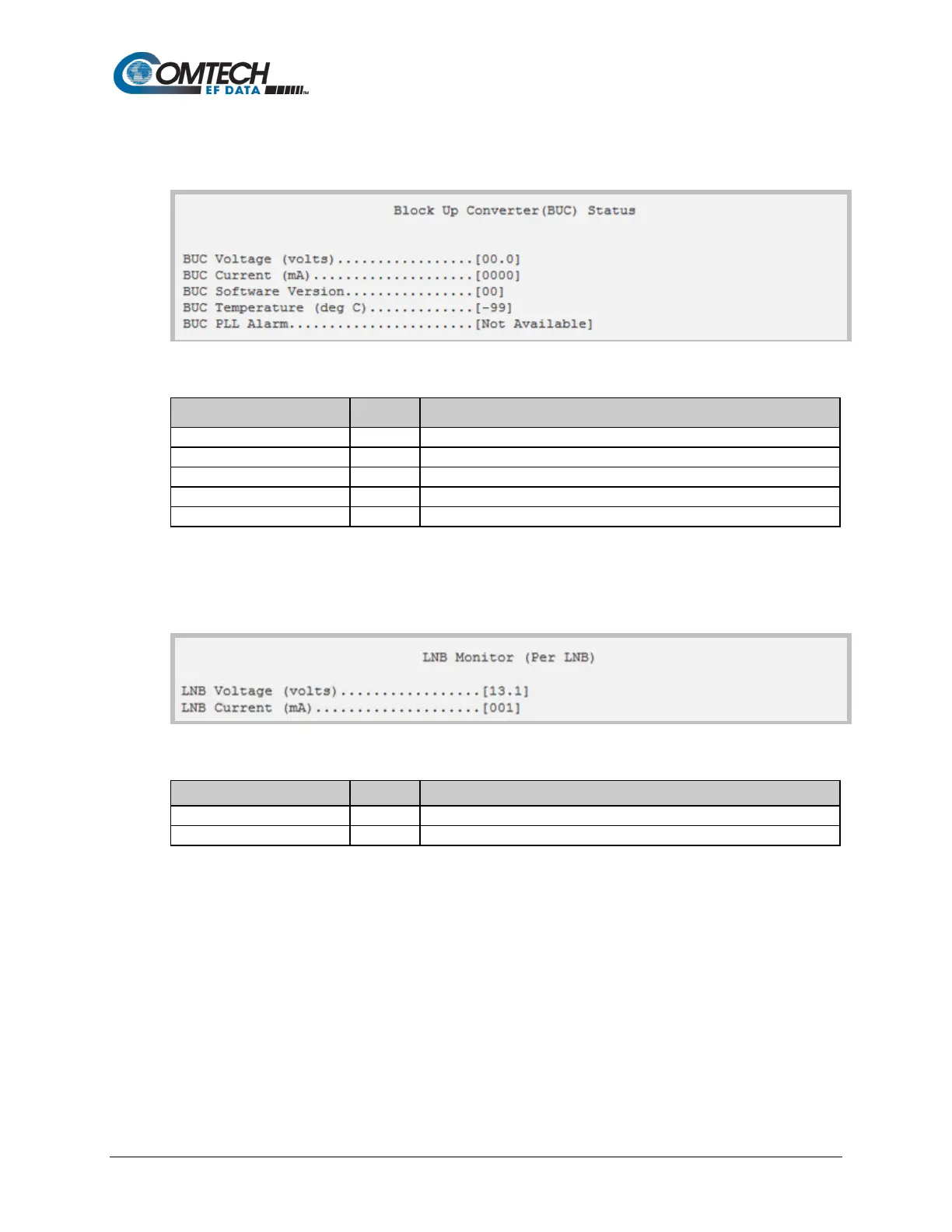
Open the nested BUC Status page from the Monitor page.
Figure 9-43. BUC Status
Selection Hot Key Description
Displays voltage, in volts.
Displays current, in milliamps, from 0 to 4000.
Displays the unit running firmware version.
Displays the unit temperature, in degrees Celsius.
Displays the Phase Lock Loop alarm status (e.g., Locked, Unlocked).
9.3.8.2.4 Satellite Modem > Monitor > LNB Monitor
Open the nested LNB page from the Monitor page.
Figure 9-44. LNB Monitor (Per LNB)
Displays voltage, in volts.
Displays current, in milliamps, from 0 to 4000.



 To Next Page