CDM-570A/570AL Satellite Modem with Optional Packet Processor
Revision 5
ODU (Transceiver, BUC, LNB) Operation 10–25 MN-CDM570A
10.2.2 Transceiver M&C via the CDM-570A’s HTTP Interface
Chapter 7. ETHERNET-BASED REMOTE PRODUCT MANAGEMENT
Figure 10-5 shows the menu tree for ODU-accessible features when using the CDM-570A (70/140
MHz) Satellite Modem. Modem operations not specific to CDM-570A CSAT/KST Transceiver
operation appear dimmed in this diagram and are explained in Chapter 7. This menu tree depicts
the CDM-570A HTTP Interface as it appears with all FAST Features activated, and the optional IP
Packet Processor installed and active.
See Sect. 10.3.2 for ODU operations applicable to the CDM/R-570AL (L-Band) Satellite Modem
and it use with Comtech EF Data BUCs and LNBs.
Figure 10-5. CDM-570A HTTP Interface – ODU CSAT/KST Transceiver Menu Tree
10.2.2.1 2B2BODU Pages
ODU Comms must be enabled using the ‘ODU | Enable’ page (see Sect.
10.2.2.1.1) in order to fully access the ‘ODU | Config’, ‘ODU | Status’, and ‘ODU |
Utilities’ pages.
M&C of the CSAT-5060 or KST-2000A/B ODU that is connected via FSK to the CDM-570A is
possible using the pages nested under the ‘ODU’ tab. These pages are accessible only when an
ODU is configured for operation with the CDM-570A.
All three levels of user login permit viewing of all ODU pages. However, only a user with
Administrative or Read/Write privileges can submit changes to the ‘ODU | Config’ and ‘ODU |
Utilities’ pages.
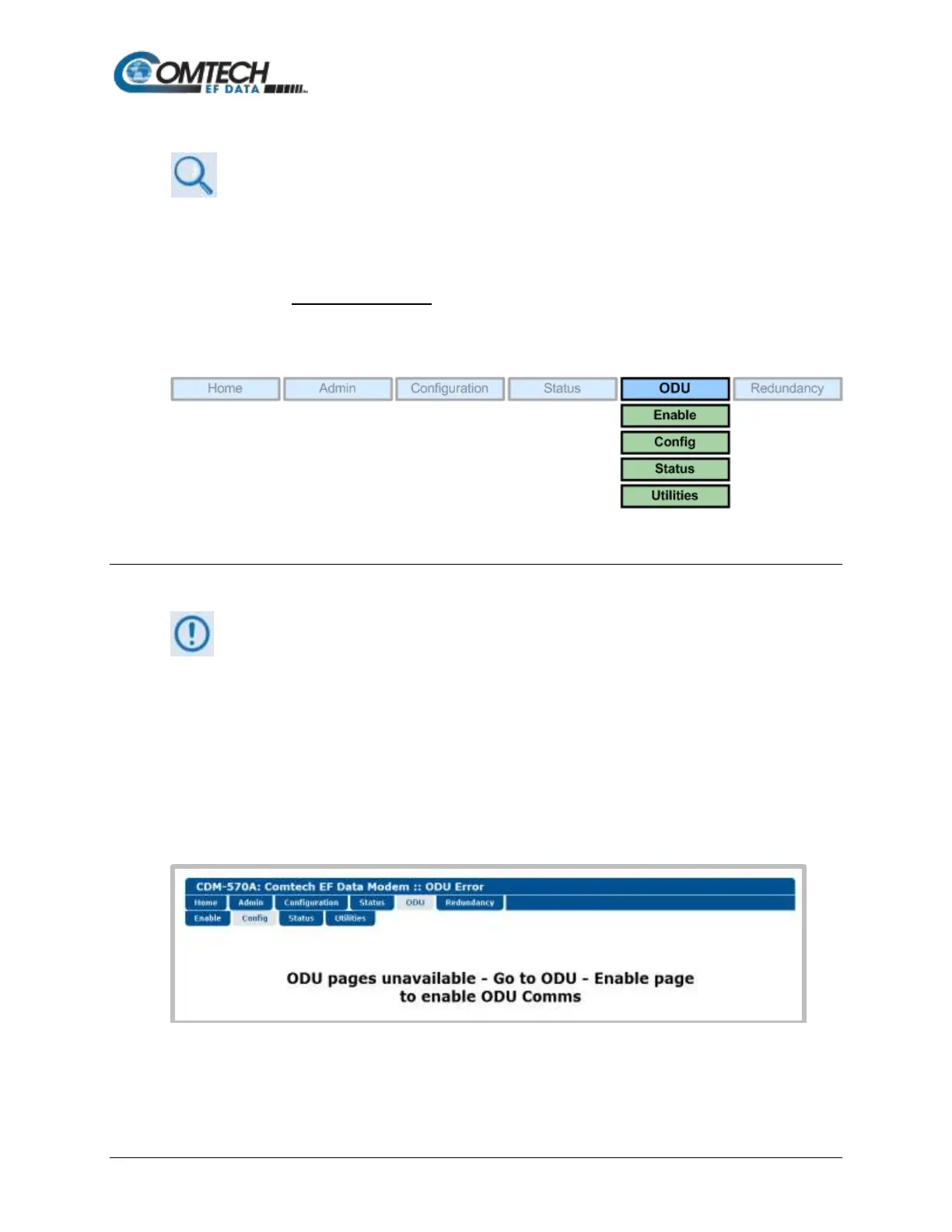
If you attempt to access the ODU pages without properly establishing communications
parameters on the CDM-570A end, the HTTP Interface displays this error page:



 To Next Page