CDM-570A/570AL Satellite Modem with Optional Packet Processor
Revision 5
Rear Panel Connectors and Pinouts 3–2 MN-CDM570A
3.1.1 Coaxial Cable Connections
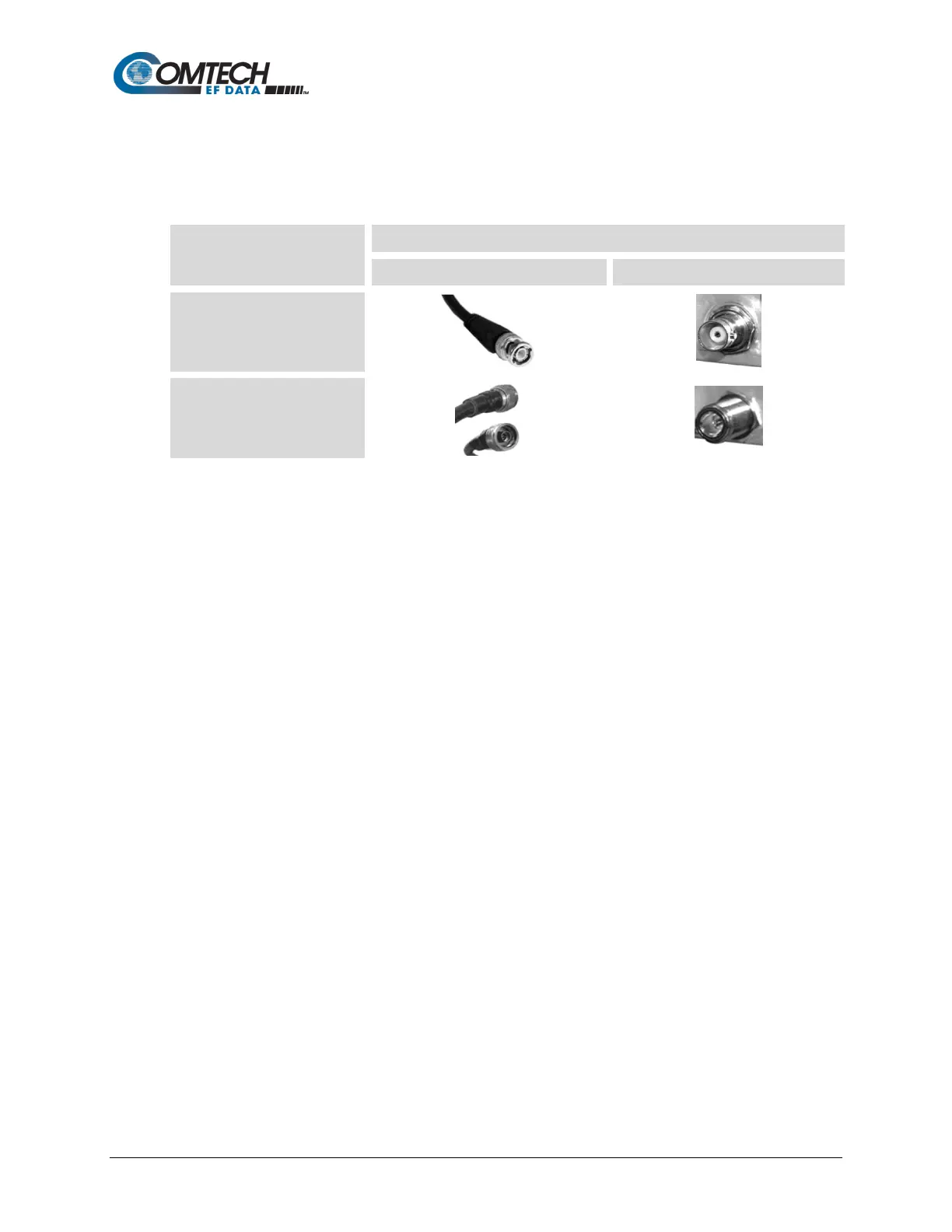
Figure 3-1 show the coaxial cables (plugs) and their mating connectors (jacks/sockets) that
Comtech EF Data uses with their products: ‘BNC’, ‘TNC’, ‘N’, ‘F’, and ‘SMA’.
Coupling Type
Bayonet
(Type ‘BNC’ Shown)
Threaded
(Type ‘N’ Shown)
Figure 3-1. Coaxial Connector Examples
These connectors are available in two coupling styles – Bayonet or Threaded:
• Bayonet Coupling Style – The jack has a pair of guideposts that accommodate the
plug’s lockdown slots. This lockdown design provides secure assembly without over-
tightening the connection.
• Threaded Coupling Style – The jack features external threads. The plug shell features
internal threads, and has either a knurled outer surface to permit hand-tightening of the
connection, or hex flats to accommodate torqued installation.
Connection Instructions:
• Bayonet Coupling Connections: Use the plug slots to guide, then slide the plug onto
the jack posts. Then, turn the plug clockwise until the jack posts are fully seated within
the plug slot.
• Threaded Coupling Connections: Engage the plug onto the jack threads, and then turn
the plug clockwise until it is fully threaded onto the jack. Do not over-tighten the
connection.



 To Next Page