CDM-570A/570AL Satellite Modem with Optional Packet Processor
Revision 5
Ethernet-based Remote Product Management 7–19 MN-CDM570A
7.4.3.2.3 Admin | Working Mode
1. This page is available only when you install the optional Packet Processor.
2. WHEN YOU CHANGE WORKING MODE: Once you click the [Submit] tab the
modem undergoes forced reboot. You will need to log in to your Web
session once again after the modem reboots.
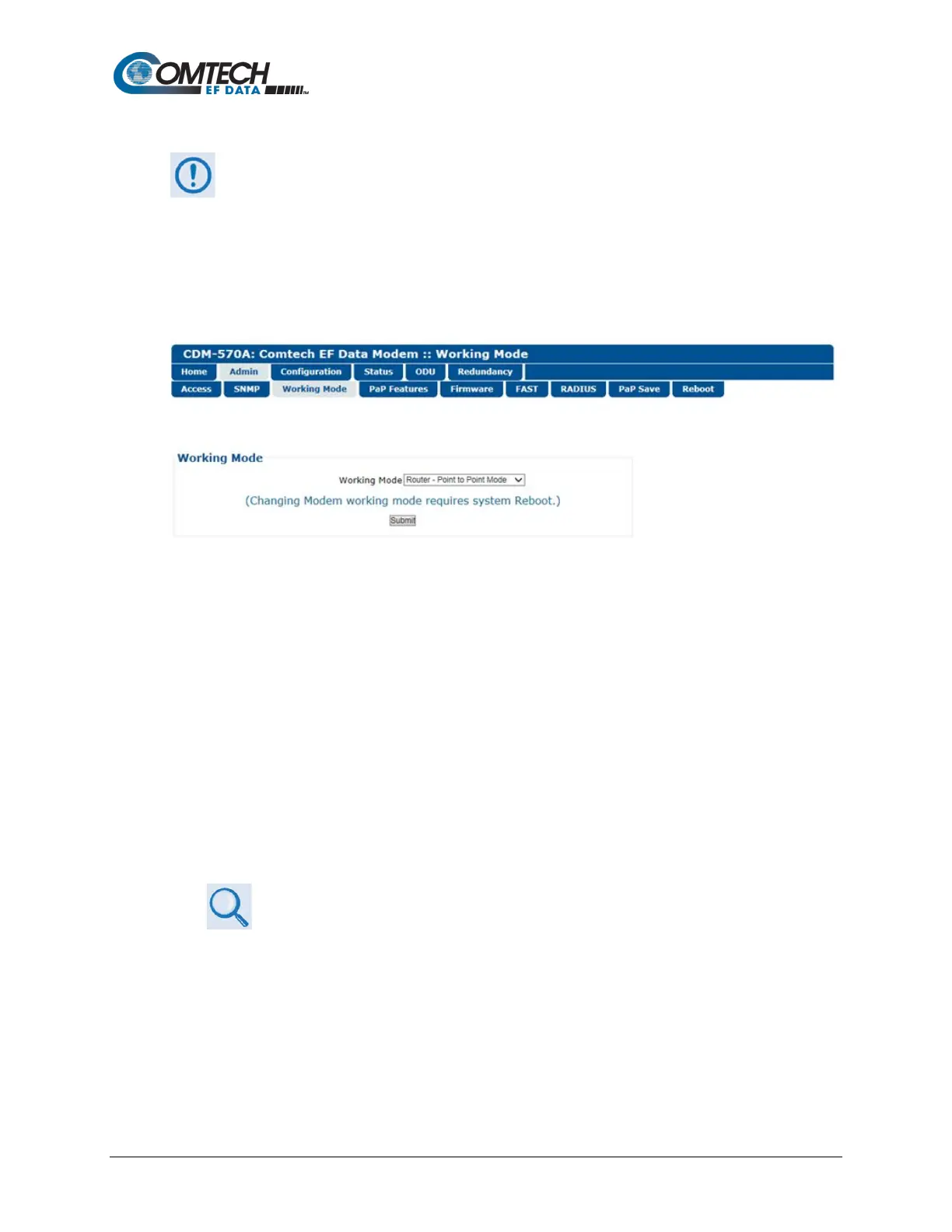
Use this page to specify how the modem/Packet Processor is to function in Vipersat or non-
Vipersat working modes. Once the role of a particular modem in the network is determined, this
single point of configuration is intended to simplify deployment.
Figure 7-7. Admin | Working Mode Page
Working Mode
Use the drop-down list to select the Working Mode:
• Router – Small Network Mode – This mode supports up to 253 remotes, as allowed
using HDLC addressing. Select this mode to set the modem to be on independent IP
subnets; this mode requires adding static routes to pass traffic between them.
• Router – Large Network Mode – This mode is similar to Small Network Mode, the
exception being that a maximum of 32,766 remotes are allowed on a single shared
satellite outbound carrier.
• Router – Point-to-Point Mode – This this mode is for use in a Point-to-Point SCPC link
where there are different IP subnets on either side of the link.
• Router – Vipersat Mode
• VMS v3.x.x VIPERSAT Management System User Guide (CEFD P/N
MN/22156)
• Vipersat CDM-570/570L Satellite Network Modem User Guide (CEFD P/N
MN/22125)
• Managed Switch – This mode functions as a learning bridge with VLAN support.
Optional supported features include QoS, Header Comp, Payload Comp, and 3xDES. No
routes are required in this mode.



 To Next Page