CDM-570A/570AL Satellite Modem with Optional Packet Processor
Revision 5
Ethernet-based Remote Product Management 7–9 MN-CDM570A
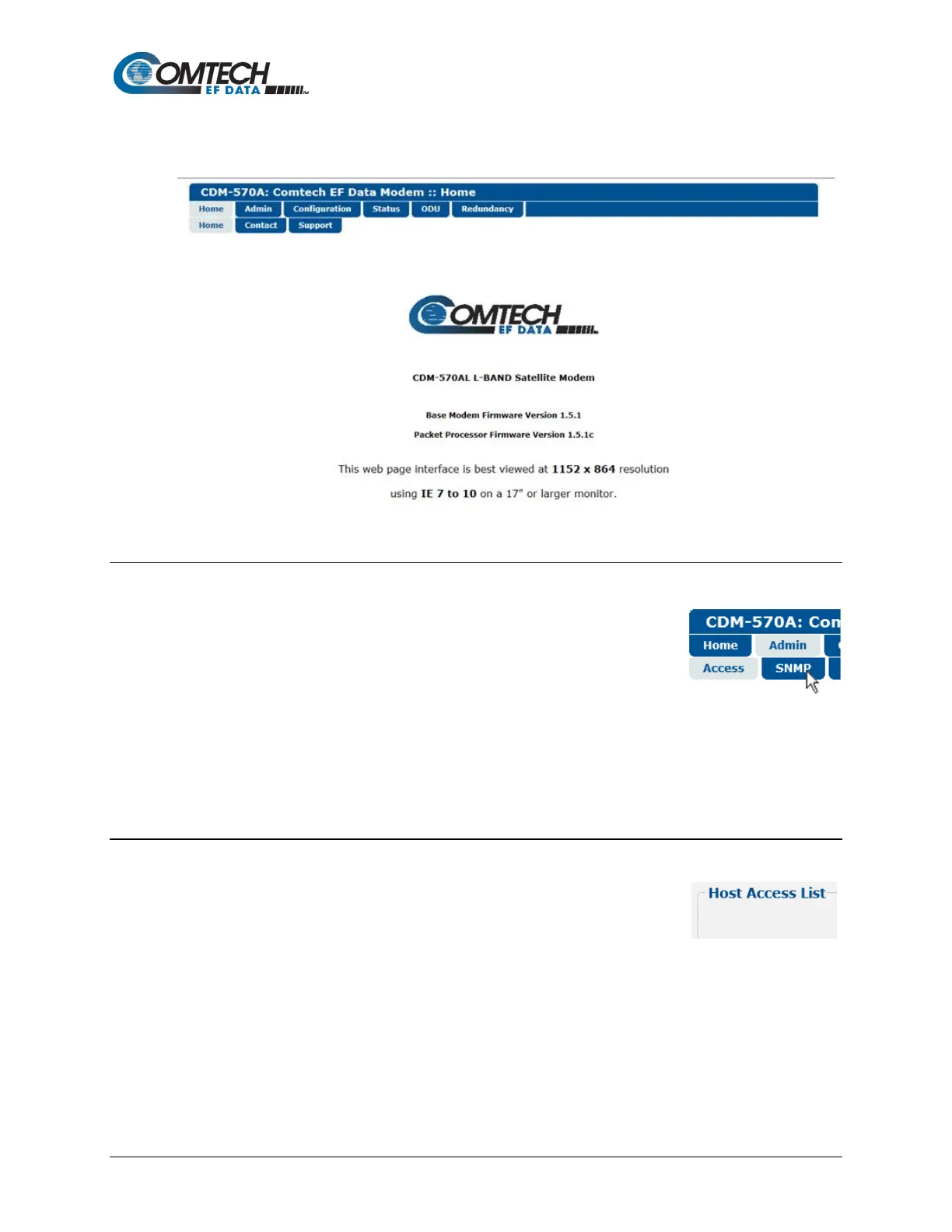
Once remote control access is configured and login is successful, the CDM-570A 70/140 MHz or
L-Band HTTP Interface “splash page” appears:
7.4.1.2 Navigation
The CDM-570A HTTP Interface features navigation tabs located at the
top of each page. After you click a navigation tab, you may click an
available primary page tab. In turn, any nested tabs appear for further
selection.
This manual uses a naming format for all pages to indicate the depth of navigation needed to
view the subject page: “Top Level Tab | Primary Page Tab (where needed) | Nested Page
Tab”.
For example, “Admin | SNMP” instructs you to “first click the top-level ‘Admin’ navigation tab;
then, click the nested ‘SNMP’ page tab.
7.4.1.3 Page Sections
Each page features one or more sections. The title at the top of each
page or page section indicates its function. Each section can feature
editable fields, action buttons, and read-only displays that are specific to
that function.
This manual explains each Web page on a per-page, per-section basis.



 To Next Page