CDM-570A/570AL Satellite Modem with Optional Packet Processor
Revision 5
FEC (Forward Error Correction) Options B–18 MN-CDM570A
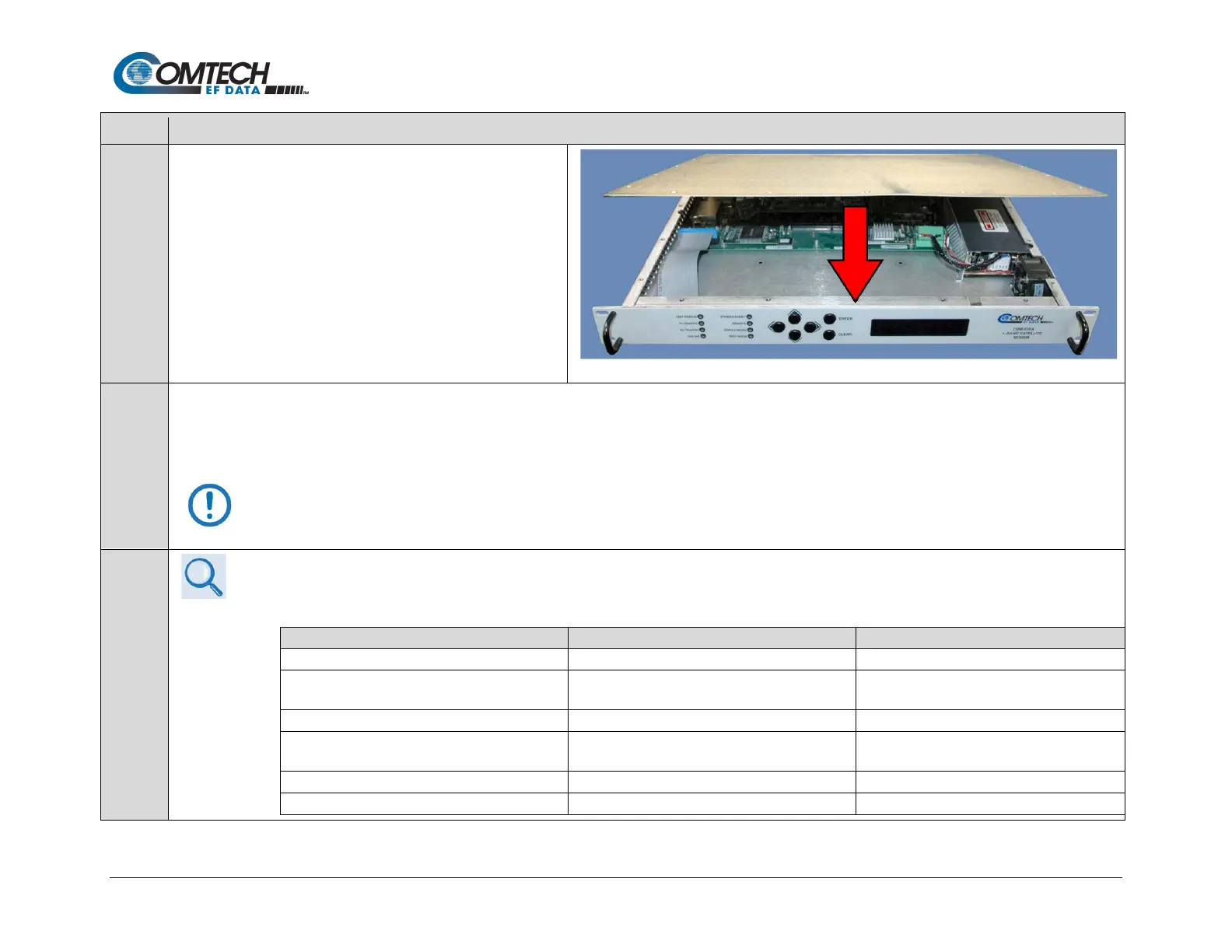
Use the screwdriver to reinstall the top cover onto the
CDM-570A/570AL chassis with its existing mounting hardware.
Plug the modem’s power cord back into its power source.
The CDM-570A/570AL VersaFEC-2 Option Card upgrade is now complete. You may turn on and resume use of the modem.
Before continuing, it is important that you make sure you are running the latest available firmware, and that you have activated the necessary VersaFEC-2
FAST options. See Step 6 below.
The modem must have firmware version 1.5.2 or greater installed in both slots to use the VersaFEC-2 option.
• Chapter 4. UPDATING FIRMWARE
Follow the steps below to make sure the CDM-570A/570AL has both slots upgraded correctly with Firmware version 1.5.2.
Base Modem Slot 1 FW Version
Base Modem Slot 2 FW Version
b. Upgrade alternate Slot 2 to firmware
version 1.5.2.
1.4.3 (Running) 1.5.2
c. Select Base to Boot from Slot 2.
d. Upgrade alternate Slot 1 to firmware
version 1.5.2.
1.5.2 1.5.2 (Running)
e. Select Base to Boot from Slot 1.
f. Upgrade to alternate Slot 2.



 To Next Page