CDM-570A/570AL Satellite Modem with Optional Packet Processor
Revision 5
Advanced Quality of Service (QoS) Option L–4 MN-CDM570A
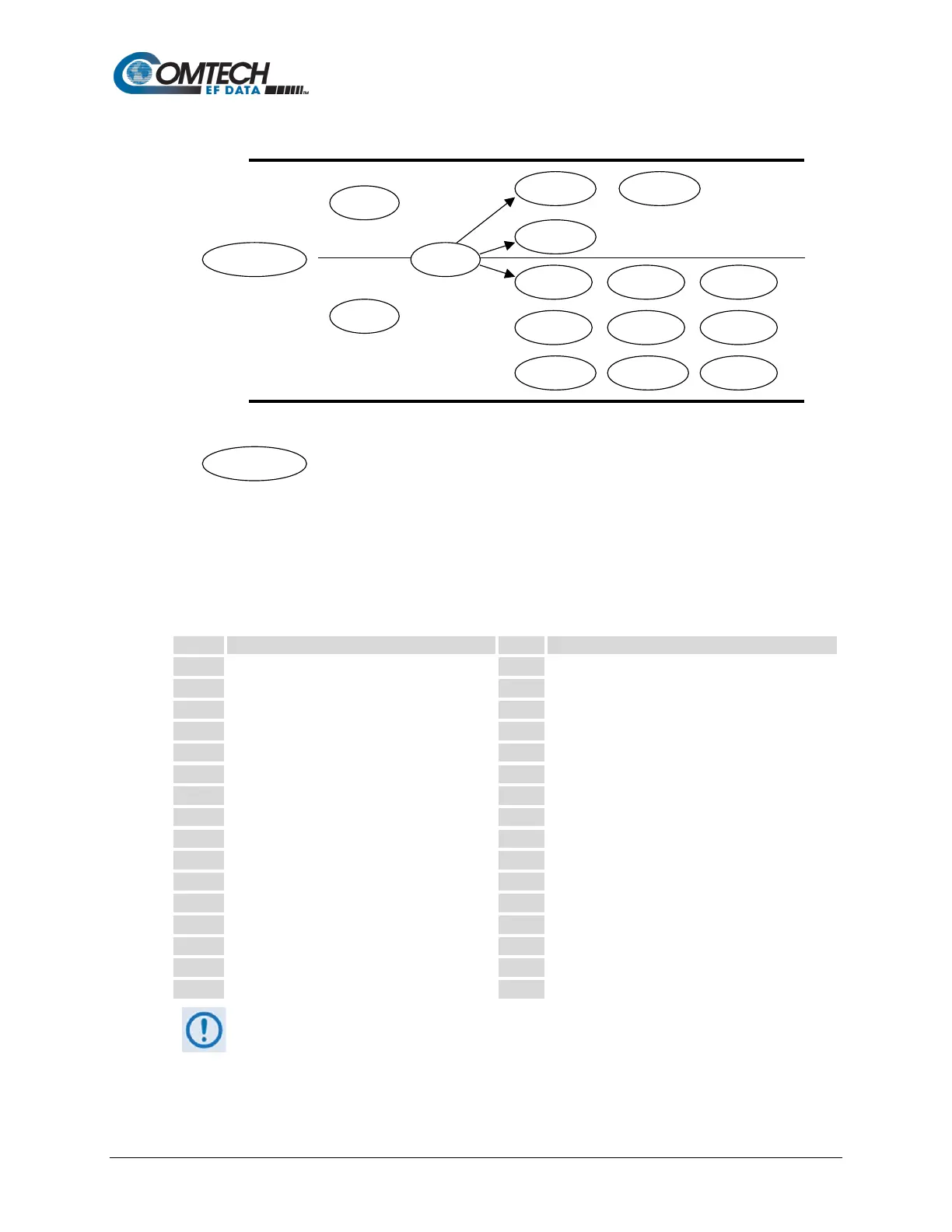
This diagram shows where each protocol selection resides:
Selection of Source/Destination Ports should be done only if you are aware of the port usage of
the desired protocol or application. There are well known ports for various protocols, but often
only the ‘command’ messaging is transacted on these ports and the ‘data’ is transferred through a
negotiated port.
Use this table as a reference for some well-known port numbers:
TCP Port Service Multiplexer (TCPMUX)
SSH Remote Login Protocol
Simple Mail Transfer Protocol (SMTP)
Host Name Server (Nameserv)
Border Gateway Protocol (BGP)
Gateway Access Control Protocol (GACP)
Trivial File Transfer Protocol (TFTP)
Directory Location Service (DLS)
SNA Gateway Access Server
Simple Network Paging Protocol (SNPP)
Simple File Transfer Protocol (SFTP)
Once the QoS Rules are defined, each type of traffic flow should be isolated
and sent to verify that it is being sent in the intended QoS Rule.
WRED – When WRED is enabled for a specific queue, QoS randomly drops packets after
reaching 50% of the QoS queue.



 To Next Page