Field Service Ver. 1.0 Aug. 2005 9. Utility/Counter Mode
123
bizhub 200/250/350Adjustment / Setting
9.3.6 User’s Choice 6/6
A. Default Screen
(1) Default LCD Screen
(2) Default E-Mail Screen
B. Default Device
C. Image Quality (ADF)
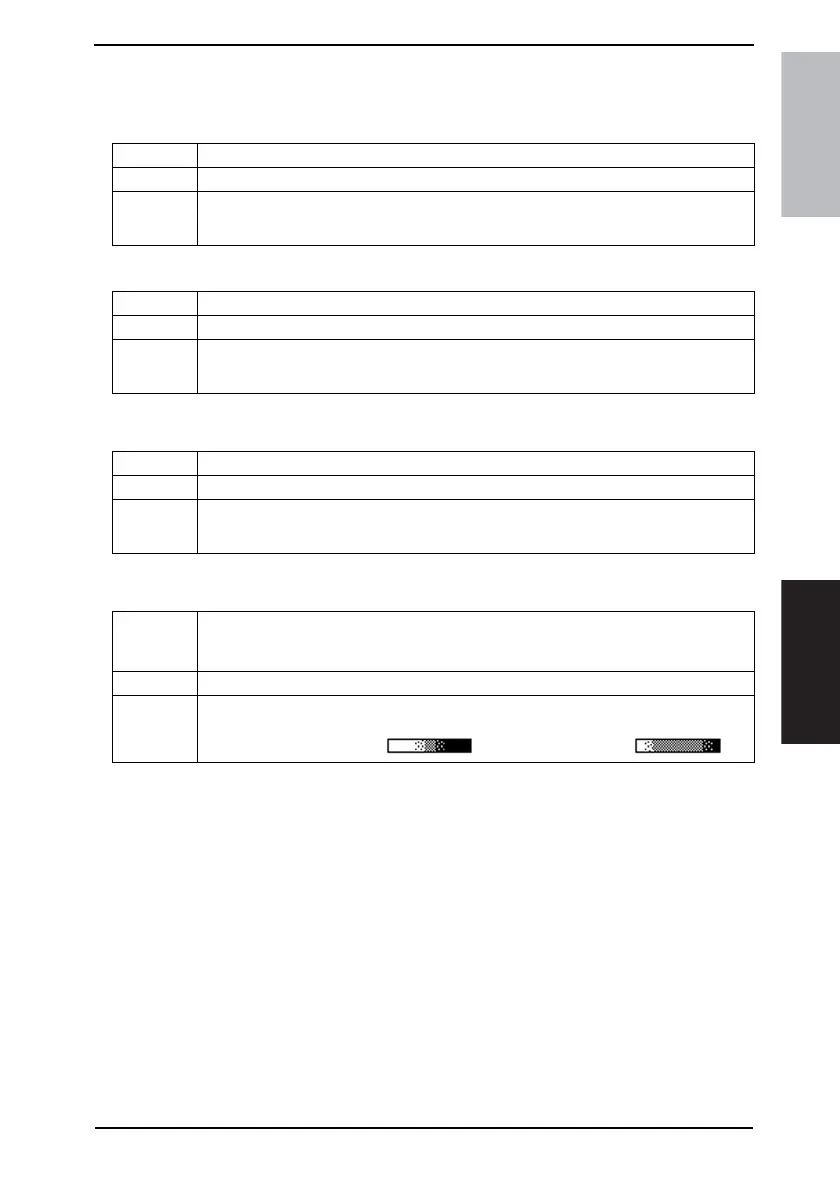
Functions • To set the default screen selected when the screen shifts to the initial one.
Use • To change the default screen selected when the screen shifts to the initial one.
Setting/
Procedure
• The default setting is “Copy”
“Copy” E-mail
Functions • To set the default screen selected when the Scanner is selected.
Use • To change the default screen selected when the Scanner is selected.
Setting/
Procedure
• The default setting is “One-Touch”
“One-Touch” Search Address Input Index
Functions • To set the mainly used function.
Use • To change the mainly used function.
Setting/
Procedure
• The default setting is “Copy”
“Copy” Printer
Functions
• To adjust the copy image density level when the ADF is being used.
• Mode 1: When a standard original (text, etc.) is used
• Mode 2: To improve the reproduction of a faint original.
Use • To change the copy image density level when the ADF is being used.
Setting/
Procedure
• The default setting is “Mode 1”
Mode1 (for black lines): “ " Mode2 (standard):









 To Next Page