9. Utility/Counter Mode Field Service Ver. 1.0 Aug. 2005
122
bizhub 200/250/350
Adjustment / Setting
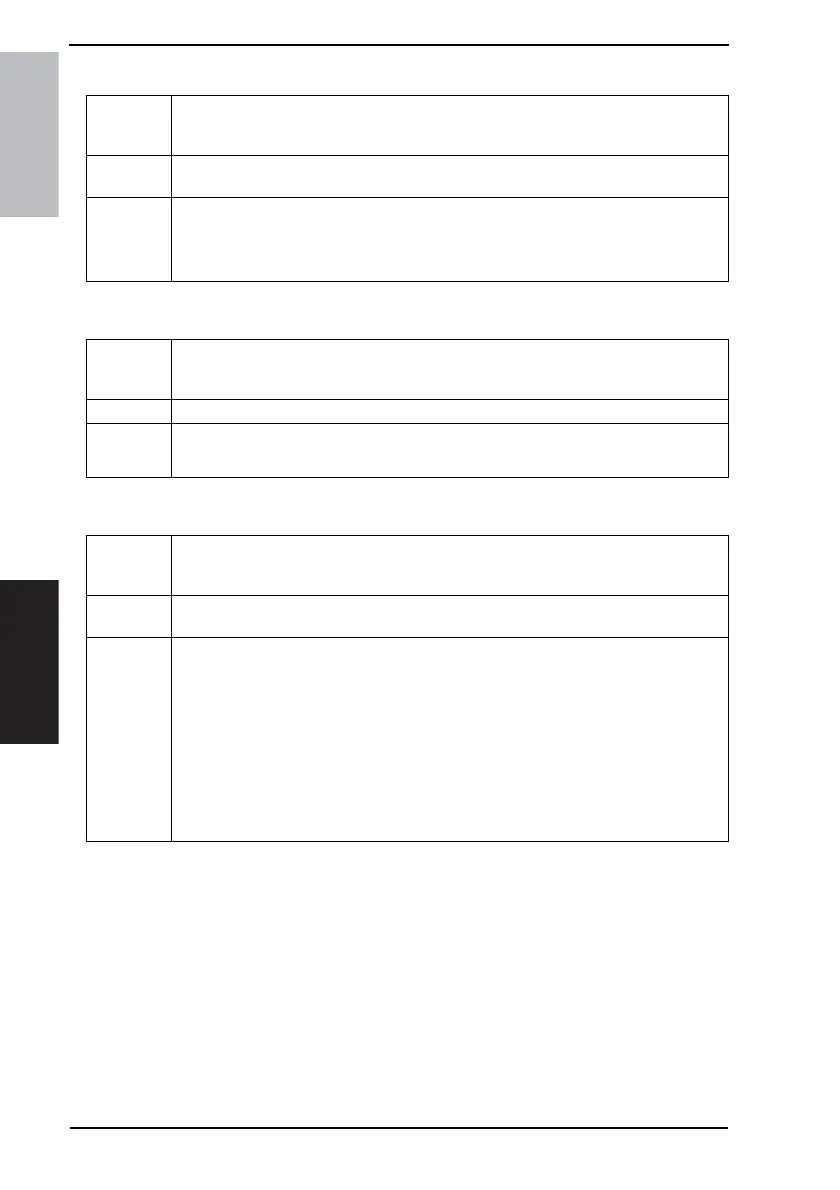
C. Auto Paper Select for Small Original
D. Dehumidify Scanner
E. Crease/Center Staple
Functions
• To set whether or not to specify the paper tray when an original, whose size falls out-
side the detectable range, is loaded or no originals are loaded at all with the [Auto
Paper Select] setting selected.
Use
• [Copy]: Enables copying by using the priority paper source.
• [Prohibit Copy]: Displays a screen prompting the user to select the paper source.
Setting/
Procedure
• The default setting is “Copy”.
“Copy” Prohibit Copy
• If “Copy” is selected, the copy can be made after a paper source is selected.
Functions
• To set the time at which the Scanner is dehumidified in order to prevent dew condensa-
tions from being formed on the Scanner.
• Becomes available when the corresponding Tech. Rep. Mode function is set.
Use • To change the time at which the Scanner is dehumidified.
Setting/
Procedure
• The 10-Key Pad is used for setting the time.
Hour: 00 to 24 Minute: 00 to 59
Functions
• To specify the folding position when the [Crease] setting is selected.
• To specify the binding position when the [Corner Staple] setting is selected.
• Available only when the options mounted.
Use
• To adjust the folding position of the [Crease] function and the binding position of the
[Center Staple] function.
Setting/
Procedure
1. Select [Crease/Center Staple].
2. Select the paper size.
3. Adjust the position of crease and center staple.
<Crease>
• The default setting is “0”
-10 to +10
<Center Staple>
• The default setting is “0”
-10 to +10



 To Next Page