9. Utility/Counter Mode Field Service Ver. 1.0 Aug. 2005
142
bizhub 200/250/350
Adjustment / Setting
(2) Paper Size
(3) Original Direction
(4) Print Method
(5) # of Sets
B. Font
(1) Font #
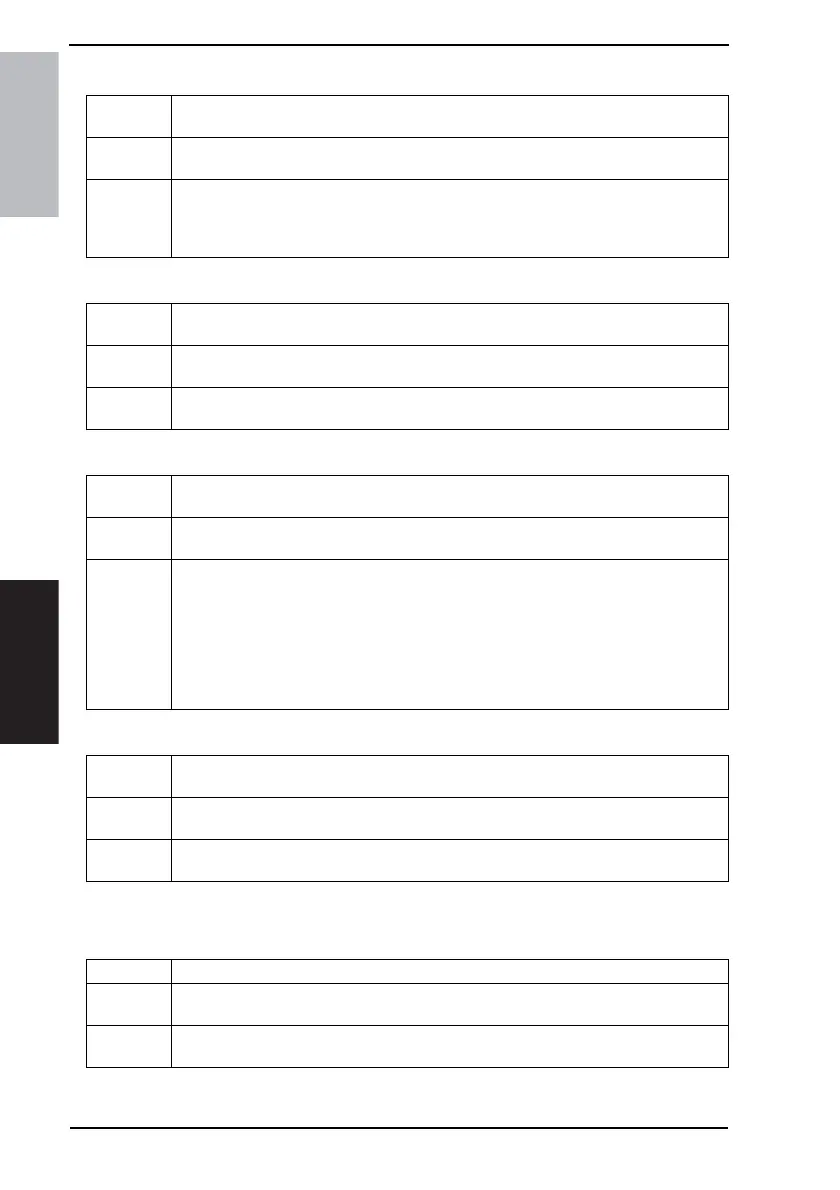
Functions
• To set a paper size when none is specified by the printer driver during computer print-
ing.
Use
• To specify a paper size when one cannot be specified by the printer driver during print-
ing from Windows DOS or in a similar case.
Setting/
Procedure
<For U.S.>
• The default setting is “Letter”.
<For Europe>
• The default setting is “A4”.
Functions
• To set orientation of the image when none is specified by the printer driver during com-
puter printing.
Use
• To specify orientation of the image when one cannot be specified by the printer driver
during printing from Windows DOS or in a similar case.
Setting/
Procedure
• The default setting is “Portrait”.
Functions
• To set a print method when none is specified by the printer driver during computer
printing.
Use
• To specify a print method when one cannot be specified by the printer driver during
printing from Windows DOS or in a similar case.
Setting/
Procedure
[Print Method]
• The default setting is “Simplex”.
“Simplex” 2-Sided Print
[Binding Method]
• The default setting is “left bind”.
“Left bind” Top bind
Functions
• To set the number of copy sets when none is specified by the printer driver during com-
puter printing.
Use
• To specify the number of copy sets when one cannot be specified by the printer driver
during printing from Windows DOS or in a similar case.
Setting/
Procedure
• The default setting is “1 Set”.
• Setting range: 1 to 999
Functions • To set the font when not specified by the printer driver during PC printing.
Use
• To use when the printer driver cannot specify the font during printing from Windows
DOS, etc.
Setting/
Procedure
• The default setting is “0” (Courier).
• Setting range: 0 to 80



 To Next Page