11. Soft Switch List Field Service Ver. 1.0 Aug. 2005
104
FK-503
Adjustment / Setting
NOTE
• The features with (*) are settable by users. *: Screen setting <*>: Soft switch setting
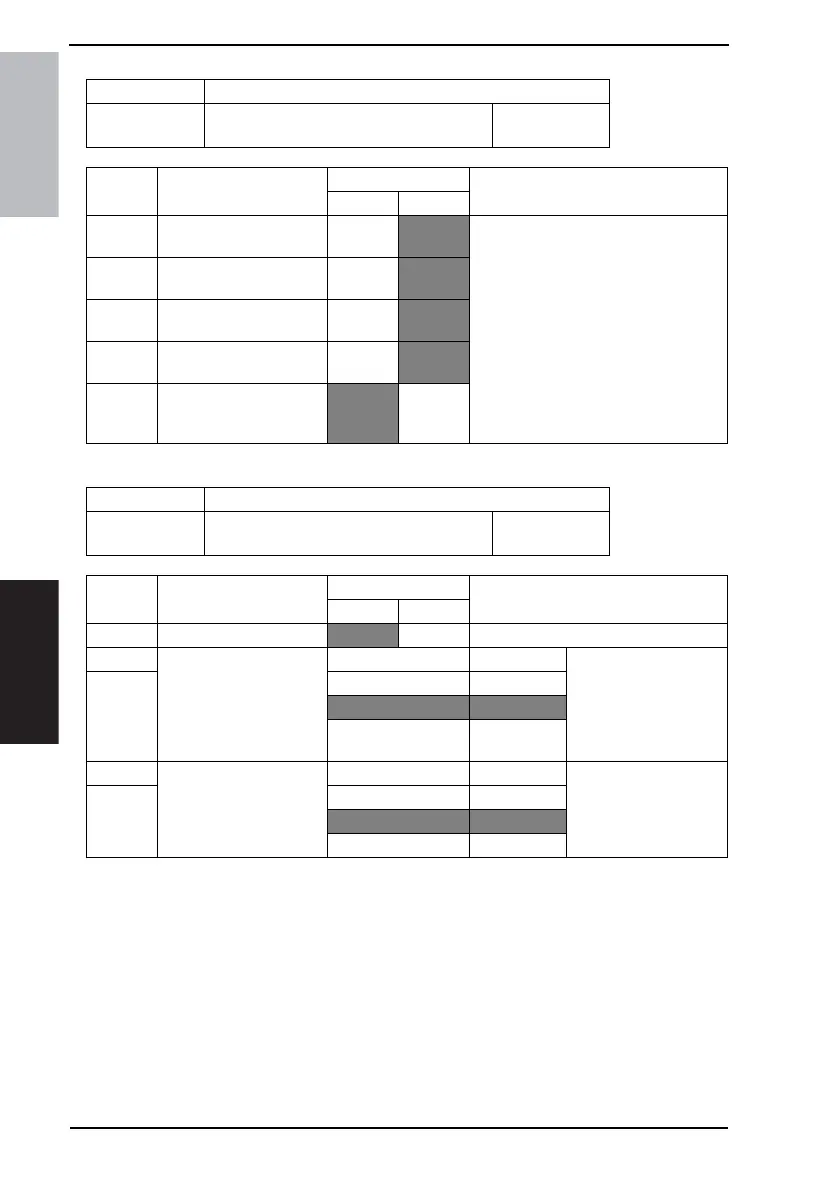
MODE Factory setting bit
323
Bit: 7654 3210
1111 0000
HEX:F0
Bit Feature
Logic
Description
01
7 Cassette-specified print-
ing (Reports: Tray 1)
Cannot
print
Can print When Mode 320 Bit 0 “Cassette selec-
tion per reception port” is enabled, spec-
ify the paper tray (including Bypass Tray)
for printing if receiving by Reports.
6 Cassette-specified print-
ing (Reports: Tray 2)
Cannot
print
Can print
5 Cassette-specified print-
ing (Reports: Tray 3)
Cannot
print
Can print
4 Cassette-specified print-
ing (Reports: Tray 4)
Cannot
print
Can print
3 Cassette-specified print-
ing (Reports: Bypass
Tray)
Cannot
print
Can print
MODE Factory setting bit
350
Bit: 7654 3210
1010 1000
HEX:A8
Bit Feature
Logic
Description
01
6 POP3 before SMTP <*>
No Ye s
5 Maximum width of docu-
ment to be transmitted
when the fax capability of
the receiver is set to
[Advanced]
(Network function) *
Bit 5-4: 00 A4/Letter Default value of maxi-
mum width of document
to be transmitted when
the fax capability of the
receiver is set to
[Advanced]
4 01 B4/Legal
10 A3/11×17
11 Not available
3 Maximum resolution to be
used when the fax capa-
bility of the receiver is set
to [Advanced]
(Network function) *
Bit 3-2: 00 200×200 dpi Default value of maxi-
mum resolution to be
used when the fax capa-
bility of the receiver is
set to [Advanced]
2 01 400×400 dpi
10 600×600 dpi
11 Not available









 To Next Page