Monitoring
118
Instructions for Use Fabius MRI SW 3.n
Main Screen
1 To display the main screen at any time, press
the »Home« key.
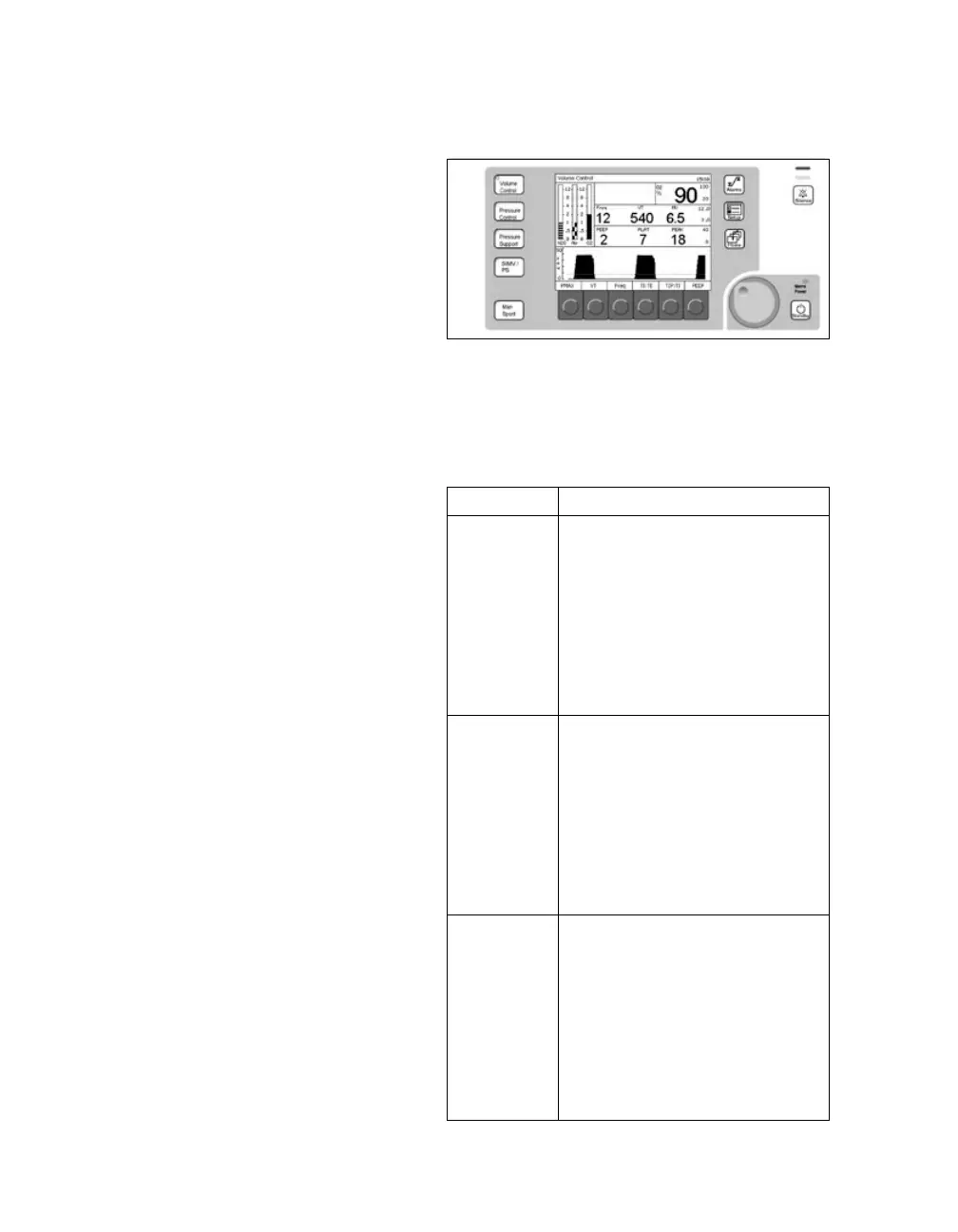
The Fabius MRI main screen displays current
alarms, oxygen monitoring, breathing pressure
monitoring, and respiratory volume monitoring
information.
Alarms
Fabius MRI alarms are organized into three cate-
gories based on urgency:
– Warning: highest priority alarm, requiring
immediate response
– Caution: medium priority alarm, requiring
prompt action
– Advisory: low priority alarm/message that must
be noted and action taken if necessary
Alarm Indication
The priority of Alarms is indicated to the user in
three ways:
– a message appears in the alarm window
– an LED indicator (2) lights up
– an acoustic tone or sequence of tones is annun-
ciated.
The table to the right summarizes the specific way
each type of alarm is indicated.
The alarm messages are only displayed on colored
backround if the option “Color display” is enabled.
Alarm Indication
Warning – warning message appears in
red in alarm window, followed
by three exclamation marks
(!!!)
– red LED alarm indicator (2)
blinks
– alarm tone sequence (of five-
beeps repeated two times)
sounds every 10 seconds
Caution – caution message appears in
yellow in alarm window, fol-
lowed by two exclamation
marks (!!)
– yellow LED alarm indicator (2)
blinks
– alarm tone sequence (of three-
beeps) sounds every 30 sec-
onds
Advisory – advisory message appears in
alarm window, followed by an
exclamation mark (!)
– yellow LED alarm indicator (2)
lights continuously
with internal priority
≥6:
– a 2 tone sounds
with internal priority
<6:
– no tone sounds













 To Next Page