EPSON EPL-N4000/EPL-N4000+ Chapter 3 Troubleshooting
Rev.B 128
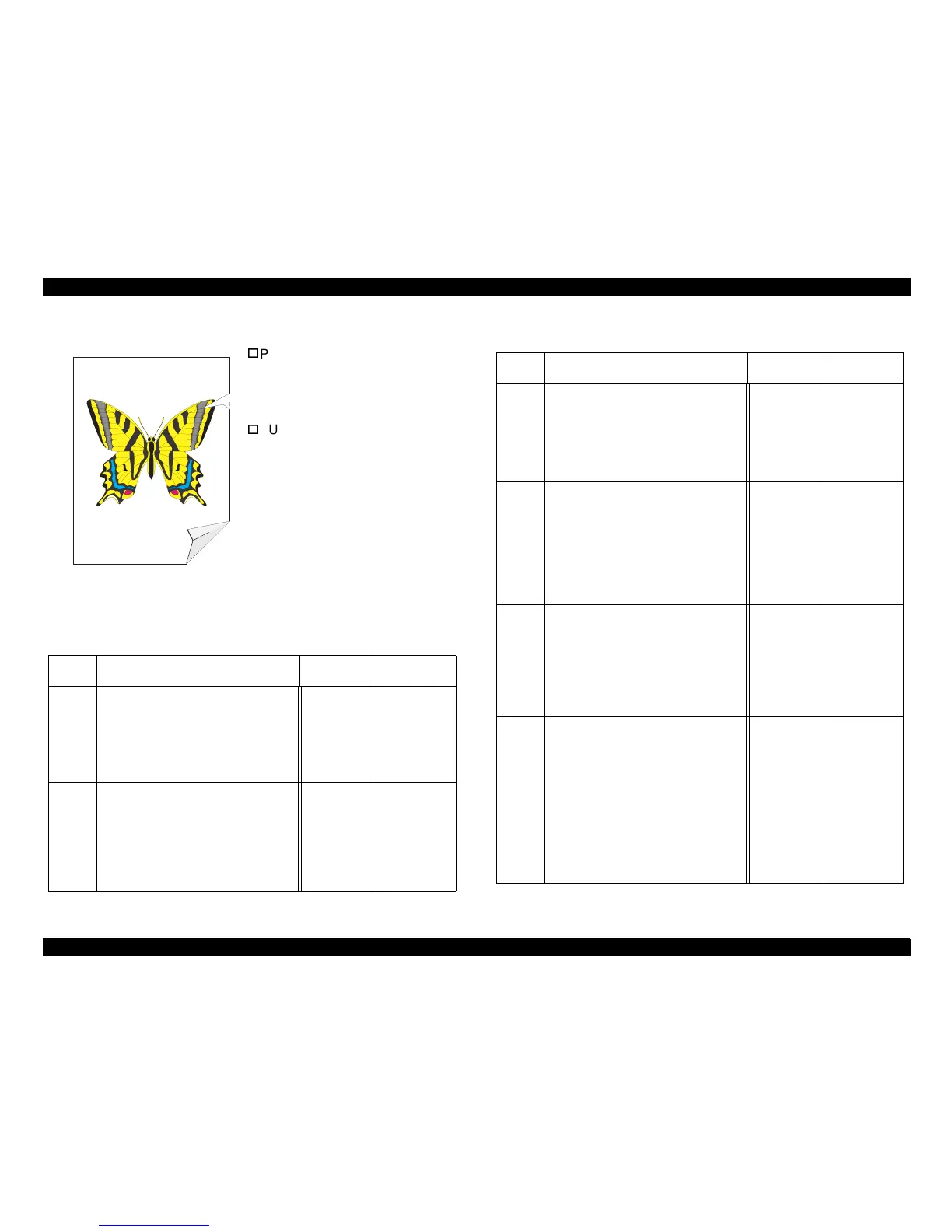
3.4.13 Damaged Prints
Problem
The printed pa
e comes out of the
printer either wrinkled, creased, or
torn.
SUSPECT COMPONENTS
The followin
components are
associated with this specific
problem. One or more of these
components may have failed
partially or completely. If you cannot
isolate the problem usin
this FIP,
replace each component listed
below, one at a time, until the
problem disappears.
• No recommendations
Table 3-56. Damaged Prints
Table 3-57. Damaged Image
Step Actions and Questions Yes No
1
PAPER INSPECTION
Inspect the paper that is loaded in the
Feeder that is havin
e
problem
Is the paper in the Feeder already
wrinkled, creased, or torn?
Replace
with fresh,
dr
paper
Go to step 2
2
PAPER PATH INSPECTION
Inspect the paper path, between the
feed tra
, for paper
scrap, obstructions, or broken printer
components.
Is the paper path clear and there are
no broken components?
Go to step 3 Clear the
paper path or
replace the
broken
component.
Step Actions and Questions Yes No
3
PAPER FEED INSPECTION
Run a Grid Test Print and switch OFF
printer power halfwa
cle.
Open the Left Upper Cover.
Is the paper fed crooked?
Go to FIP
Skewed
Ima
e
Go to step 4
4
PAPER PATH ROLLS INSPEC-
TION
Inspect all of the rolls alon
the paper
path, between the feed tra
, for contamination, wear, or
dama
e.
Are the paper path rolls free of
contamination, wear, or damage?
Go to step 5 Replace an
ed or
worn rolls.
5
EP CARTRIDGE INSPECTION
1. Run a Grid Test Print and switch
OFF printer power before the sheet of
paper reaches the Fuser.
2. Open the Left Upper Cover.
Is the paper damaged before it
reaches the Fuser?
Replace the
EP
Cartrid
.
Go to step 6
6
FUSER INSPECTION
1. Run another Grid Test Print and
switch OFF printer power when the
print is halfwa
h the Fuser.
2. Open the Left Upper Cover.
3. Examine the paper areas before the
ima
e enters the Fuser and after the
ima
e exits the Fuser.
Is paper undamaged before it enters
the Fuser, but there is damage
visible as it exits the Fuser?
Replace the
Fuser
Assembl
.
Clean or
replace the
Offset/Exit
Assembl



 To Next Page