MECHANICAL COMPONENTS
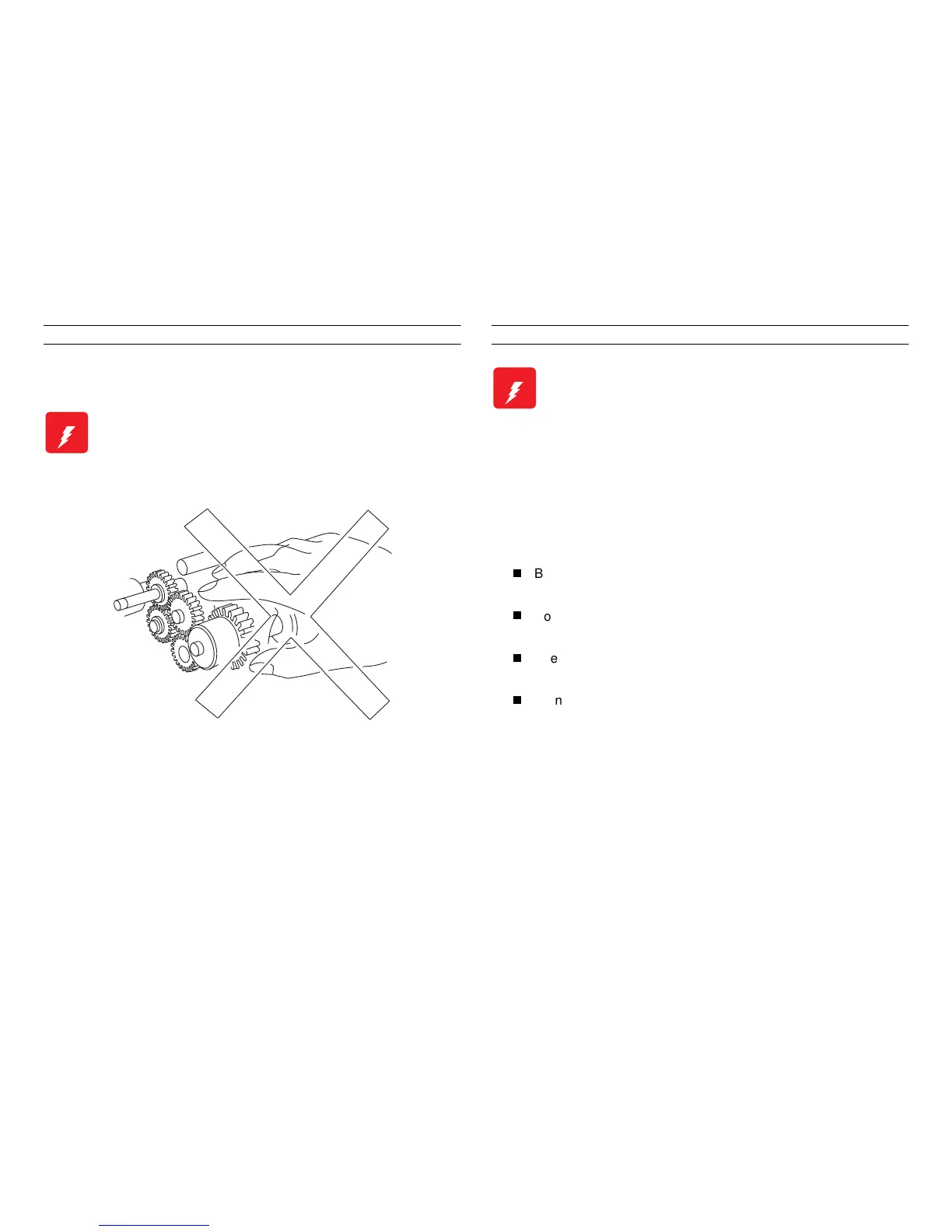
If you service a drivin
ears), first turn off the power
and unplu
the power cord. Then manually rotate the assembly.
LASER ASSEMBLY
To avoid permanent eye dama
e, follow these directions;
Before startin
any service procedure, switch off the printer
power and unplu
the power cord from the wall outlet.
Do not disassemble the ROS Assembly or any laser component
that displays a Laser Warnin
Sticker.
Use caution when you are workin
around the ROS Assembly or
when you are performin
laser related repair procedures.
Do not disassemble the printer in such a way that the laser
beam can exit the printer en
a print cycle.
W ARNING
Do not try to manually rotate or stop the drive
assemblies while the Main Motor is running.
W ARNING
This printer uses a laser as part of the printing process.
The laser beam is a very powerful, straight, narrow
beam of light that produces extreme heat at its focal
point. The laser beam in this printer is invisible.
Although you cannot see the beam, it can still cause
severe damage. Direct eye exposure to the laser beam
may cause eye injury or blindness.
Never place a mirror or a reflective tool or object in the
laser beam path.



 To Next Page