System Basics 91
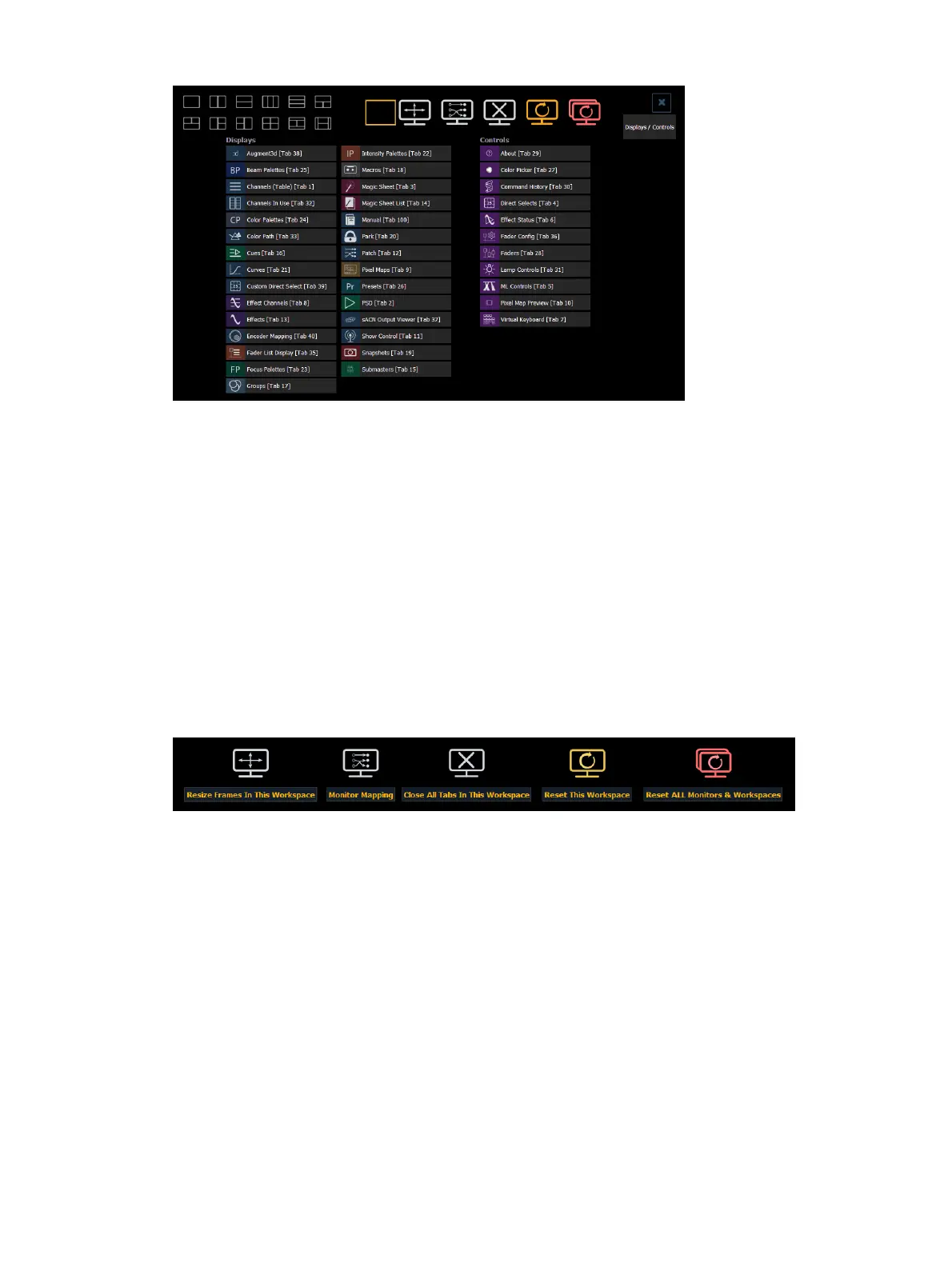
This screen consists of four general areas, each offering different display-related options.
Display and Control Icons
Clicking on an icon will open the appropriate display or control in a new tab.
Display Tabs
Control Tabs
Layout Options
These tools offer you greater flexibility in the number of tabs you can view in any given
workspace. A workspace can have up to 16 frames. Selecting a layout icon will assign the
frame layout identified in the icon. Once a layout is assigned, you can select which displays
and controls will be in which frames.
This screen also offers options for opening and closing tabs as well as resizing and resetting
the monitor(s).
Resize Frames In This Workspace
Allows you to freely resize and edit the frames in any of the workspaces on the monitor. Select
this option to activate the frame configuration grid.



 To Next Page