System Basics 101
Note:
The color and text conventions apply regardless of the format of Live/ Blind
being used (see Using [Format] (on page97)).
Note:
When manual channels are used, there will be an advisory that says "Manual
Channels" in red in the upper left hand corner of any Live display.
Most of the channels in the above image are conventional channels (intensity is the only
available parameter).
Several channels in the image are automated fixtures (possessing more parameters than just
intensity).
Conventionals
Conventions display the channel number, intensity, and any additional data below.
Automated Fixtures or Multi-parameter Devices
This view also has additional data fields beneath intensity (F, C, B). This information can be
suppressed by pressing [Params] and any parameter category (Focus, Color, or Beam) in the
CIA. Doing so will leave only the intensity field and FCB indicators at the bottom of the
channel.
Multicell Devices
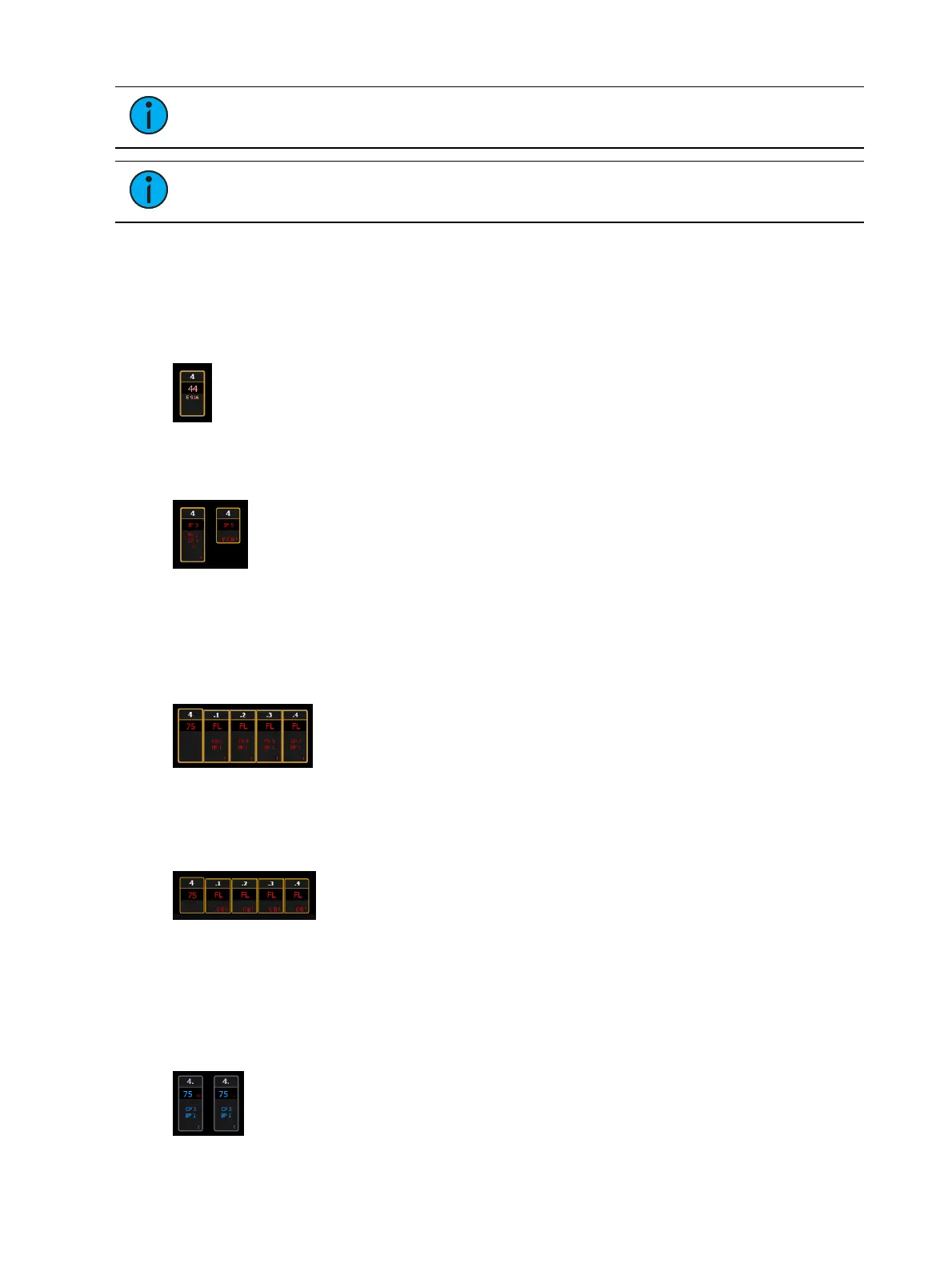
Multicell devices display the channel number broken into decimals, based on how many cells
the device has. Multicell fixtures can be controlled as an entire fixture, individual cells, or a
combination of cells. Parameter data can also be suppressed in the same way as automated
fixtures.
You can use flexichannel modes to hide cells or master channels. See
Using Flexichannel (on
page105)
for more information.
When in Flexi Cells Off mode, the master channel will display its own information in the
normal font size, and data indicators will be used for the cells. If all of the cells are at the same
value, that value will display. If the majority of the cells are at the same value, that value will
be displayed with a superscript plus sign. If there is not a majority, just a plus sign will be used.



 To Next Page