464 Eos Apex, Eos Ti, Gio, Gio @5, Ion Xe, Ion Xe 20, and Element 2 User Manual
Magic Sheet Icon Library
Images can be added from the icon library on the third tab and used as objects or background
images.
For more information on icons and the icon library, see
Icons (on page119)
.
Using Icons with Magic Sheets
To use an image as an object, drag it onto the magic sheet. You can then configure it like any
other magic sheet object. See
Editing Objects on the Magic Sheet (on page469)
.
Background images are set and configured in the background settings tab. See
Background
Settings (below)
.
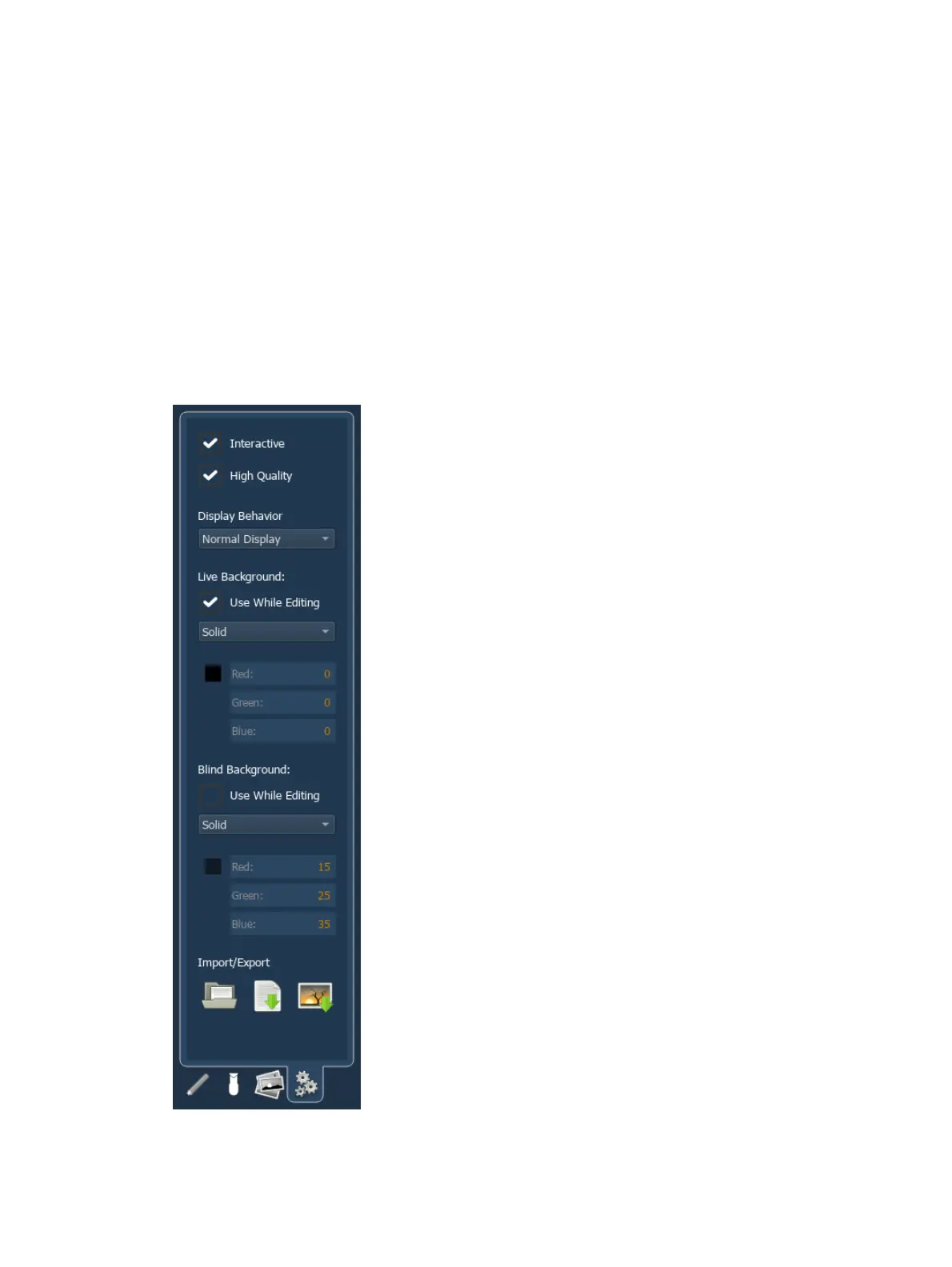
Background Settings
In the fourth tab, you can adjust the settings for the magic sheet background. Backgrounds
can be a solid color, a gradient of two colors, or an image.



 To Next Page