Augment3d 483
Materials Library
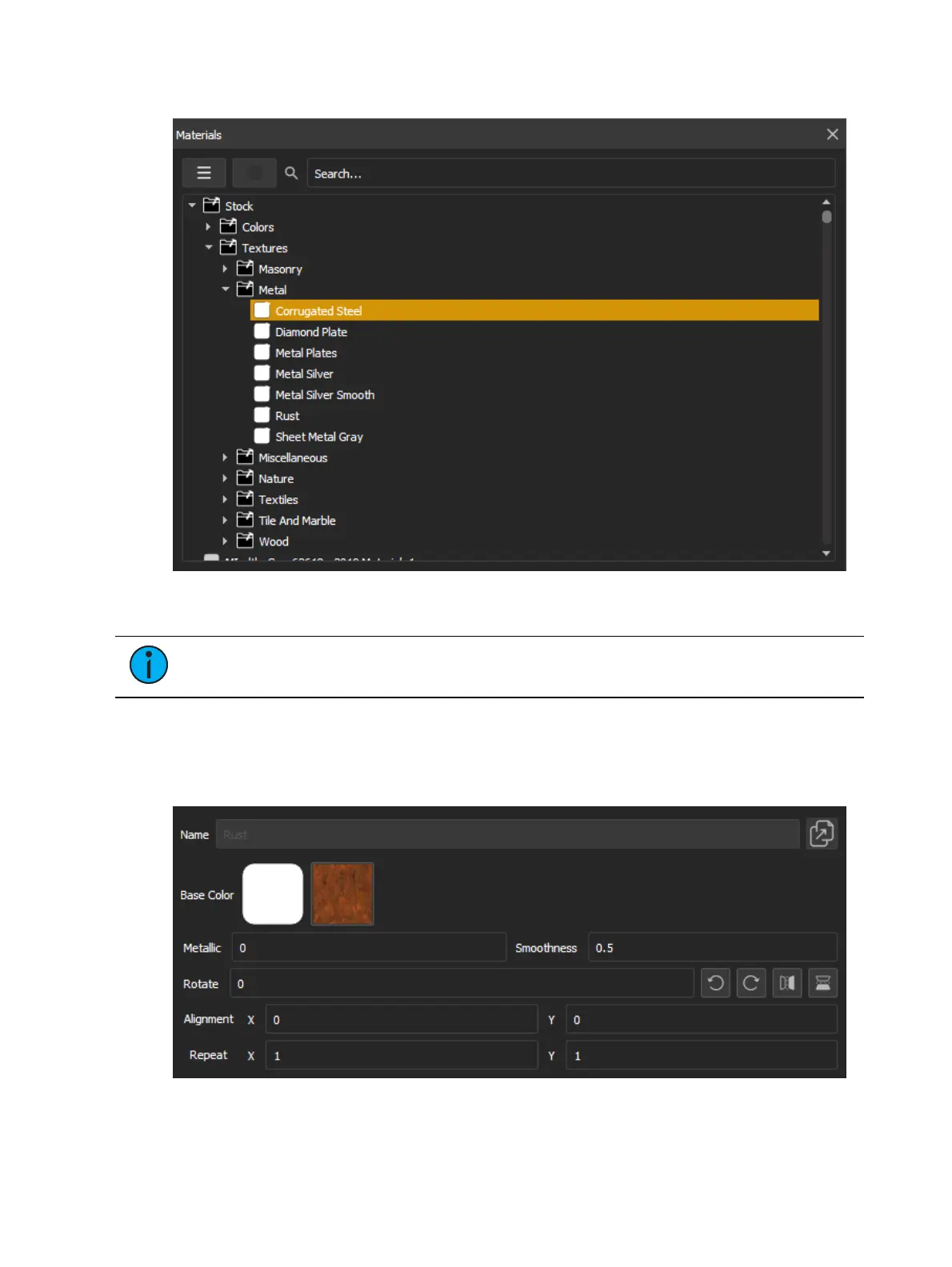
Navigating to Window >Materials will open a window with the materials library, containing
all stock materials, along with any you have created or imported.
Note:
Stock materials cannot be edited or deleted. To alter a stock material,
duplicate it and make changes to the copy.
Search for materials using the search bar. The dropdown menu allows you to create folders for
further organization, or create new materials.
Materials can be dragged from the materials library into the Augment3d scene, and dropped
onto objects or object subcomponents to apply the material directly.
Selecting a material in the library will display the following options:



 To Next Page