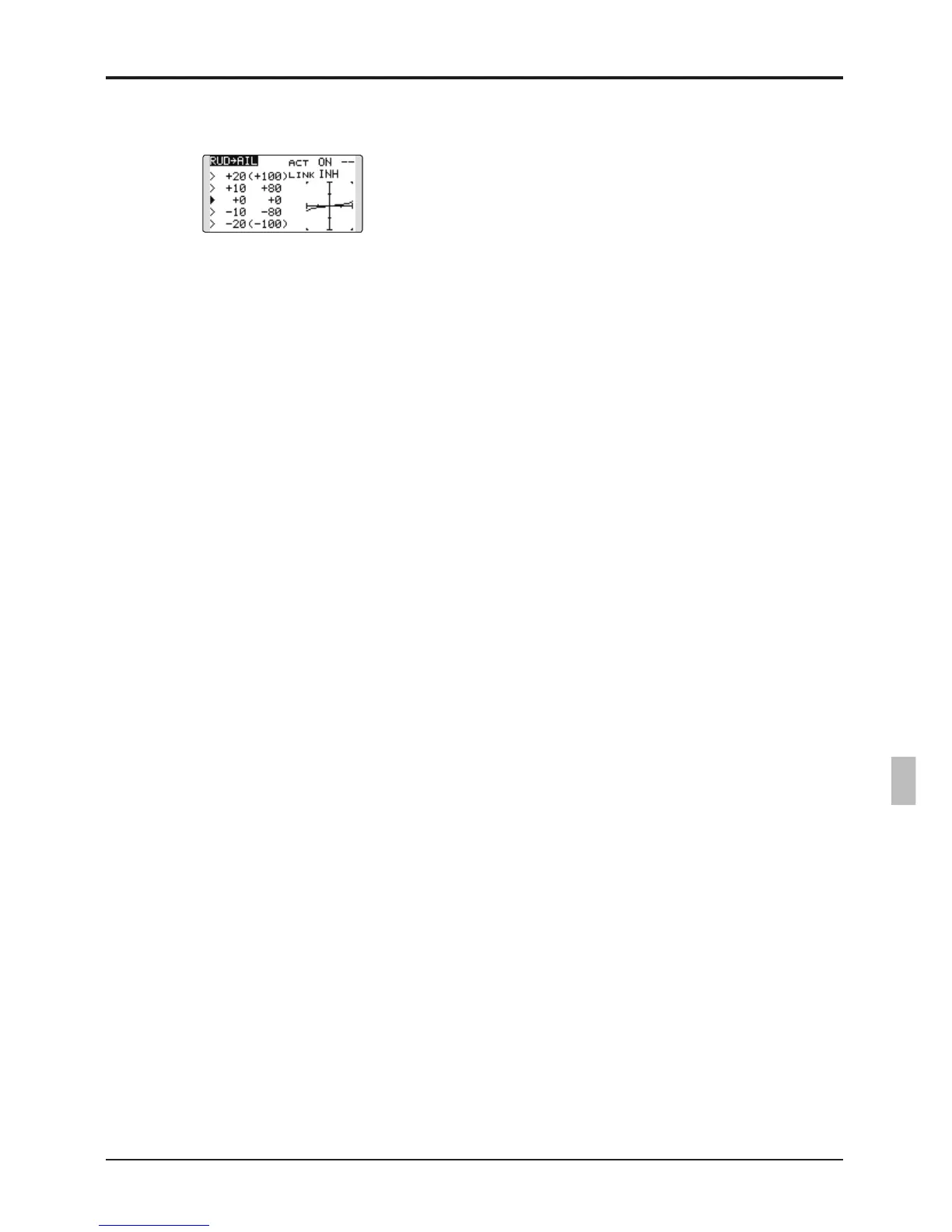
●5-point curve setting (airplane)
[Curveratesetting]
1. Move the cursor to the curve rate setting
item(leftside)youwanttoadjustandpush
the RTN button to switch to the data input
mode.
AdjusttheratebyscrollingthePushdial.
Adjustmentrange:-100%~+100%
*When the RTN button is pushed for one second, the rate is
reset to the initial value.)
PushtheRTNbuttontoendtheadjustment
and return to the cursor mode.
2. Repeat this procedure for each point.
[Movingcurvepoint]
1. Move the cursor to the curve point setting
item you want to adjust and push the RTN
button to switch to the data input mode.
AdjustthecurvepointbyscrollingthePush
dial.
Adjustmentrange:Upto2.5%infrontofthe
adjoining point
*When the RTN button is pushed for one second, the curve
position is reset to the initial value.)
PushtheRTNbuttontoendtheadjustment
and return to the cursor mode.
2. Repeat this procedure for each point.
[Deleting/returningcurvepoint]
Move the cursor to the curve point setting
itemyouwanttodelete/returnandpushthe
RTN button for one second.



 To Next Page