FC2250-UM-251-9370 8-27
8. ELECTRICAL ADJUSTMENTS
8.16 Selecting the model
This mode is able to select the model without the NoV-RAM clear.
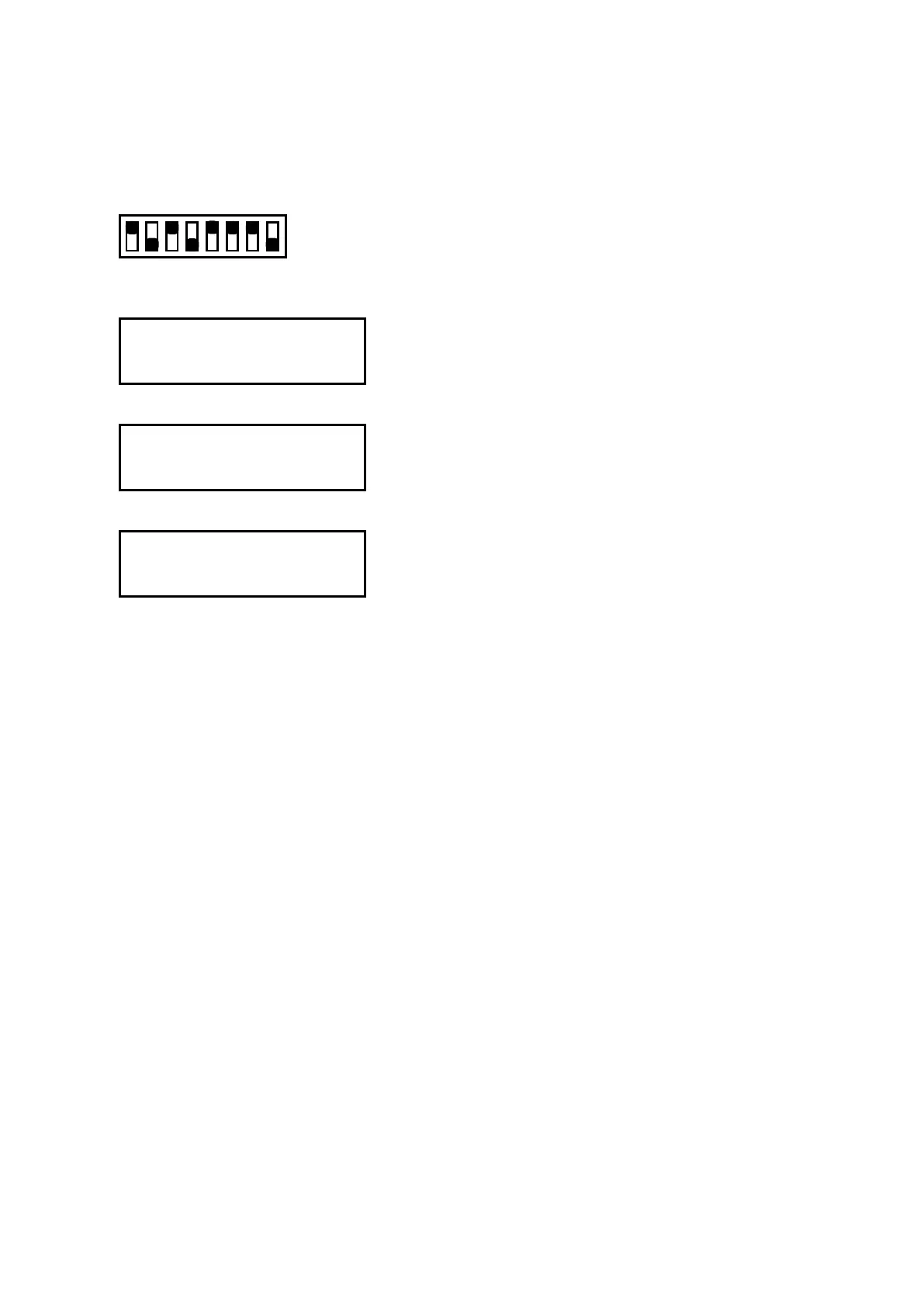
(1) Set the SW1 DIP switch as shown below and then turn on the plotter.
Set bits 2, 4, and 8 to OFF
12345678
ON
OFF
(2) The plotter displays the menu shown below.
SELECT MODEL
FC2250-******
(3) Select the model by using the position keys.
SELECT MODEL
FC2250-******
(4) Press the ENTER key.
SET SUFFIX
*************(V*.**)
(5) Press the ENTER key.
(6) Turn off the plotter and then return the DIP switch to its normal settings.










 To Next Page