FC2250-UM-251-9730 3-10
3. OPER ATIONS
3.8 Setting the Cutting Conditions
This function lets you register eight different groups of cutting conditions in the plotter’s memory. The cutting
conditions stored in memory are referred to as setting conditions. Specify each group of setting conditions to
match a particular media type.
The setting conditions can also be freely changed as required. Use the [F1] through [F4] keys on the control
panel to move through the eight groups of setting conditions that are stored in memory until you locate the
one that is suitable for the media type you will be using. Two groups of setting conditions are assigned to
each of the four keys, and each of the eight groups is labeled with a CONDITION number to enable easy
identication.
In this section, we will describe the setting procedures for the cutting force (pen force, creasing force), speed,
cutter blade type/offset, creaser, quality, Thick Mode and the perforation length.
• Cutting force (pen force, creasing force): FORCE
• Speed: SPEED
• Cutter blade type/offset: OFFSET
• Creaser
• Quality: QUALITY
• Setting the thick mode
• Setting the perforation length
With the plotter in Ready status, press the [F1] through [F4] key corresponding to the setting condition
number for which you wish to make settings.
Setting condition numbers 1 and 5 are assigned to [F1], 2 and 6 to [F2], 3 and 7 to [F3], and 4 and 8 to [F4].
For example, if the [F1] key is pressed when COND 1 has been selected, the display changes to COND 5.
If a condition number other than 1 was selected, COND 1 will be displayed when the [F1] key is pressed. In
the same way, press [F2] to select COND 2 and 6, [F3] to select COND 3 and 7, and [F4] to select COND 4
and 8.
(1) Press the [CONDITIONS] key.
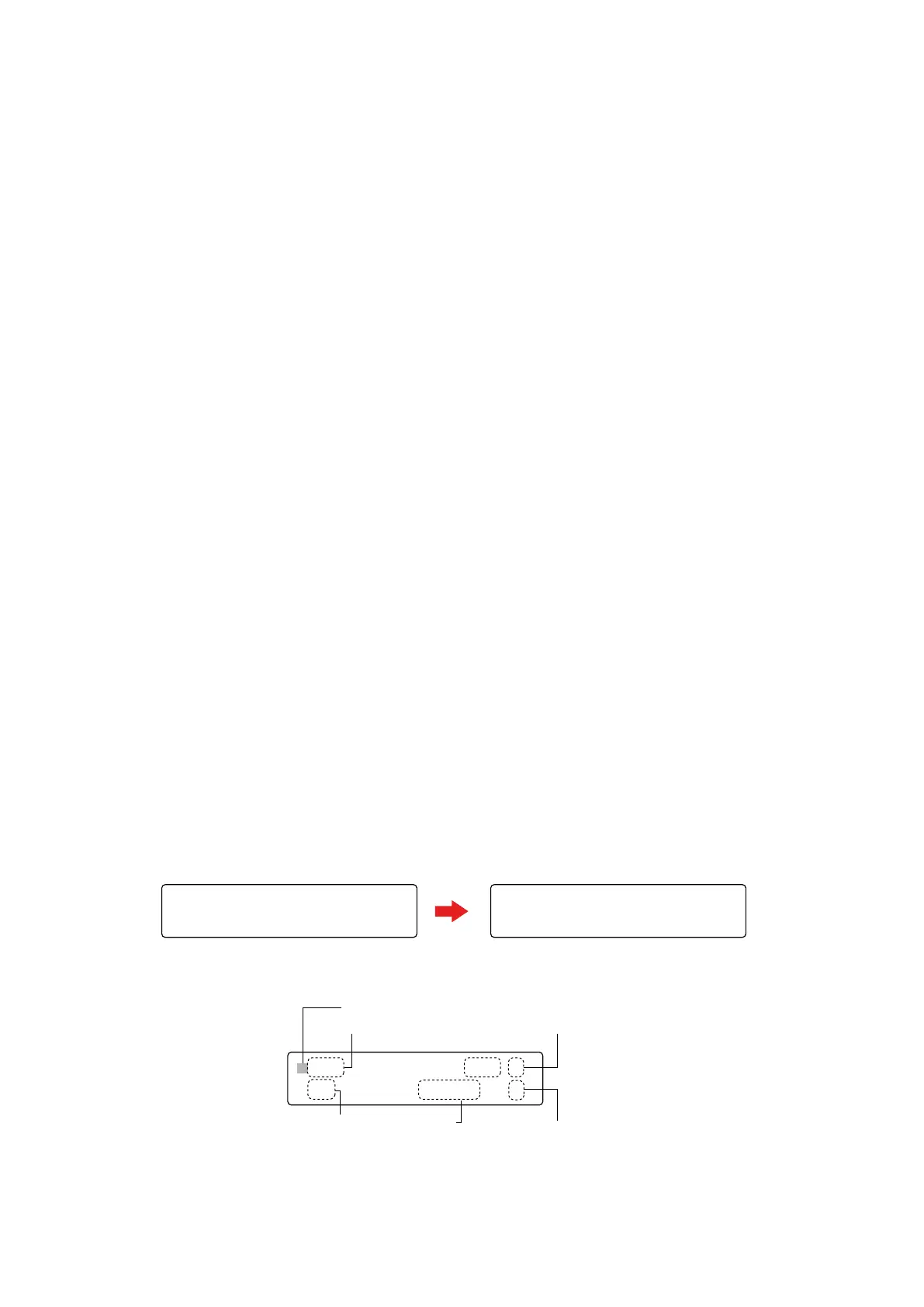
The lower row of the display changes from “READY+ TOOL1” to “CHANGE TOOL1”. (The display will
differ according to the setting conditions that have been made.)
FORCE OFFSET
SPEED QUALITY
FORCE OFFSET
SPEED QUALITY
20,20 COND1 09U 0
30 READY+ TOOL1 4
X20 COND1 09U 0
30 CHANGE TOOL1 4
(2) The setting condition parameters are displayed as shown below.
FORCE OFFSET
SPEED QUALITY
Cutting (pen force)
Speed
Tool number
Offset value
Quality
X20 COND1 09U 0
30 READY+ TOOL1 4










 To Next Page