FC2250-UM-251-9370 9-1
9. TROUBLESHOOTING
9. TROUBLESHOOTING
9.1 Troubleshooting Flowcharts
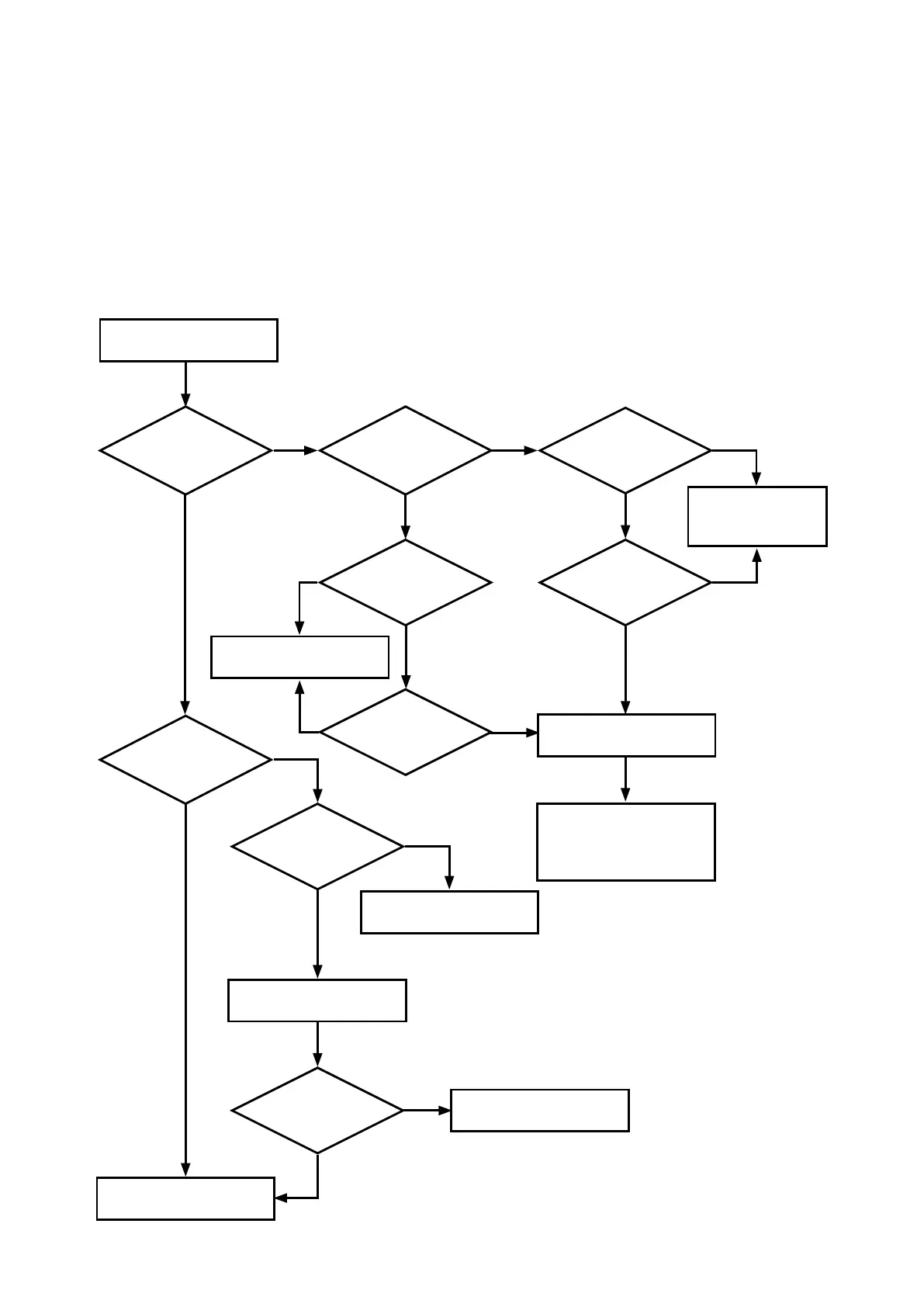
9.1.1 Checking for Faulty Rotation of the Blade
Cutting cannot be properly performed if the blade mounted in the holder does not rotate smoothly or if there
is play between the holder and blade because their diameters do not match.
Use the owchart below to check for faulty rotation of the blade.
Does the
cutter blade rotate
smoothly?
Rotate the blade with your
nger.
No
Yes
Check the
cutter plunger.
Is the spring
attached to the
blade?
PHP31-CB09/15B
No
Mount the spring so
that it will not come
off the blade.
Is there
grease on the
blade?
No
Yes
Is the
spring properly
attached?
Apply the grease.
Is there play?
Has
the grease
deteriorated? (become
heavier?)
Yes
Replace the blade.
PHP31-CB15
Yes
If the cutter blade still does
not rotate smoothly, the
cutter plunger is faulty.
Replace it.
Is the
CB09 blade in
PPA31-CB15/B?
Replace the blade.
Yes
No
No
No
Yes
Yes
Yes
Mount the CB15 blade.
Is there still play?
Faulty cutter plunger.
Replace it
No
Normal.
No










 To Next Page