FC2250-UM-251-9370 8-16
8. ELECTRICAL ADJUSTMENTS
8.11 Adjusting the Pen Force
Required jigs and tools
• Colex gauges (500 g, 300 g, 50 g)
• Push/Pull gauge (1 kg)
• Cutter plunger
(1) Check that the carriage cover is in place. Fit a cutter plunger from which the blade has been removed
into the cutter holder.
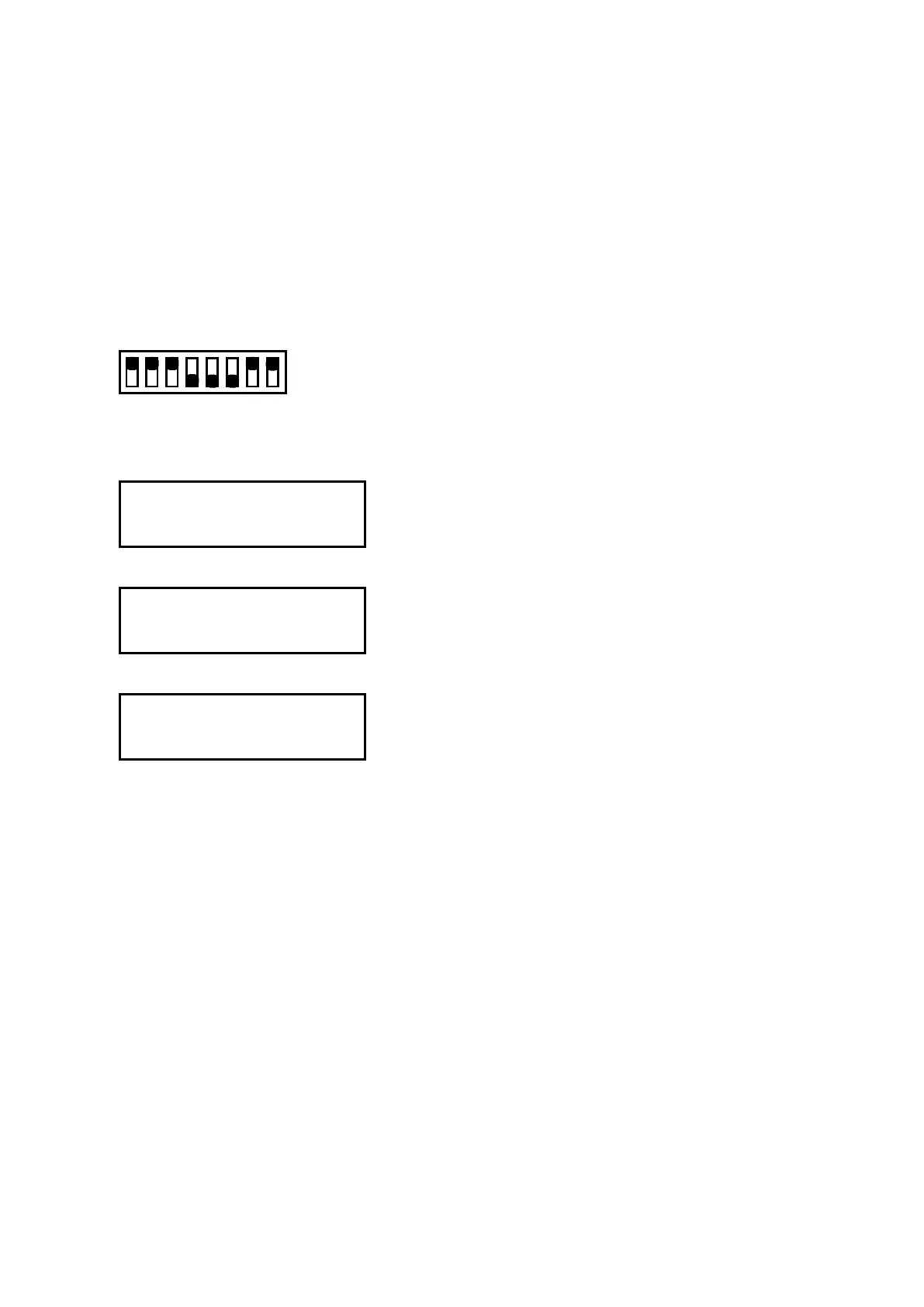
(2) Set the SW1 DIP switch as shown below and then turn on the plotter.
Set Bits 4, 5, and 6 to OFF
12345678
ON
OFF
(3) A menu for electrical adjustment appears on the LCD panel.
(4) Press the [NEXT] key until the LCD displays the following:
TOOL PRESS SETTING
PRESS ENTER KEY!!
(5) Press the [ENTER] key to display the following menu.
TOOL PRESSURE ADJ.
AUTO MANUAL
(6) Press the [F4] key. The LCD screen changes to display the following:
TOOL PRESS SETTING
No.1 -> 24 [g]










 To Next Page