FC2250-UM-251-9370 7-39
7. DISASSEMBLY AND ADJUSTMENT
7.5.3 Checking the Sliding of the Y Bar Frame (Manual Check)
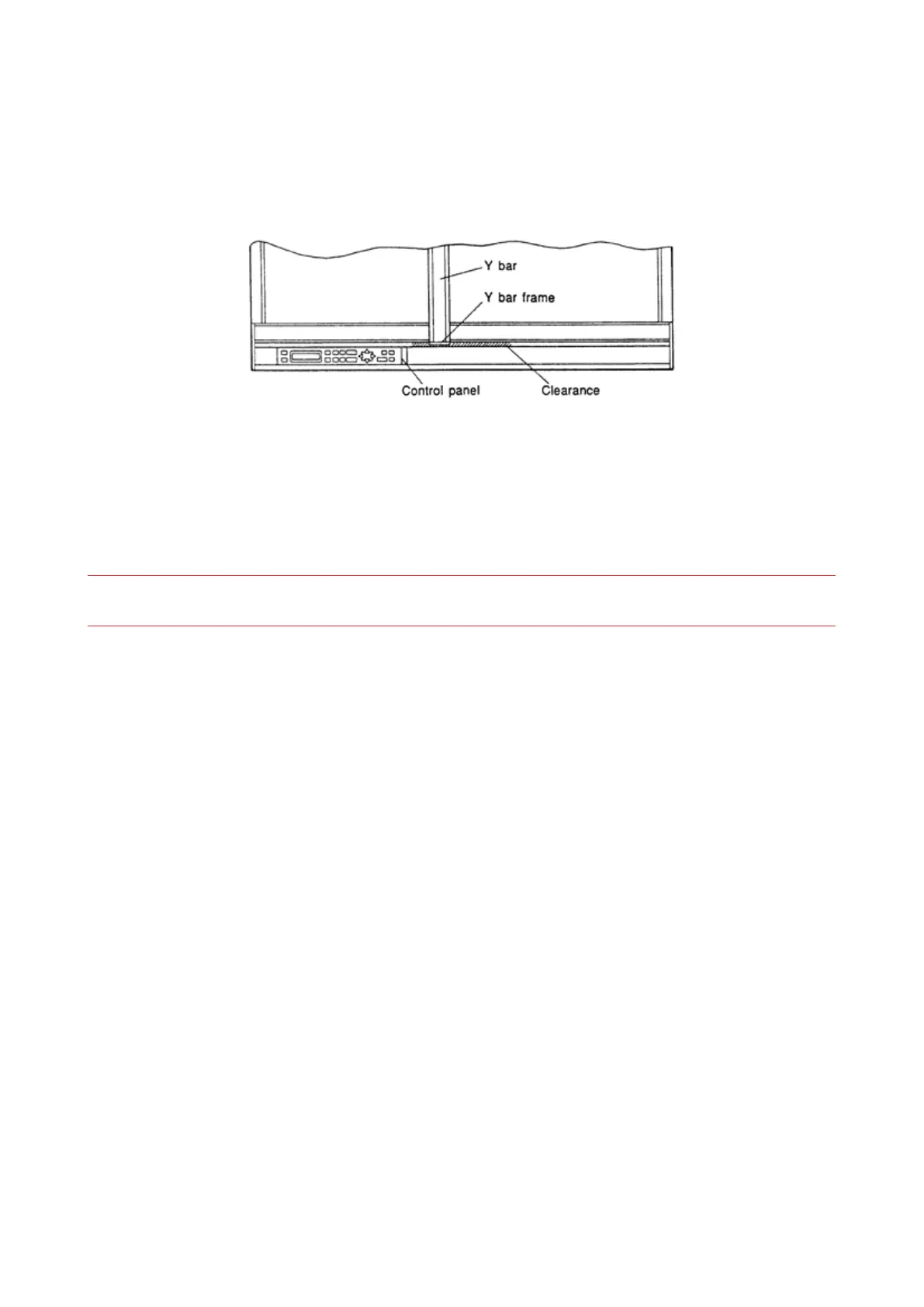
(1) Adjust the clearance 2 mm at the front of the Y bar frame to conrm that the frame clearance is
approximately identical at the front and rear of the writing panel. While moving the Y bar in the X-axis
direction, make sure that no abnormal sound is generated as a result of the Y bar making contact with
the Y bar frame.
(2) Other adjustments of the Y bar frame
• Loosen the screw located on the bottom plate of the control panel, then pull the control panel assembly
toward you to increase the clearance.
• When the front and back clearances of the Y bar frame are identical, readjust the height of the Y bar.
• After adjustment, gently slide the Y bar within its movable range to conrm that no abnormal sound is
generated.
NOTE: Before moving the Y bar by hand, be sure to detach the three connectors which connect the control
box to the plotter’s main unit.
• Next, re-connect the three connectors, turn on the plotter, and use the POSITION keys to check the
operation of the Y bar within the effective plotting area.










 To Next Page