FC2250-UM-251-9370 8-8
8. ELECTRICAL ADJUSTMENTS
8.5 Setting the DIP Switches
Settings for the DIP Switch on the Main Board
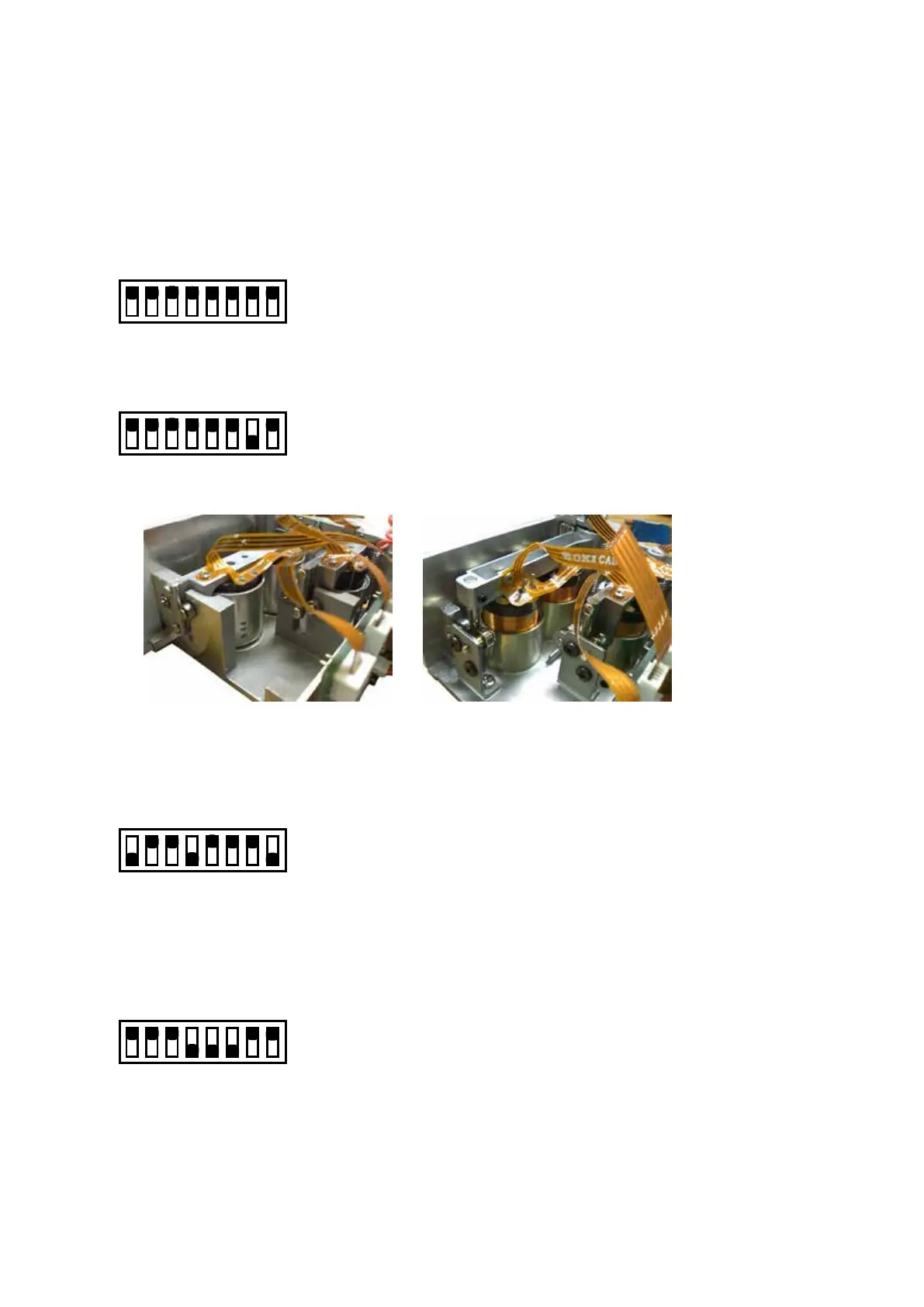
DIP Switch Factory Settings (Normal mode)
This setting depends on the installing pen block assembly.
FC2250 Pen Block Assembly or FC2250 (SH) Pen Block Aseembly
Set all bits to ON
12345678
ON
OFF
FC2250 (PM) Pen Block Aseembly
Set Bits 7 to OFF
12345678
ON
OFF
Outer View of the Pen Block Assembly
FC2250 Pen Block Assembly FC2250 (PM) Pen Block Assembly
FC2250 (SH) Pen Block Assembly
NOVRAM CLEAR Function mode
Set bits 2, 3, 5, 6 and 7 to ON
12345678
ON
OFF
• Initialize the main board by clearing the non-volatile RAM
• Execute this function before starting any electrical adjustment
Electrical Adjustments (Adjustment mode)
Set bits 4, 5, and 6 to OFF
12345678
ON
OFF
• Pen height adjustment
• Pen force adjustment
• Distance adjustment
• Home position adjustment










 To Next Page