FC2250-UM-251-9370 9-15
9. TROUBLESHOOTING
9.4 Error Messages in GP-GL Command Mode
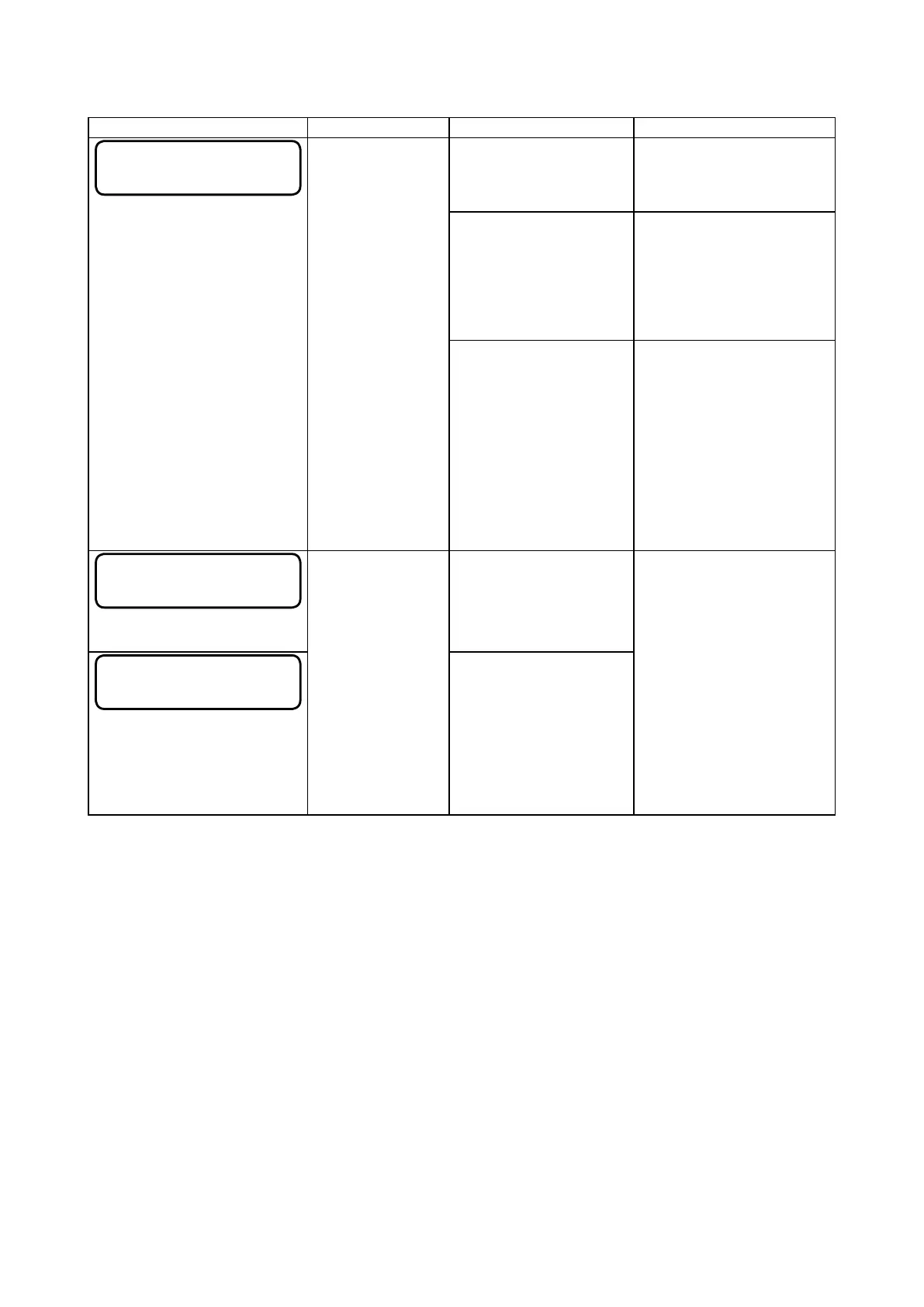
Error Display Cause Verication item Solution
ERROR 1
COMMAND ERROR
The plotter received
an unrecognizable
command.
(1) Did the plotter receive
an unrecognizable
command?
No .....Verify item (2)
Yes ....Send correct data to
plotter.
(2) Is there any noise on
the line?
No .....Verify item (3)
Yes ....Check the interface
cable or move the
plotter to another
location.
(3) Has the correct
model name been set
for the plotter?
No .....Set the correct model
name.
Congure your software
application menu to permit
Graphtec plotter control.
Re-specify the software
application’s interface
conditions.
ERROR 4
PARAMETER OVERFLOW
• The software
conguration
regarding the
output device
has been
changed.
• The plotter’s
interface
conditions have
been changed.
The numeric parameter
of an input command
exceeds its permissible
range.
Congure your software
application menu to permit
Graphtec plotter control.
Re-specify the software
application’s interface
conditions.
Set the correct model name
if it was incorrect.
ERROR 5
I/O ERROR
An error related to the
receipt of data occurred
within the interface.










 To Next Page