FC2250-UM-251-9370 9-7
9. TROUBLESHOOTING
Part 6
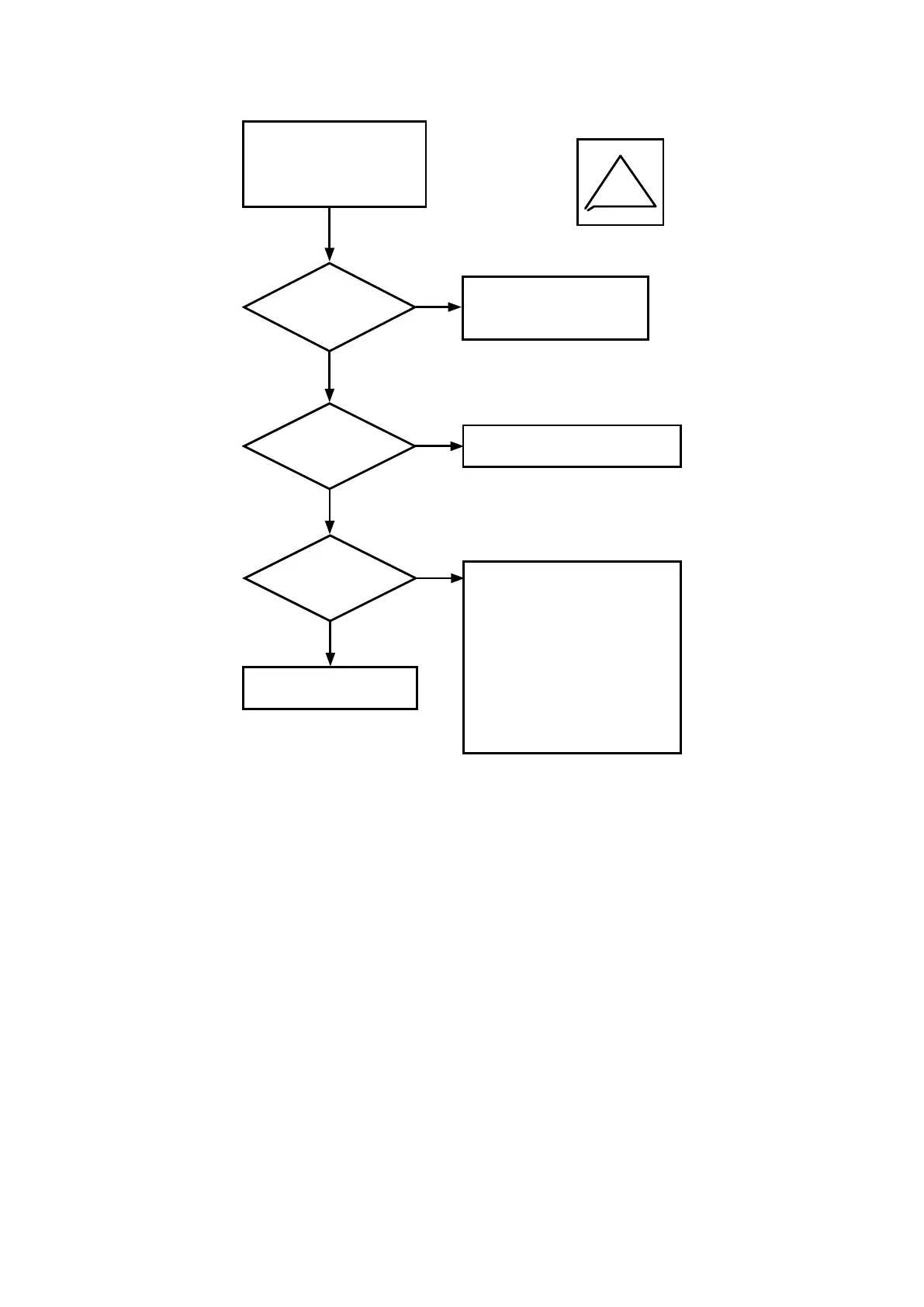
Does the
cutter blade rotate
smoothly?
Although cutter blade initial
control operation [L] was
performed, the starting
point is out of place.
No
Yes
Does
the blade tip come
out when the pen is
rotated?
Check the state of the spring and
grease deterioration.
See section 9.1.1,
“Checking for Faulty
Rotation of the Blade”.
Yes
No
Is there
unevenness or
air in the cutting
media?
When the pen is raised, the blade
tip touches the cutting media and
rotates.
Eliminate unevenness in the
cutting media.
Remove any air from the cutting
media.
Be particularly careful when the
cutting media is being secured
by magnets. With this method,
the cutting media may oat up.
Yes
No
Adjust the offset force
(cutter offset force).
Example










 To Next Page