87
_____________________________________________________________________________________________
6.2 Displaying the "READY" State
______________________________________________________________________________________________
1
2
3
4
5
6
7
8
9
10
11
12
13
14
A
6.2.1 Key-lock Function
NOTE
Even when the key-lock function is activated, the
START
and
STOP
keys on the
REMOTE CONTROL BOX and the start and stop signals on the external I/O
terminal remain active.
It inactivates all keys except the
START
key,
STOP
key, and the range switch.
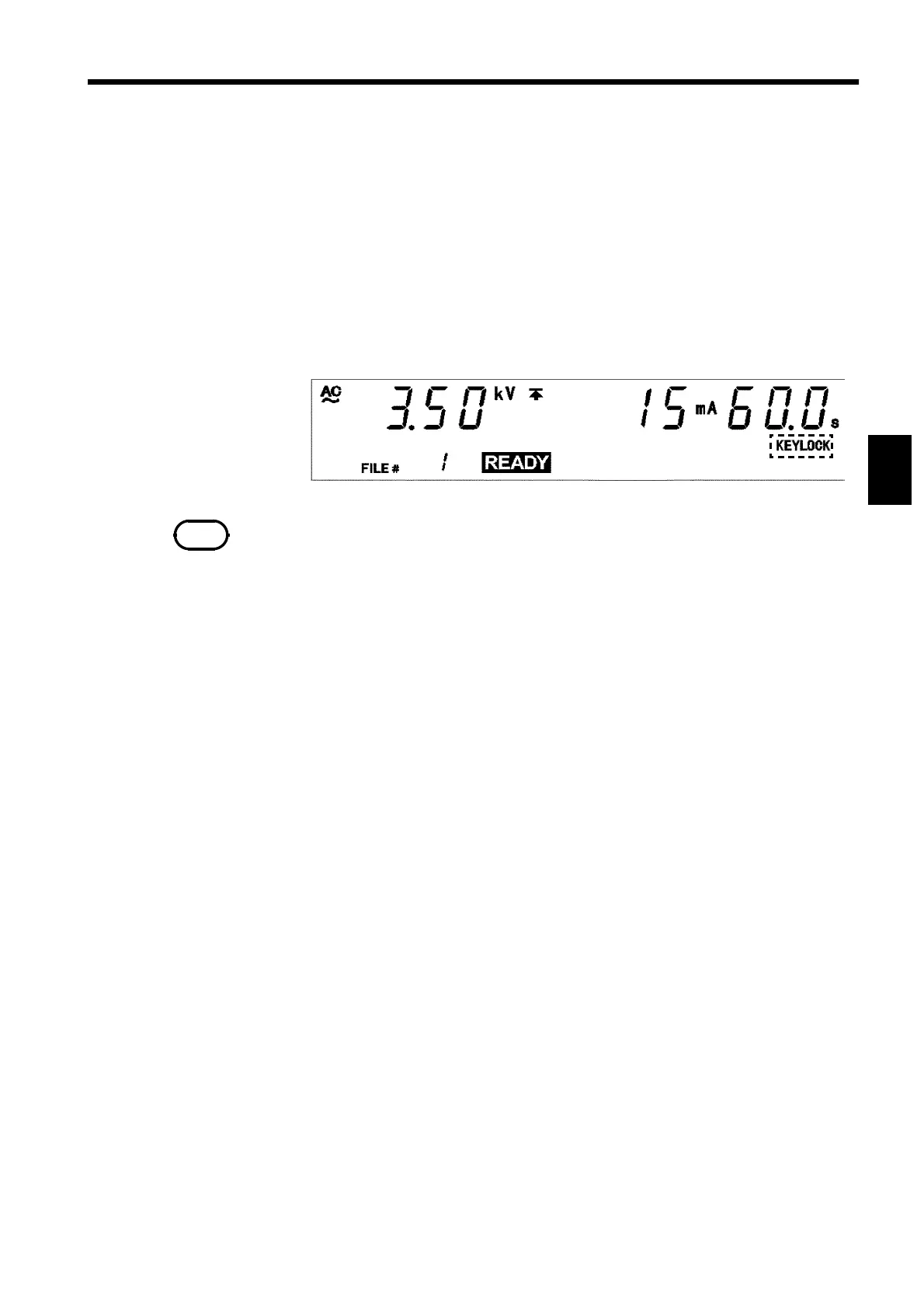
The
KEYLOCK
lamp is lit while the key-lock function is active.
Use this function when you do not want to change the test mode or test
settings.
To switch to the KEY-LOCK state, press the
LOCK
key. The
KEYLOCK
lamp
is lit.
To cancel the key-lock function, press the
LOCK
key in the KEY-LOCK state
while holding down the
SHIFT
key. The
KEYLOCK
lamp is not lit.



 To Next Page