126
_____________________________________________________________________________________________
7.15 TEST-Signal Output
______________________________________________________________________________________________
0
:
TEST
signal ON, including while
TEST
――――――
is flashing.
1
:
TEST
signal OFF, while
TEST
――――――
is flashing
2
:
TEST
signal ON, only while
TEST
――――――
is flashing
(excluding ramp-down time)
7.15 TEST-Signal Output
This function enables selection of whether the external I/O
TEST
――――――――
signal
output is to include the
TEST
flashing time (ramp-up/down time).
1. Press
SHIFT
+
STOP
keys while in READY state to display the Optional
function setting screen.
2. Move the flashing cursor to the position of
P01
using the
/
keys, and
display
P02
(p. 2) using the
/
keys.
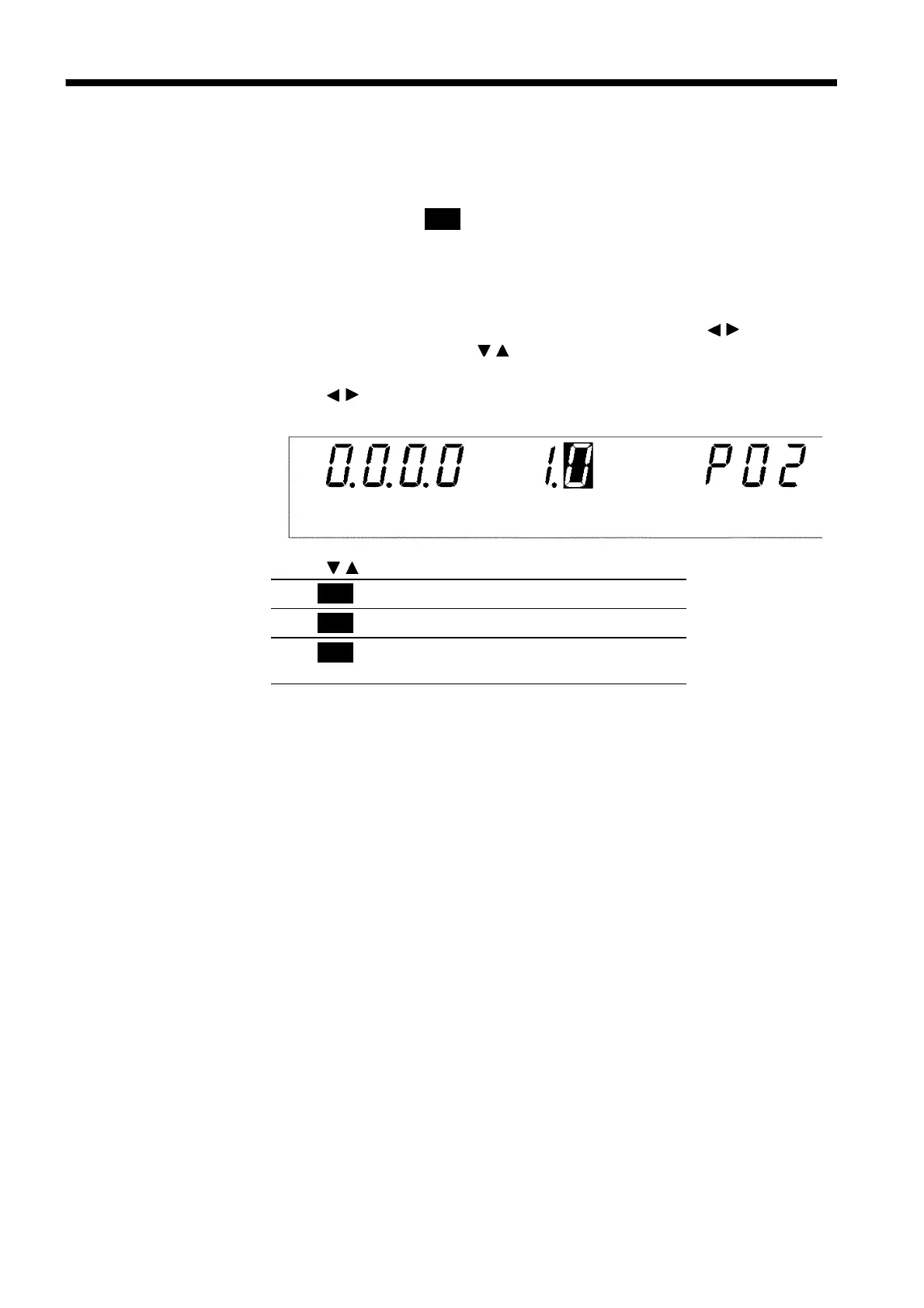
3. Use the
/
keys to move the flashing cursor to the position shown in the
figure.
4. Use the
/
keys to set a value at the flashing cursor location.
5. To complete the optional settings, press
SHIFT
+
STOP
keys. The unit
reverts to the READY state.



 To Next Page