97
_____________________________________________________________________________________________
6.5 Starting a Test
______________________________________________________________________________________________
「
READY
状態」での設定
Loading the program file
「
READY
状態」での設定
Load the program file created in the "program setting window."
Press the
PG.LOAD
key in the program-mode READY state. Select the file to be loaded, and
execute loading.
「
READY
状態」での設定
Starting a Test
When the
START
key is pressed while READY is lit in the program mode (the
PROG
lamp is
lit), the unit switches to the TEST state and the program test starts up. When the unit switches
to the TEST state, the TEST and
DANGER
lamps light up.
「
READY
状態」での設定
Determination
Screening is performed by comparing the set test conditions (upper- and lower-limit values for
current and resistance) with the measured values.
See Section 3.4.1/ 4.4.1/ 6.5.1
See Section 3.5/ 4.5/ 6.6
Creating a file
Create a file for performing program tests in the program mode.
Press the
ENTER
key in the program-mode READY state, and create or edit a file in the
"program setting window."
See Section 6.3
See Section 6.4
6.5 Starting a Test
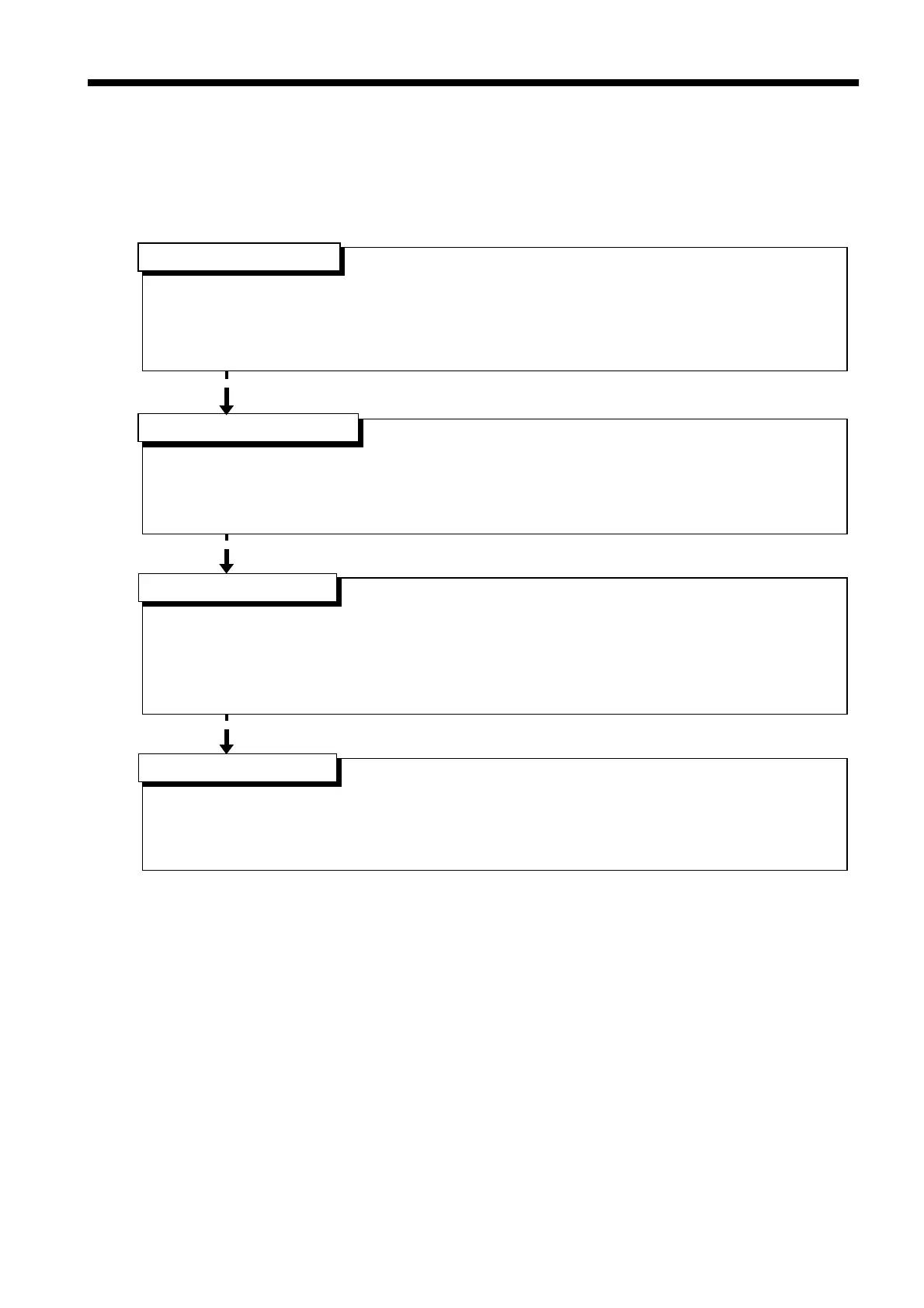
The flowchart below explains how a test is carried out.



 To Next Page