48
_____________________________________________________________________________________________
4.3 "SETTING" State
______________________________________________________________________________________________
NOTE
In the SETTING state, the
READY
light goes out and tests cannot start.
In the insulation-resistance mode READY state and "test setting state," although
the test-volta
e value is dis
la
ed
that volta
e is not bein
out
ut.
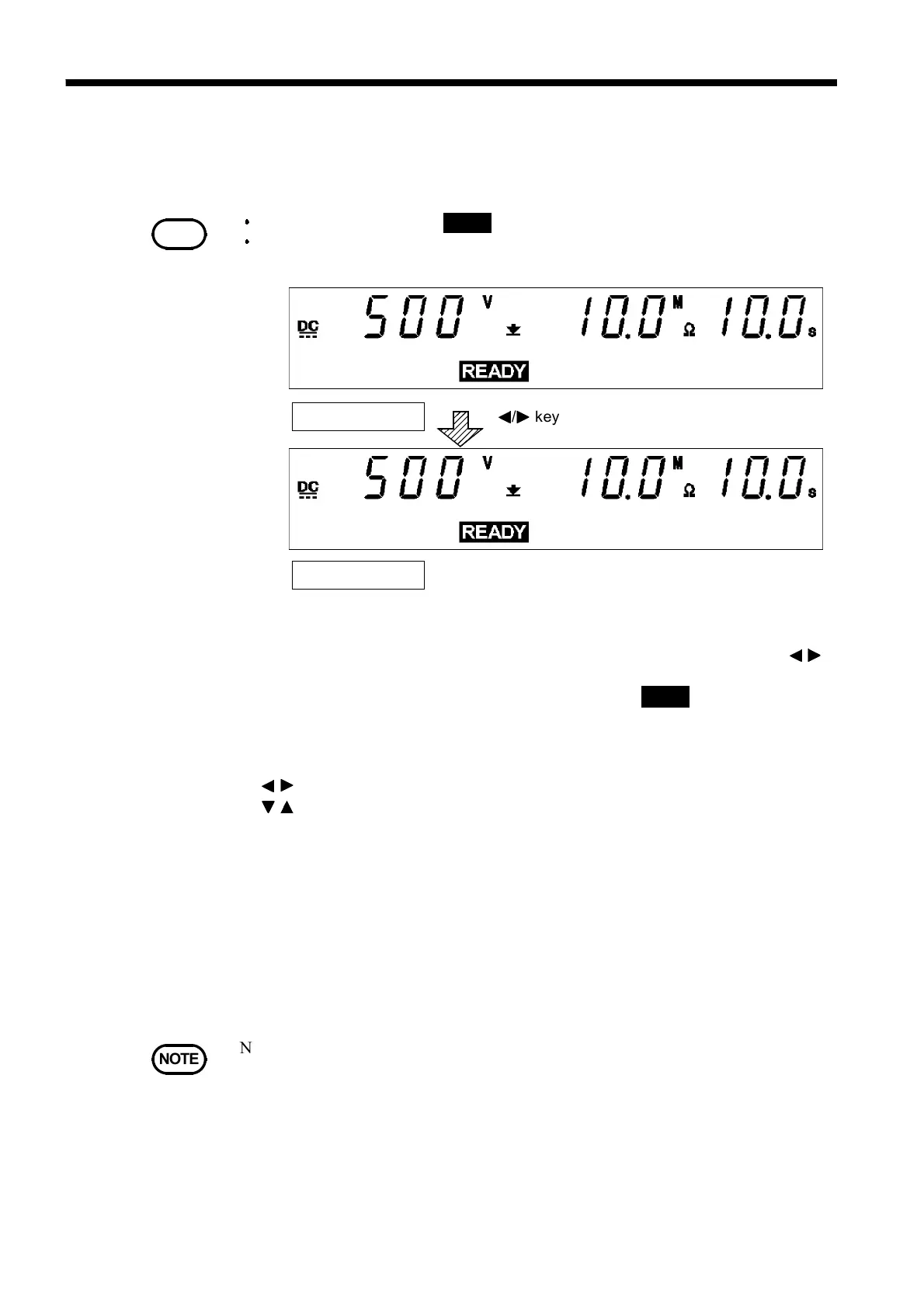
SETTING state
READY state
/ key
NOTE
Note that the unit does not return to the READY state if the lower-limit value is
greater than the upper-limit value. In this case, correct the settings and press the
STOP
ke
to confirm them.
4.3 "SETTING" State
To set or change test settings, switch to the SETTING state.
1. In the insulation-resistance mode READY state, when you press the
/
keys, the flashing cursor appears where the test-voltage is indicated to
show that the unit is in the SETTING state. (The
READY
light goes out and
tests cannot start even if the
START
key is pressed.)
2. Use the following operation keys to make settings:
/
key: Move the flashing cursor.
/
key: Change settings.
ON/OFF
keys: Activate and deactivate values.
・
The flashing cursor moves between the test-voltage value, lower-limit
value, upper-limit value, test time and the delay time.
・
If the value indicated by the flashing cursor is not needed in the test, turn
it OFF using the
ON/OFF
keys. The lower-limit value and the test-voltage
value, however, cannot be turned OFF.
3. To finalize the test settings, press the
STOP
key. The settings are
confirmed and the unit returns to the READY state.



 To Next Page